.svg)


.png)
.png)


.svg)





.png)

.png)
BIM Common Data Environment Guide (2026) | CUBE
Learn what a BIM common data environment is, how it works, what it stores, and how it supports ISO 19650, version control, and handover.


BIM Common Data Environment (CDE): Guide for AEC & Construction Teams (2026)
- A common data environment in Building Information Modeling (BIM) pairs one shared information space with agreed rules for approving models and documents.
- The file that matters on site is the latest approved revision, which may be older than the latest upload still moving through review.
- ISO 19650 moves information through four states, from work in progress to archived, and every transition should need a named approver and leave a record.
- A CDE supports ISO 19650 alignment without guaranteeing it, because naming conventions, roles, and agreed workflows still decide whether a project complies.
- CUBE's CDE pairs automatic versioning with configurable Review Flows and Transmittals, opens models in the browser, and carries the BSI Kitemark for BIM software.
A common data environment (CDE) in BIM is the agreed digital space where a project team manages models and documents from first draft to handover. It pairs a central repository with rules for who can change information and when it counts as approved. Every discipline then builds from controlled, current information.
Architecture, engineering, and construction (AEC) teams usually meet the idea through a BIM execution plan or an ISO 19650 requirement. Platforms such as CUBE's Common Data Environment turn those rules into daily workflows, with versioning and review levels built in.
This guide follows one structural model through a common data environment in BIM, beginning with the first upload and ending in the archive. It then covers what a CDE stores, the features BIM teams rely on, and what to check before choosing a platform.
What Is a Common Data Environment in BIM?
In practice, a BIM common data environment is both a place and a process. As a place, it's a central repository for models and drawings. The process is the set of agreed rules that decide who can edit each file and who can publish it.
ISO 19650 describes the CDE's job in three verbs, including collecting, managing, and disseminating information. Folders alone can collect files. Management and dissemination rules are what turn storage into an environment.
BIM raises the stakes because models and drawings now change together. One revised structural model can alter several sheets and the clash results tied to them, so the controls have to cover the model itself.
For the standard definition and a comparison with shared drives, read our guide to what a common data environment is. This guide stays with what changes when the information is a model.
Why Does the Latest Approved File Matter More Than the Latest File?
The latest approved file is the version a team has agreed to build from, and it is often older than the newest upload. In a week, a structural engineer may save three working versions of a model, but only one clears review.
Shared drives show whichever file was saved last. CDE workflows keep the two apart, so a site team sees the approved revision while designers keep working on the next one.
Field access makes the difference sharper. The 2025 AGC and Sage Construction Hiring and Business Outlook surveyed more than 1,100 US contractors. Of those firms, 53% use mobile software to share drawings, photos, and documents, and each device needs to open the approved revision.
In CUBE, every upload creates a new version automatically, and a user applies Mark as Revision to the version being formally issued. One revision can span several minor versions, so the issued record stays readable while the full history sits underneath.
How Does a BIM Common Data Environment Work? Follow One Model Through Four States
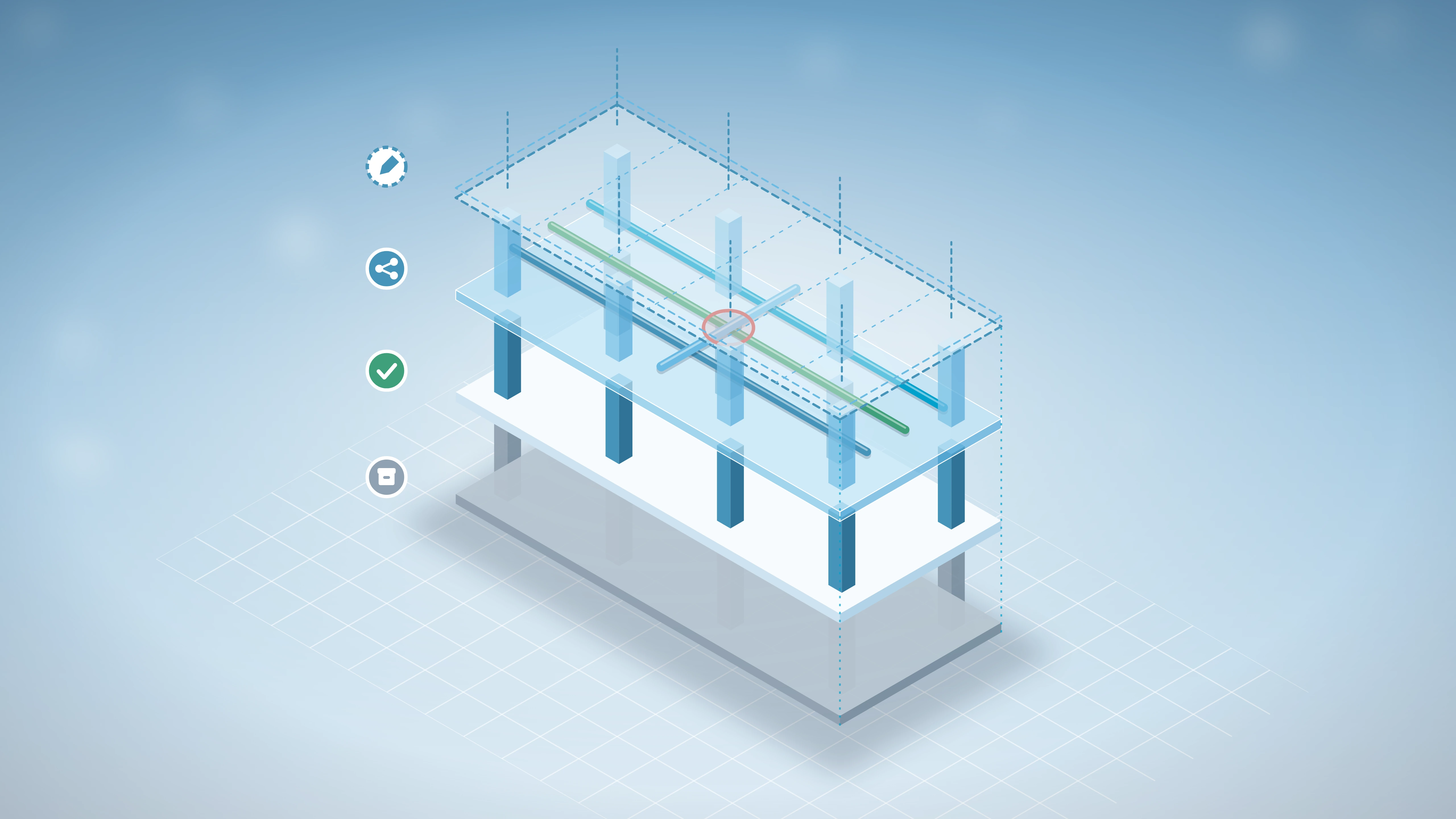
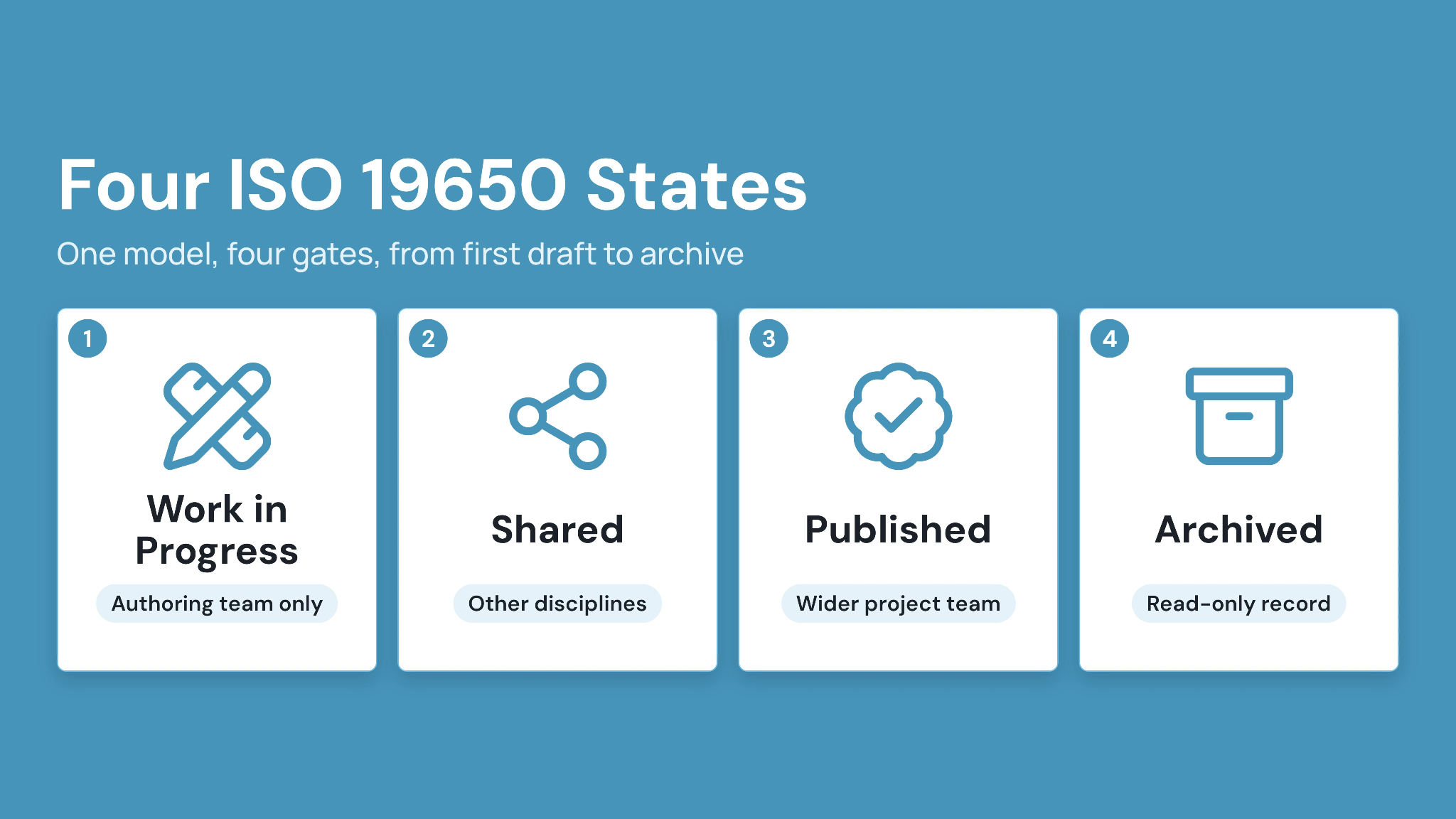
Information in a CDE moves through four states defined in ISO 19650, including work in progress (WIP), shared, published, and archived. Each move is a gate, and the table follows one structural model through all four.
Caption: One structural model moving through the four ISO 19650 information states, with the gate that controls each move.
Gates matter more than folders here. Skipping the shared-state review can send an unchecked beam size straight to a steel fabricator.
CUBE ships with default statuses of In Review, Approved, and Rejected. Admins can configure Custom Statuses for ISO 19650 states and map them onto Review Flows of up to 20 ordered levels. Each level carries its own reviewers and due days.
Approved files then move to other organizations through Transmittals, which record the version sent and its recipients. For the field side, our guide to preventing outdated construction drawings covers how superseded sheets get pulled from site.
What Information Does a Common Data Environment Store?
Five kinds of information live in a CDE, and the metadata around each file is as important as the file itself. This matrix groups them by category.
Caption: Five categories of information a BIM common data environment holds, with the reason each belongs there.
Construction Operations Building Information Exchange (COBie) is a structured spreadsheet format for asset data, such as equipment types and locations. Owners often require it at handover so facilities teams can load asset records directly.
CUBE keeps governance metadata in each file's details panel, which shows its version, revision, and review history. Custom fields inherited from the folder let teams add project-specific metadata, such as discipline or zone.
Which CDE Features Matter Most for BIM Teams?
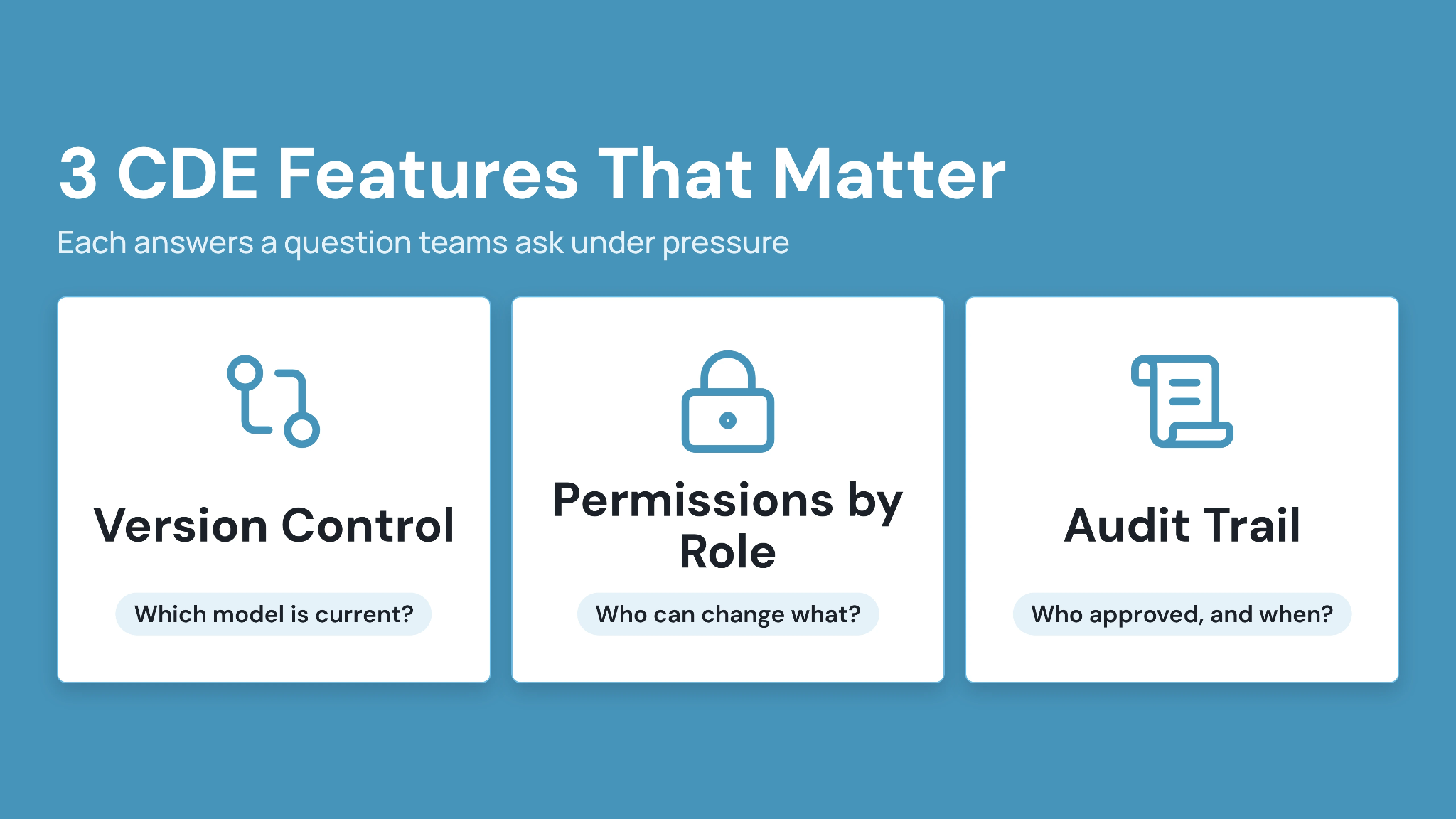
Three features carry most of the load in a BIM common data environment. Each one answers a question a project team asks under pressure.
1. Version control: which model is current?
Version control keeps every earlier model retrievable while making the current one obvious. When a structural model is revised, the superseded version stays in history and linked drawings can be checked against the new one.
CUBE's BIM compare lists or visually overlays the differences between any two versions of a model. CAD compare does the same for drawings, which helps reviewers see exactly what a revision changed.
2. Permissions by role: who can see and change what?
Permissions should follow project roles. An architect uploads a work-in-progress model that only their team sees, and the general contractor shares an approved package with the trades.
Subcontractors then view only the current set for their scope. At handover, the owner receives read-only access to the final record.
CUBE sets access per user at six levels, from Full Access and Can Update Version down to Can View and No Access. File-level settings override their folder, and Groups with Access Templates standardize starting access at the Space level.
3. Audit trail: who approved what, and when?
An audit trail records who changed a file, who reviewed it, and which revision was issued for construction. That record becomes evidence when a claim or rework dispute traces back to a superseded drawing.
CUBE logs file activity through each Review, including status changes at every level. Portal-wide activity logs add the user and timestamp behind each action.
Common misconception:
"A CDE is cloud storage with folders." Cloud folders hold files. But a CDE controls each file's state, who can move it forward, and keeps a record of every move.
How Does a CDE Support BIM Coordination and ISO 19650?
A CDE supports BIM coordination by keeping federated models and their issues in one controlled record. Every fix then traces back to a specific model version.
For ISO 19650, it holds the agreed naming and information states in place, while the project team's roles and approvals decide whether the standard is met.
1. BIM coordination inside the CDE
Common data environment BIM coordination works best when models and issues share one record. Discipline models are federated into one view and checked for clashes, and each conflict becomes an issue assigned to an owner.
Issues also need to travel between tools. The BIM Collaboration Format (BCF) lets teams exchange issues between the CDE and coordination software without retyping them.
With CUBE, teams merge models and run Clash Tests with the Clash Detection add-on, then raise Issues directly from clash results. Issues import and export as BCF, and CUBE Issues sync back to the Revit plugin with persistent element IDs.
2. ISO 19650 in plain English
ISO 19650 is the international standard for managing information over the life of a built asset using BIM. In practice, it asks teams to agree who needs what information, when, and in what state.
Governance caveat:
A CDE enables ISO 19650 alignment but does not guarantee compliance. Naming conventions, assigned roles, and agreed approval workflows decide whether a project actually meets the standard.
Much of that work happens before the first upload. Your BIM execution plan should fix the naming convention and status codes, along with the approvers for each state.
CUBE holds the BSI Kitemark for BIM software, certified against ISO 19650. A nomenclature series assigned to a folder sets the segments every file in that folder and its subfolders must follow, so teams apply the agreed naming from day one.
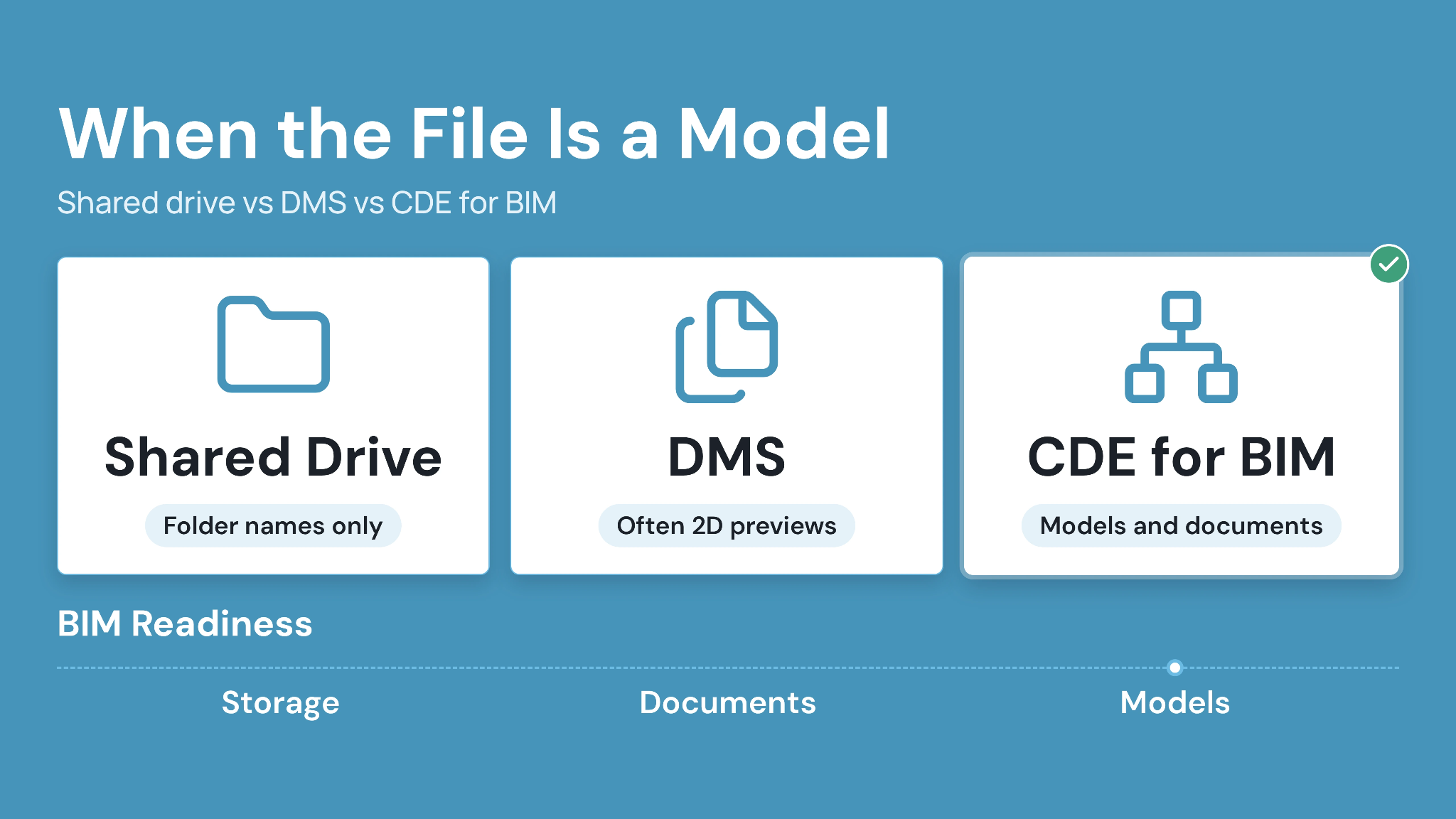
What Changes When the File Is a Model? CDE vs Cloud Storage vs DMS
Generic storage and document management tools handle drawings reasonably well. Models expose their limits, because a model needs viewing and coordination as well as storage.
This comparison focuses on BIM-specific jobs. For the broader document-sharing picture, see our guide to replacing email and shared drives.
Caption: Typical capabilities by tool category for BIM work. Individual products vary, so test each job in a demonstration.
Generic DMS tools can still suit document-heavy work. Its limits show once coordination depends on the model itself.
A project management information system (PMIS) tracks schedules and costs, and it works best when connected to the CDE that holds the files its tasks reference. CUBE pairs its CDE with Project Management for teams that want both on one platform.
What Should BIM Teams Look for in a CDE Platform?
Judge a CDE platform on your own model by running a real revision through it during the demonstration. Check for these BIM-specific capabilities:
- Browser viewing for the model formats your project uses, such as RVT and IFC.
- Configurable statuses that can mirror your project's information states.
- Multi-level review routing with named approvers and due dates.
- Formal issue of approved files to other organizations, with a record of what was sent.
- BCF exchange, so issues move between the CDE and coordination tools.
- Read-only access for owners and view-only roles for trades.
Then plan a minimum viable rollout:
- Agree on the naming convention and status codes in the BIM execution plan.
- Set up folders and access for one pilot project.
- Run one model revision from work in progress to published.
- Invite one external party and confirm what they can see.
- Expand to further projects once the pilot record is complete.
CUBE's CDE supports that rollout with configurable Review Flows and browser-based viewing for RVT, IFC, and DWG files. The CDE is priced per user with monthly and annual billing; see CUBE pricing for current plans.
Case in point: Global design consultant
A global design consultant needed one way to manage documentation and multi-team reviews across previously siloed tools. CUBE delivered a centralized CDE with integrated review workflows and simplified Transmittals. Read the full case study →
Take Control of Your BIM Common Data Environment With CUBE
Getting common data environment BIM workflows right means every team can find the approved model and trace how it got there. Your BIM execution plan decides that as much as the software does.
CUBE puts those rules into practice with automatic versioning and configurable Review Flows, then issues approved files through Transmittals. Browser-based model viewing and BCF issue exchange keep coordination tied to the approved record.
SIGN UP to run your next model revision through CUBE's CDE.
FAQs
1. Who owns and manages the CDE on a project?
Under ISO 19650-2, the appointing party, usually the client, is responsible for establishing the project's CDE. In practice, the client often delegates hosting and daily administration to the lead appointed party, such as the general contractor or lead designer. Whoever administers it should own permissions, status codes, and approver lists, recorded in the BIM execution plan. CUBE's Groups and Access Templates help administrators standardize starting access across a Space.
2. Do subcontractors need BIM software to use a CDE?
Subcontractors rarely need authoring software to work in a CDE. Their usual tasks are viewing the current model and responding to issues for their scope, which a browser-based viewer can handle. CUBE's Guest seats give external participants access to CDE modules within one Space in one project. Those participants can open RVT, IFC, and DWG files in the browser.
3. Can a CDE hold models from different authoring tools?
Yes, as long as the platform supports the formats involved. Industry Foundation Classes (IFC) is the open, vendor-neutral format teams use to share models across Revit, Archicad, Tekla, and other tools. Agree exchange formats in the BIM execution plan before the first upload. CUBE's BIM viewer opens RVT, IFC, FBX, and RFA files, and BCF import and export lets coordination issues travel between tools.
4. What are status and suitability codes in a CDE?
Status codes label what a file can be used for at its current stage. For example, the UK National Annex to ISO 19650-2 uses S1 to mean "suitable for coordination." Projects in North America often define their own codes in the BIM execution plan. Whatever the scheme, each code should map to an information state, and only named approvers should be able to change it.
5. Can a CDE support handover and operations?
Yes, when handover information is planned from the start. The archived state holds the final record, including as-built models, O&M documents, and COBie asset data. Owners should specify the handover format early so the record arrives in a usable structure. Test a sample export before signing to confirm what the owner can retrieve after the project team leaves the platform.