.svg)


.png)
.png)


.svg)





.png)

.png)
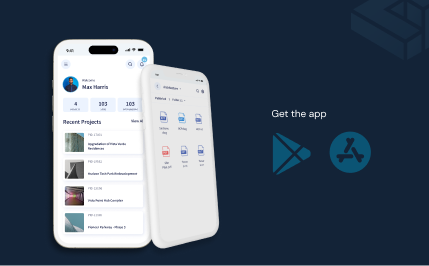
Manage Issues effortlessly
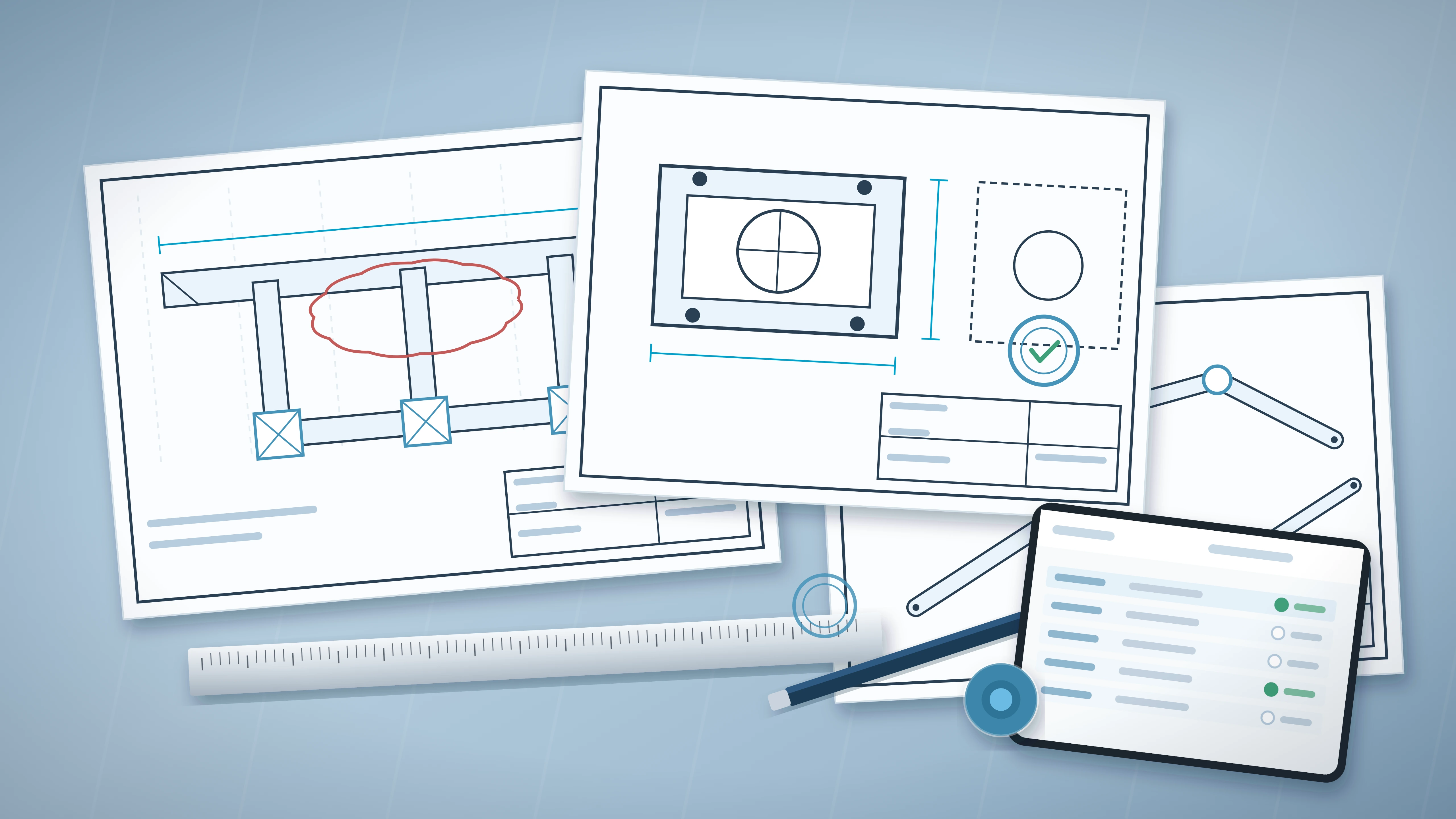
Flag and address issues on BIM, CAD & PDF files and expedite approvals
.svg)

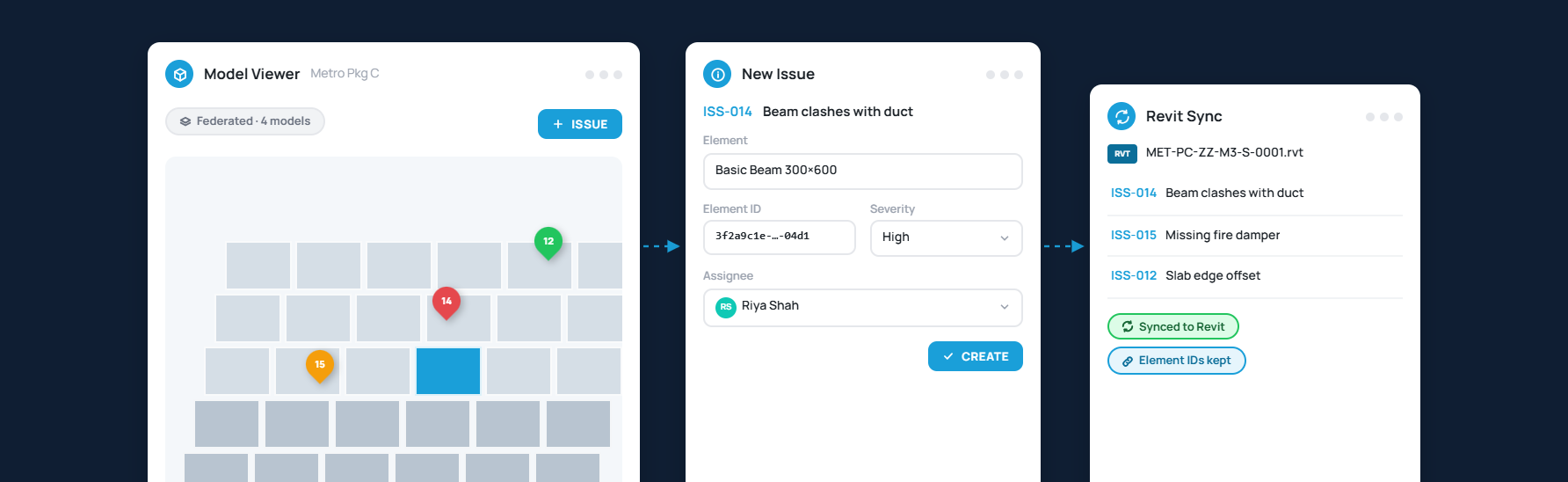
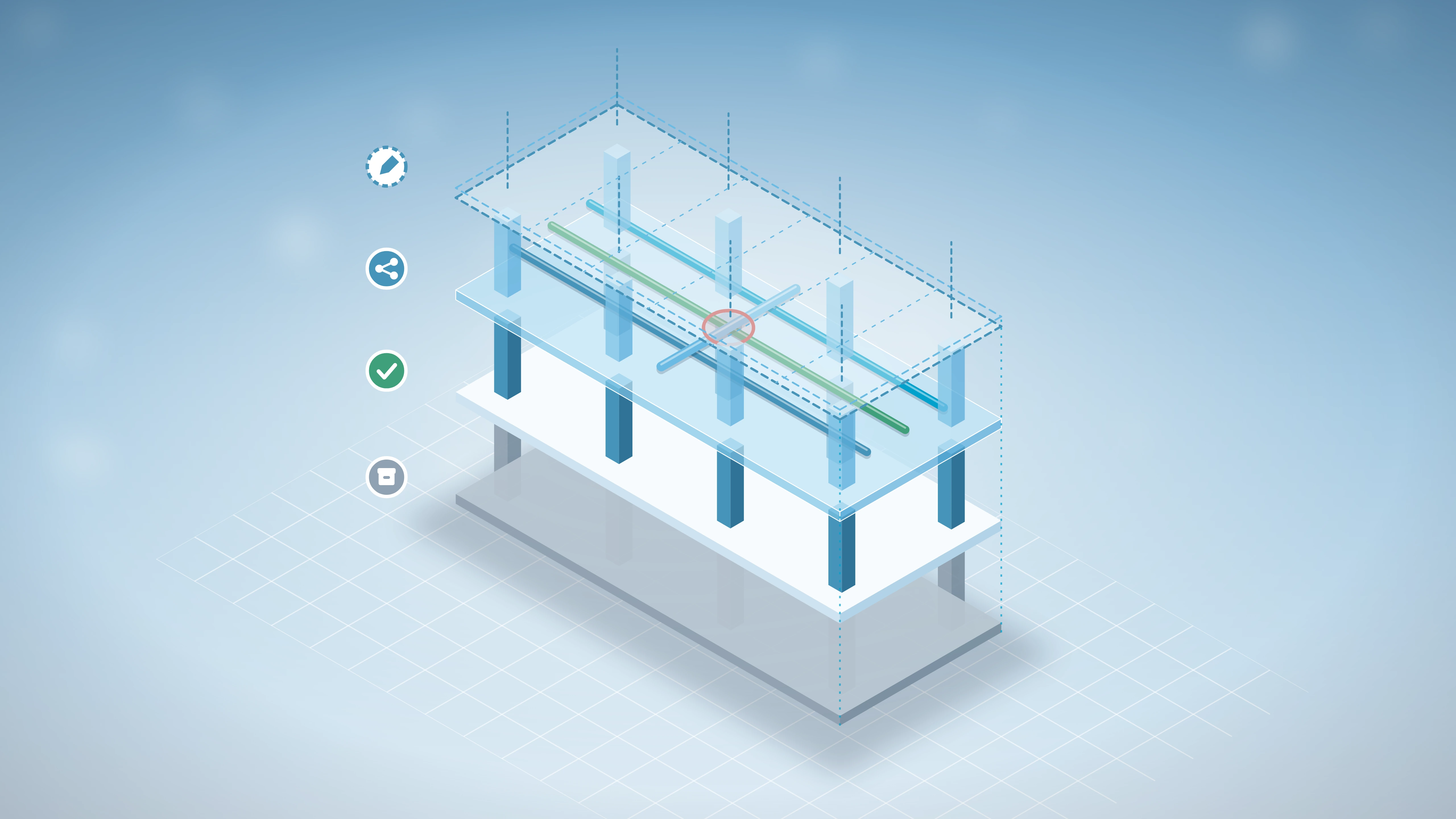
Coordinate Issues Inside the Model
Raise issues on the federated model and sync them back to Revit with persistent element IDs
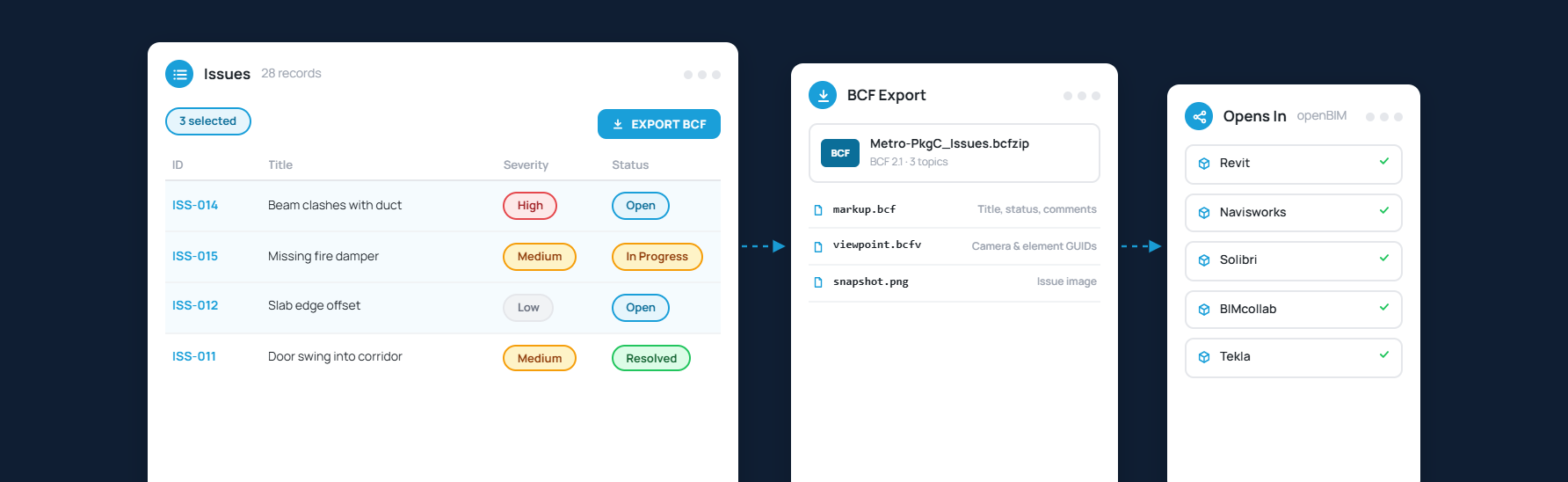
Export Issues in BCF
Exchange issues with any openBIM tool your consultants use without losing context or location data

Control Who Sees Each Issue
Set granular access levels across the module and override them on any individual issue
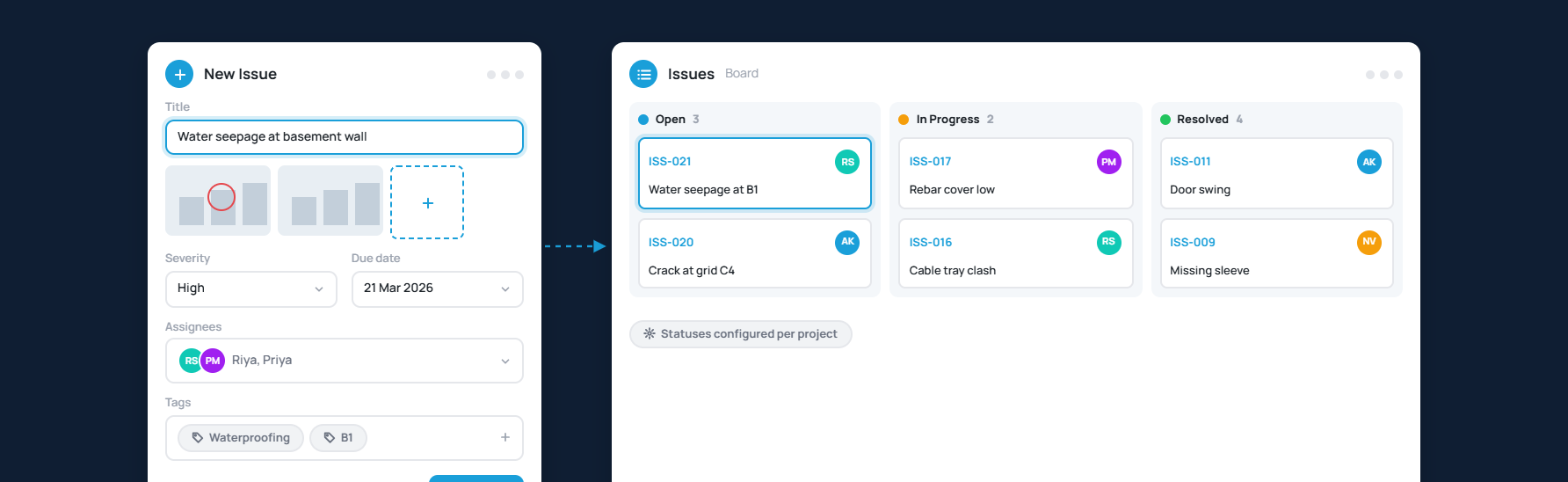
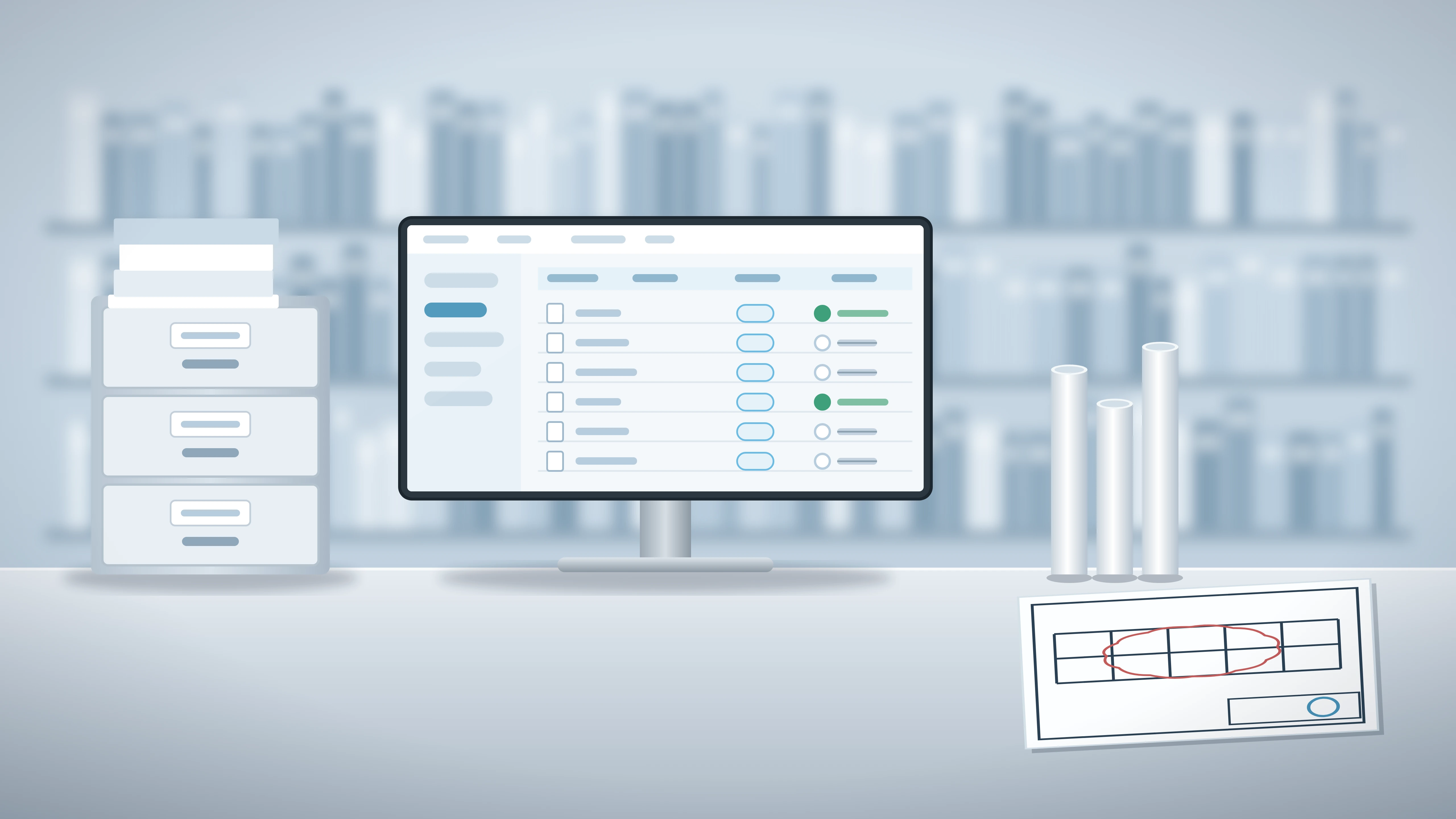
Create and Track Standalone Issues
Raise issues with images, severity, due dates, tags and multiple assignees, then move them through configurable statuses
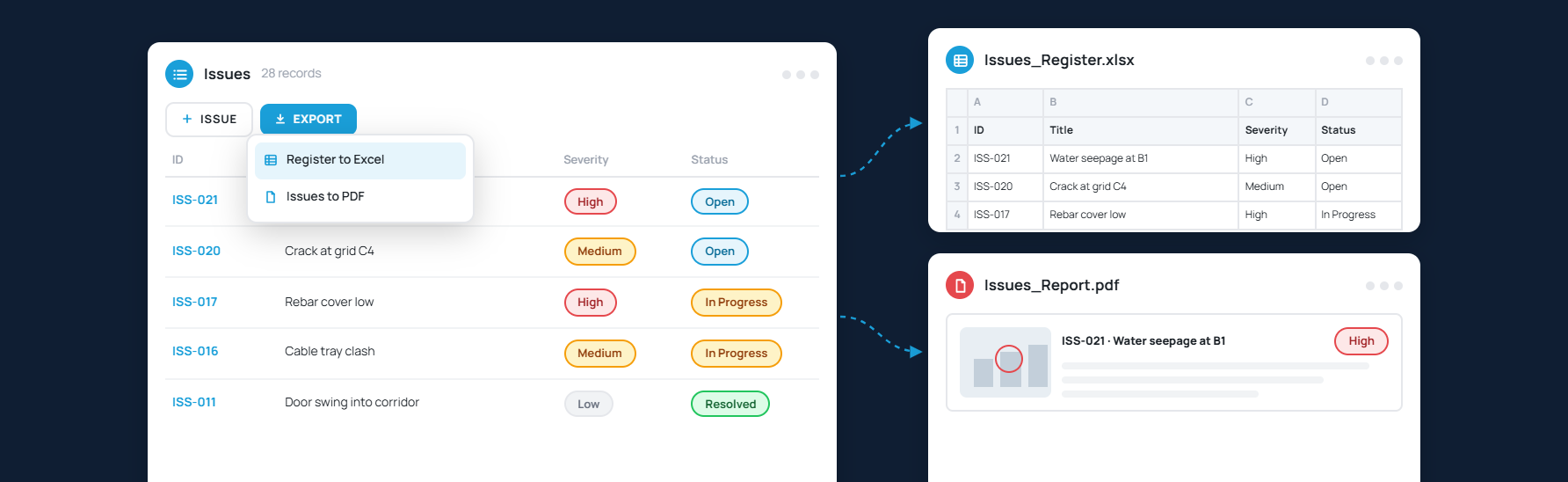
Export Issues to Excel & PDF
Raise issues with images, severity, due dates, tags and multiple assignees, then move them through configurable statuses

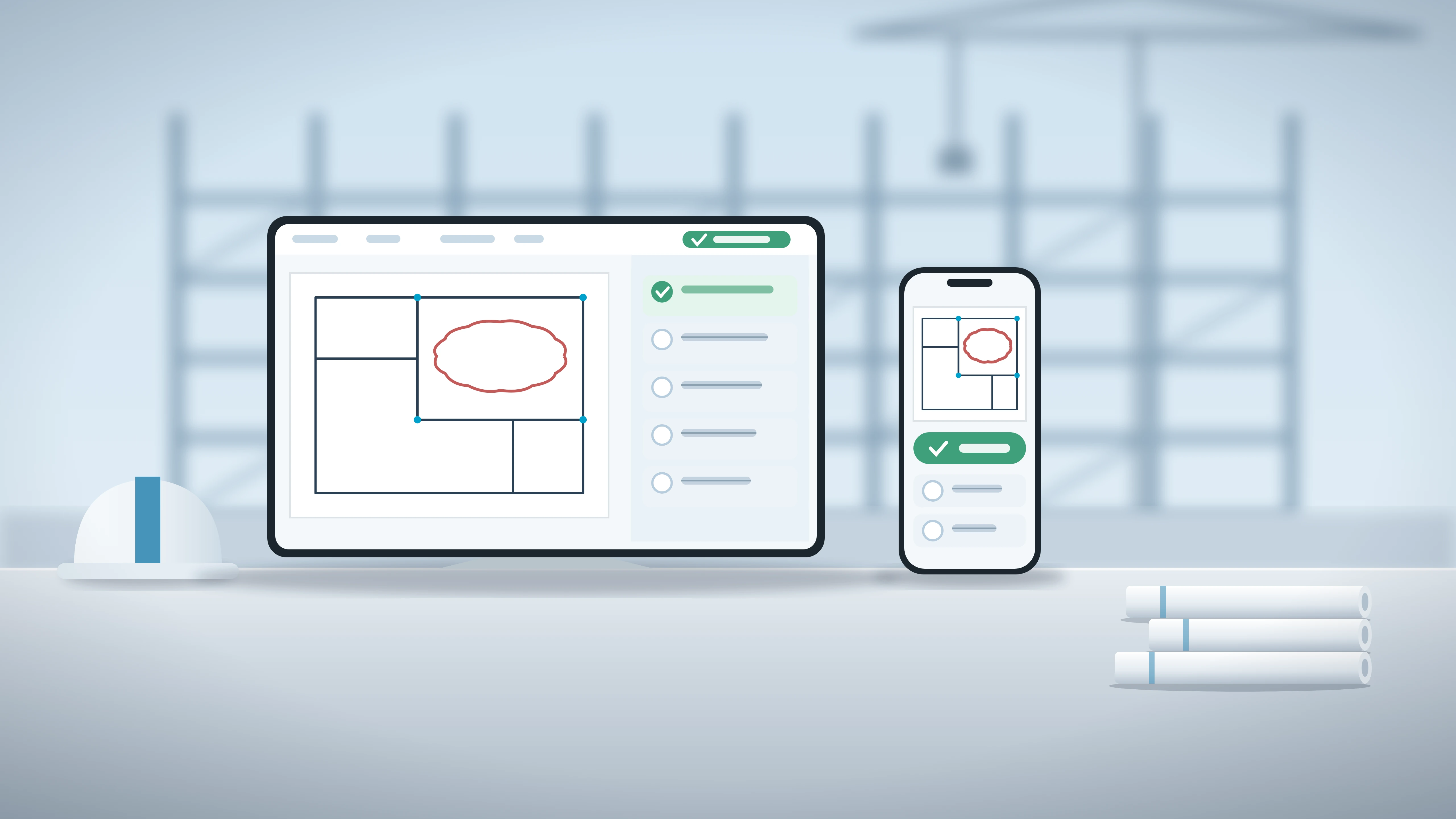
Comment and Mark the Official Response
Discuss issues in context with images and timestamps, and flag the one comment that carries the decision

See Every Issue Detail at a Glance
Snapshots, status, severity, assignee and a formatted description on one panel so nothing gets lost
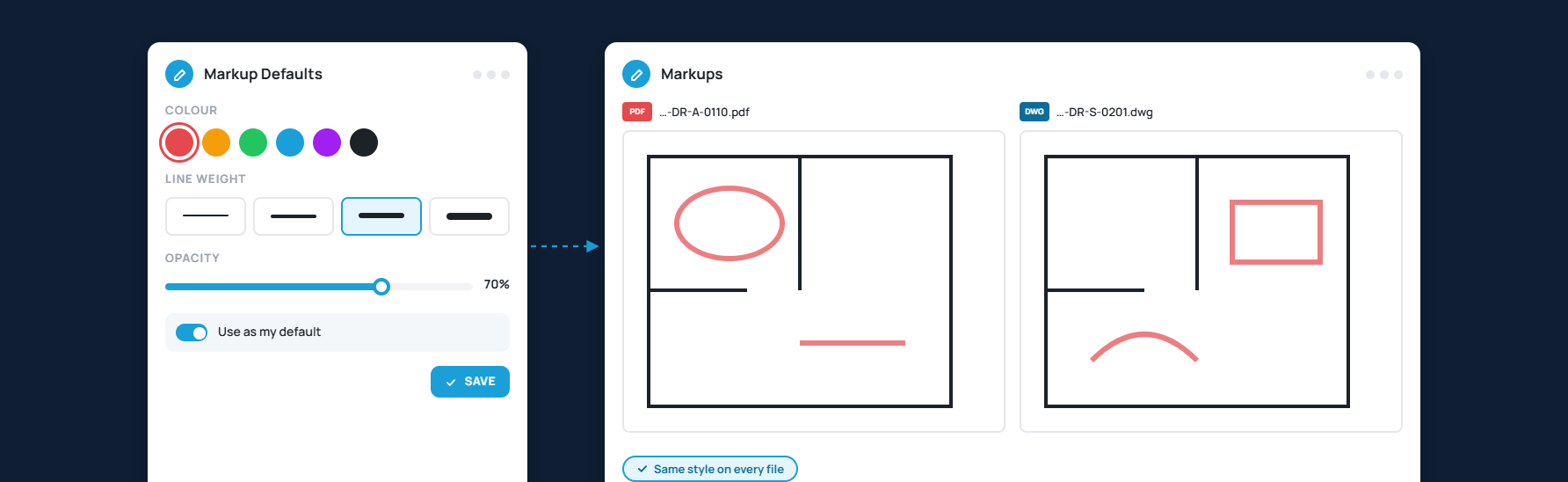
Save Your Annotation Defaults
Set markup colour, weight and opacity once and carry them into every file you mark up

Stay Notified on Every Issue
Get in-app and email alerts on assignments and comments, tuned to what each user wants to hear about
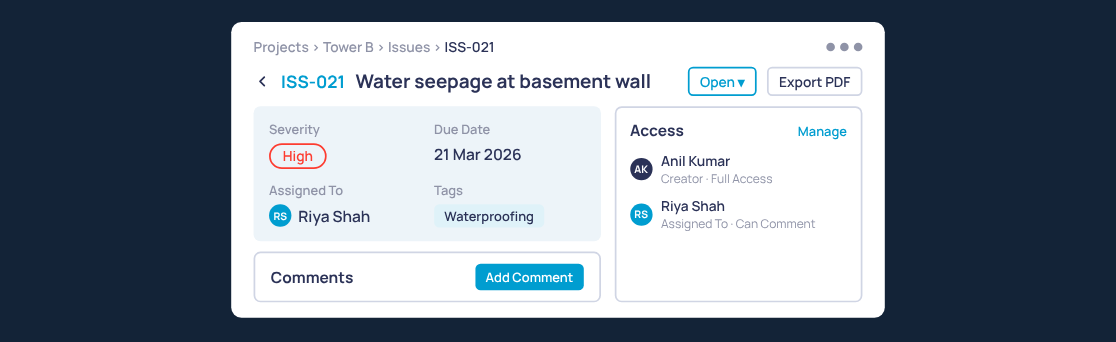
Open Every Issue on Its Own Page
A full-page record with details, access, attachments and comments
Frequently Asked Questions
Which products are available on the CUBE Platform?

You can subscribe to the CUBE Platform by choosing any of the products - Common Data Environment, Project Management or Digital Twins. Add-ons are available to extend the value you get out of your CUBE subscription.
What is CUBE’s pricing model?
When you sign up on CUBE, a Portal is created in which you can create projects and invite others to collaborate on. Based on your requirement, you can choose either a User-Based Pricing or Project-Based Pricing model for your portal. The Digital Twins product is only available to subscribe on a Project License. We also offer tailored Enterprise pricing for your unique requirements.
How does the User-based pricing model work?
With User-based pricing, we provide seats based on the number of users, with no restrictions on the number of projects, to help you manage your entire project portfolio. A user can occupy a seat for each of the products within a portal. For e.g. a user X can be occupying only a CDE seat whereas user Y may be occupying both CDE and PM seats.
What is included in the Project License?
This license is provided for a single project based on a predefined fixed number of users. This is a great option to have a predictable annual cost that you pay for your project. You can always scale by adding more project licenses to your portal. To know how much it will cost for your project, fill out the Project License form under any of the Products above.
How does Enterprise Pricing work?
With increased scalability, security and support, Enterprise plans are a great pick if you're planning to roll out CUBE across multiple teams and projects. CUBE's pricing scales to fit enterprise teams at every stage and we work with you to find the custom fit for your situation. You can get in touch with us for pricing by filling the form under the Enterprise section.
Can I collaborate with users from other organizations?
In a Portal, you can invite users from your own organization as well as other organizations. One user can be part of multiple portals as well. Every user, whether internal or external will need to have an appropriate seat assigned to access each portal.
Can the product be customized based on our requirements?
We provide customization options with a unique custom logo and the colour-schema of the user interface according to your organization’s branding in our Premium plans. In our Enterprise offering, we have additional options to apply a custom domain andmodify the login page.
Can we subscribe to only specific modules?
CUBE is a platform aimed at providing a connected experience across the entire project lifecycle. Modules are packaged into products and available to subscribe.





.png)
.png)
.png)

.webp)

.webp)




.png)
.png)
.jpg)



.png)
.png)
.png)
.png)
.png)
%20(1).png)

.png)

.png)

.png)
.png)


.png)
.png)


.jpg)

.jpg)


.jpg)
.jpg)
.jpg)