






Fieldwire Alternatives for Construction Teams (2026)
Looking for a Fieldwire alternative? Compare 7 tools by the workflow you need next, with review-based pros and cons and best-fit labels.


TL;DR
- Pick a Fieldwire alternative by the workflow Fieldwire doesn't handle for you, such as daily reporting, forms, document control, or project controls.
- CUBE suits teams whose real need is drawing control, with versioned drawings, Review Flows, logged transmittals, and browser access to drawings on site.
- Raken, Fluix, and PlanRadar stay field-first, covering daily reports, inspection forms, and defect tracking on plans for crews and site managers.
- Procore and Autodesk Forma Build add office workflows such as RFIs, submittals, and budgets, but reviewers report lag and a heavier setup.
- Contractor Foreman suits small general and trade contractors that want estimates, schedules, daily logs, and timecards together in one lower-cost tool.
Looking for a Fieldwire® alternative? Start with what Fieldwire does well. Crews open plans on a phone, drop tasks and punch items on the sheet, and close them out with little training. A free Basic plan covers up to five users, so field-first teams can start without a contract.
The limits show up when the office needs more. RFIs, submittals, change orders, and budgets sit on the top Business Plus tier, and every paid user needs a seat. Reviewers also cite thin links to job management systems and lag during drawing revisions. Once several firms issue drawings, teams also need a clear record of which version is current and who approved it.
Teams look at Fieldwire alternatives to cover one of those needs, including office workflows, seat costs, integrations, or drawing control across firms. Raken®, Fluix®, and PlanRadar® stay field-first, Procore® and Autodesk® Forma Build™ add office scope, and CUBE adds the document record behind the field work.
This guide compares seven of them on field execution, reporting, inspections, document control, and partner access.
Best Fieldwire Alternatives at a Glance
Each alternative below fills a different workflow that Fieldwire leaves to other tools, so start with the row that matches yours.
Why Teams Look for an Alternative to Fieldwire
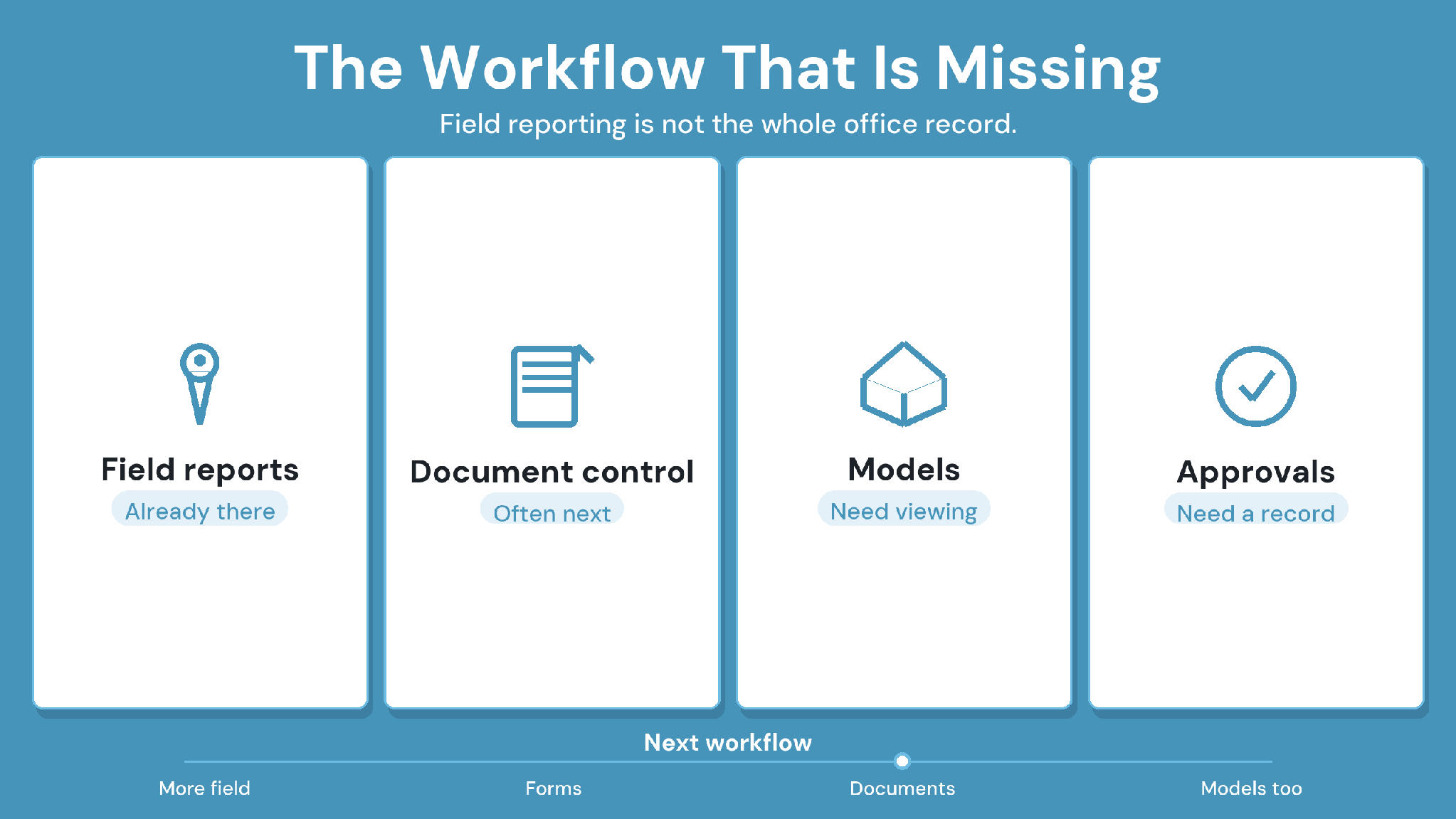
Fieldwire earns strong reviews on Capterra for plan-based field work that crews adopt quickly. Teams that leave usually do so because the work around the field grows. These four reasons appear most often.
1. Office workflows sit on the top tier
RFIs, submittals, change orders, and budgets sit on the Business Plus tier, and the BIM viewer starts on Business. Teams that need those workflows weigh the top tier's per-user price against a separate office tool.
2. Every user needs a paid seat
The free Basic plan stops at five users, three projects, and 100 sheets, and paid tiers bill per user. One reviewer on Capterra's pricing guide says the per-user cost stopped them from adding the whole company.
3. Integrations run thin
UK reviewers cite limited integration with job management systems, which can mean re-entering field data in the office.
4. Revisions and models strain the tool
Some users report lag during drawing revisions. An MEP reviewer on Capterra rates Fieldwire strong on site but limited for advanced BIM work.
None of this makes Fieldwire a weak tool. It becomes a narrower one once office workflows, partner firms, and model coordination enter the picture.
How We Compared Fieldwire Alternatives
A Fieldwire alternative has to keep crews productive on site and fix the workflow pushing you to switch. We compared each platform on eight criteria. Features come from each vendor's own pages, and strengths and tradeoffs reflect recurring themes in G and Capterra reviews from 2023 onward.
The 7 Best Fieldwire Alternatives Compared
Each platform below covers a workflow that Fieldwire leaves to other tools for some teams. CUBE comes first because its features solve most of the issues
Fieldwire users face, followed by the rest of the alternatives, including broad platforms and field-first apps.
1. CUBE: Best for Drawing Control Across Firms
CUBE is a construction project management platform that pairs a common data environment with a Project Management product. Crews check printed sheets with a QR scan, while versions, Review Flows, and transmittals keep the drawing record behind the field work.
CUBE is best for
Specialty and MEP subcontractors and mid-size general contractors that coordinate drawings with several firms.
CUBE's key features
A user with markup permission inserts a QR code on a PDF before printing. Scanning it with the CUBE mobile app shows whether the sheet is current or superseded and downloads the latest version.
Drawings and models open in the File Viewer in any browser, including on tablets and phones, with section planes and measuring tools.
Every upload becomes a new version of the same file, and CAD compare shows what changed between any two versions.
Review Flows in the Reviews module record each decision against the exact version, across up to 20 ordered levels.
The Transmittals module records sender, recipients, timestamps, and files for every issue to a subcontractor.
The Folders module holds each project's Spaces, with six access levels set per user on any file or folder.
In the Project Management product, Contracts carry budgets, Progress Updates feed the timeline and budget, and Inspections update inspected quantities.
Every 10 CDE seats include 10 free Guest seats, and every 10 Project Management seats include 10 free Field seats.
ISO 27001, SOC 2 Type II, and the BSI Kitemark™ for BIM software, certified against ISO 19650.
How CUBE handles the situations that push teams off Fieldwire
A foreman finds a printed sheet on the wall and isn't sure it's current. Scan its QR code with the CUBE mobile app. The app shows whether the sheet is current or superseded and downloads the latest version if it isn't.
A revised drawing set lands mid-week. Upload each sheet as a new version of the same file, so earlier versions stay in history with uploader and date. Run CAD compare to see what changed, route the set through a Review Flow, and issue it to subcontractors as a transmittal.
The office needs budgets and inspections, but crews only need the field. In the Project Management product, a contract's budget draws on a published estimate. Approved progress updates feed its timeline and budget, and approved inspections update inspected quantities. Free Field seats bring crews in without a paid seat for every person.
An MEP foreman needs to check a model before work starts. Open the model in a tablet browser, cut a section plane, and measure the clearance on the spot.
CUBE's strengths
1. Crews confirm a printed sheet is current with one scan.
2. Office cost and progress workflows sit beside the drawing record.
3. Partners and crews join on free Guest and Field seats as the paid team grows.
CUBE's tradeoffs
1. Field-only punch-list crews fit better with a field-first app.
2. Clash Detection is a paid add-on, currently in beta.
CUBE's pricing
Published per-user pricing for each product, billed monthly or annually, on CUBE's pricing page.
Case in point: CDE implementation for a real estate developer
A real estate developer brought documents for more than 15 projects into CUBE's common data environment, with consistent nomenclature and a three- level review and approval workflow.. Read the full case study →
2. Procore: Best for Contractors Outgrowing a Field-Only Tool
Procore is a construction management platform for general contractors, owners, and specialty contractors. It covers drawings, RFIs, submittals, field work, quality and safety, and financials, with unlimited users in every contract.
Procore is best for
General contractors that now need office workflows alongside field tasks on every project.
Procore's key features
Daily logs, punch lists, and photos for field work
Drawings, specifications, RFIs, and submittals
Change orders and construction financials
Quality and safety tools
Unlimited users in every contract
Procore's strengths
1. Keeps field and office staff on the same information.
2. Makes RFIs and submittals easy to track.
3. Gives field teams easy mobile access to drawings and reports.
Procore's tradeoffs
1. Bugs, glitches, and lag can slow daily work.
2. Mobile lacks certain desktop functions.
Procore's pricing
Annual fee per product, based on annual construction volume, with unlimited users as stated on Procore pricing page.
3. Autodesk Forma Build: Best for Autodesk-Standardized Teams
Forma Build, formerly Autodesk Build, is the construction management product inside Autodesk Forma®. It covers field execution, RFIs, submittals, schedules, and cost management, all tied to Autodesk design data.
Autodesk Forma Build is best for
Teams standardized on Revit and AutoCAD that want field access and model coordination in one ecosystem. Autodesk Build became Forma Build on March 24, 2026.
Autodesk Forma Build's key features
Punch lists, issues, daily reports, forms, photos, and models for field execution
Quality inspections and safety observations
RFIs, submittals, and correspondence
Budget, contract, and change management
Version control, reviews, and transmittals for project files
Autodesk Forma Build's strengths
1. Gives quick access to current documents on site.
2. Collaboration tools keep teams in sync.
Autodesk Forma Build's tradeoffs
1. Performance slows down, especially with large files.
2. Syncing can be slow or manual.
Autodesk Forma Build's pricing
Per-user monthly and annual plans on Autodesk's product page, with unlimited- user pricing on quote.
4. PlanRadar: Best for Defect Tracking on Plans
PlanRadar is a construction and real estate platform that manages tasks, defects, and inspections as tickets on 2D plans or BIM models. Teams capture photos and videos on site, work offline, and build reports from the same data.
PlanRadar is best for
Site managers and specialty contractors who want structured defect, punch-list, and inspection tracking with flexible templates.
PlanRadar's key features
Tickets for tasks, defects, and inspections, with photos, videos, deadlines, and assignees
Tickets placed on 2D drawings or in 3D BIM models
SiteView, which maps 360° site photos onto floor plans
Document management and automated reports
Offline use with automatic sync
PlanRadar's strengths
1. Custom defect checklists link photos to exact locations on the plan.
2. Centralizes project communication and issue tracking on plans.
PlanRadar's tradeoffs
1. Some advanced features sit on higher-tier plans.
2. Pulling only the tickets you need into one view can be difficult.
PlanRadar's pricing
Per-user plans with a free trial, and enterprise pricing on quote, per Capterra's PlanRadar pricing summary.
5. Raken: Best for Daily Reporting and Production Tracking
Raken is a field management app built around daily reports, time tracking, and production tracking. Crews capture photos and notes on site, and the office receives professional PDF reports.
Raken is best for
Self-performing contractors who need richer daily reports, time tracking, and production data than plan-based tasks provide.
Raken's key features
Daily reports that generate professional PDF reports from the jobsite
Jobsite photos added straight into reports
Time cards, a mobile time clock, and a shared kiosk mode
Production tracking and production insights
Safety tools, toolbox talks, and managed checklists
Raken's strengths
1. Daily reporting keeps work sites organized and connected.
2. Time-saving features streamline field-to-office communication.
Raken's tradeoffs
1. Tailoring features to specific project needs can be difficult.
2. Customizing reports for each job takes workarounds.
Raken's pricing
Available on quote; Raken's site routes pricing requests to its sales team.
6. Fluix: Best for Inspections and Sign-Off Forms
Fluix is a mobile forms and workflow platform for field teams. It turns PDF and web forms into inspections, checklists, and sign-offs that route through approval workflows, even offline.
Fluix is best for
Teams that mainly used Fieldwire for checklists and inspections and want stronger form workflows.
Fluix's key features
Fillable PDFs and web forms, with a form builder that supports conditional logic
Offline mode for field crews
Workflow automation, with approval workflows on the Core plan
Forms prefill, scheduling, and naming conventions
Forms reports and user and group management
Fluix's strengths
1. Digitizes complex forms and triggers approval workflows automatically.
2. Field crews complete forms on any device, even offline.
Fluix's tradeoffs
1. Workflow lists have no folders, so maintenance gets messy at scale.
2. Building fillable forms and workflows can be hard without technical
knowledge.
Fluix's pricing
Per-user Basic, Core, and Pro plans, plus custom enterprise pricing, on Fluix's pricing page.
7. Contractor Foreman: Best for Small General and Trade Contractors
Contractor Foreman is an all-in-one platform for small general and trade contractors. It combines estimates, schedules, change orders, daily logs, timecards, and a client portal in one tool.
Contractor Foreman is best for
Small general and trade contractors that need office tools beyond Fieldwire without an enterprise platform.
Contractor Foreman's key features
Estimates, schedules, and change orders
Daily logs and timecards
A client portal
Contractor Foreman's strengths
1. Easy to use, with solid mobile access.
2. Responsive support.
Contractor Foreman's tradeoffs
1. Integration problems, especially with QuickBooks®.
2. Limited customization.
Contractor Foreman's pricing
Published tiered plans with a 30-day free trial (G2 pricing page).
Fieldwire vs CUBE: Six Reasons Teams Switch
Fieldwire runs tasks on plans for field crews, while CUBE keeps the document record that crews, the office, and partner firms rely on. These six areas decide most switches.
1. Pricing and seats
With Fieldwire: a free Basic plan for up to five users, then per-user paid tiers.
With CUBE: published per-user pricing, plus 10 free Guest seats and 10 free Field seats for every 10 paid full seats.
2. Office workflows
With Fieldwire: RFIs, submittals, change orders, and budgets on the Business Plus tier.
With CUBE: Contracts with budgets, Estimates, Progress Updates, and Inspections in the Project Management product.
3. The current sheet on site
With Fieldwire: plans on mobile.
With CUBE: a QR scan on a printed sheet shows current or superseded, then downloads the latest version.
4. Drawing revisions
With Fieldwire: some users report lag during drawing revisions.
With CUBE: each upload becomes a new version of the same file, and CAD compare shows what changed.
5. Approval and issue record
With Fieldwire: test the approval and distribution records in a demo.
With CUBE: Review Flows record each decision against the exact version, and transmittals record who received what and when.
6. Model access
With Fieldwire: a BIM viewer from the Business tier.
With CUBE: Revit and IFC™ files open in any browser, including on tablets. Merged Files federate models, and issues travel as BCF files (BCF 2.1 recommended).
Stay with Fieldwire if your crews mainly run tasks, punch lists, and inspections on plans, and the office workflow lives elsewhere.
Move to CUBE if wrong sheets or untraceable approvals cause rework, and you want office workflows and partner access without a paid seat for everyone.
The Field-to-Office Pilot Scorecard
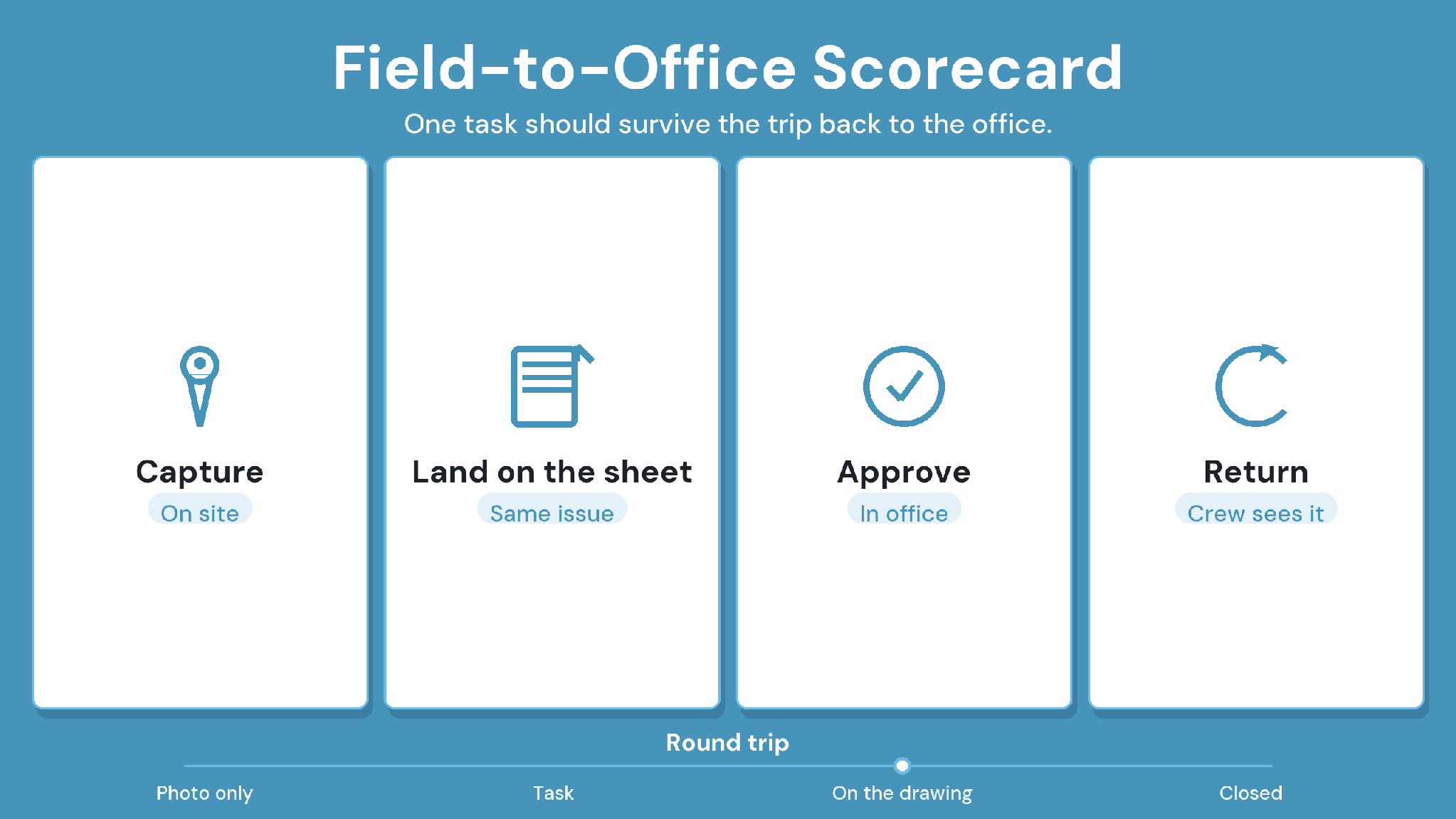
Run the same eight tests on every platform you shortlist, and score each from 0 to 2. Score 0 if the platform can't do it, 1 if it needs workarounds, and 2 if it does it cleanly. CUBE's column shows how CUBE handles each test, so you can check it in a demo.
Fieldwire Alternatives: Why CUBE Fits Best
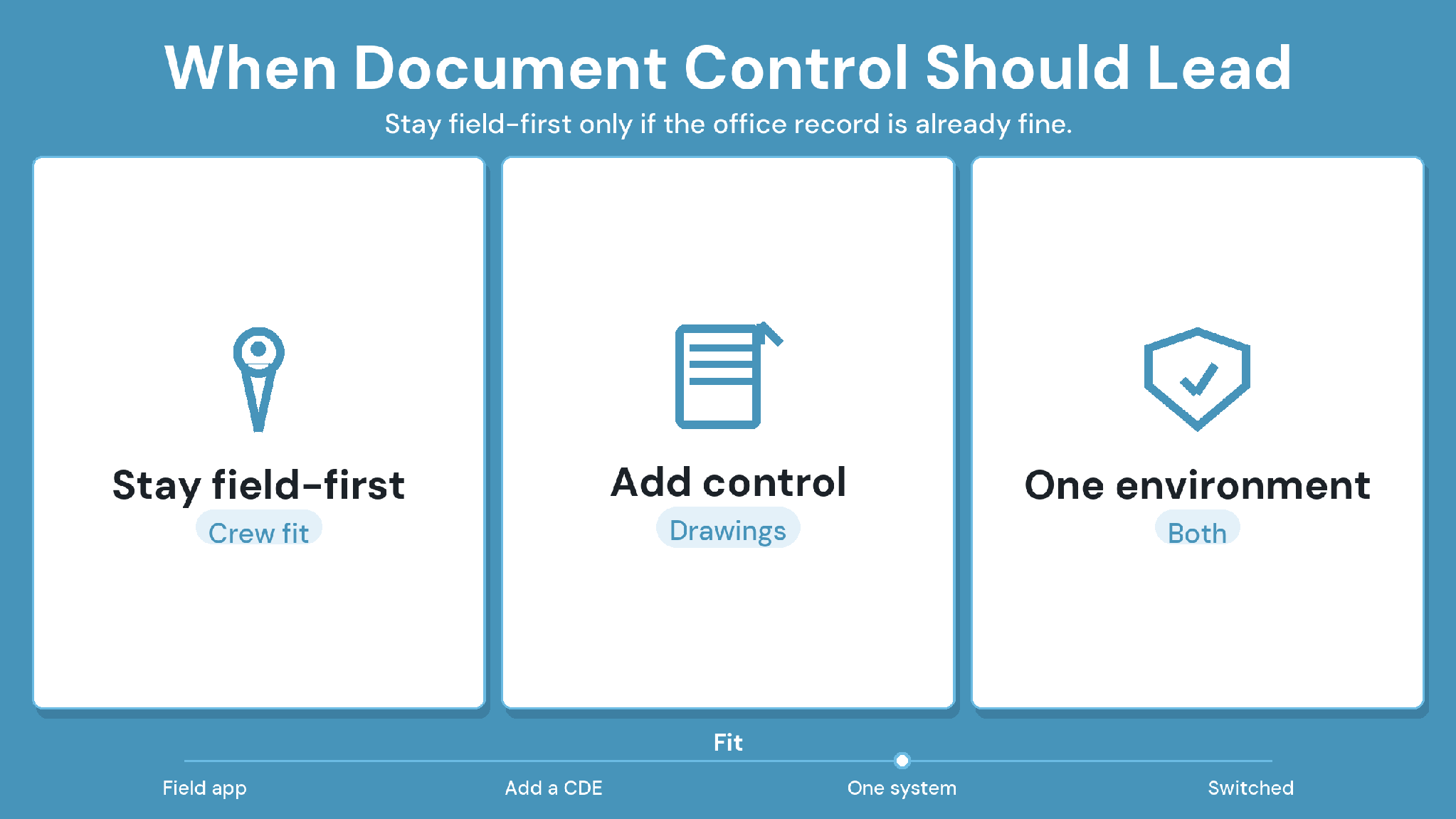
CUBE fits teams whose missing workflow is drawing control across firms. It versions every upload, runs Review Flows of up to 20 levels, and logs every transmittal. Crews check printed sheets with a QR scan, while field-only punch-list crews fit better with a field-first app.
Pilot CUBE on one live project where outdated sheets have caused rework, and score it against the pilot scorecard above. For background, read our guides to the common data environment and keeping outdated drawings off site.
SIGN UP to try CUBE on your next project.
Frequently Asked Questions
1. What should teams look for in a Fieldwire alternative?
Start with the workflow Fieldwire leaves to other tools, such as office approvals, drawing control across firms, or daily reporting. Then test field adoption, integrations, and partner seat costs on one live project before you switch.
2. Which Fieldwire alternatives suit field-first crews?
Raken suits daily reporting and production tracking, Fluix suits inspection and sign-off forms, and PlanRadar suits defect tracking on plans. Each keeps the
focus on site work, so test them with your own crews first.
3. What should I check before switching from Fieldwire?
List the plans, tasks, punch items, and photos you must keep, and ask how each one exports. Confirm which office workflows the new platform covers, then pilot it on one live project with crews and an outside firm.
4. How does CUBE keep crews on the current drawing?
A user inserts a QR code on each sheet before printing. On site, a crew member scans it with the CUBE mobile app to see whether the sheet is current, then downloads the latest version.
5. How does CUBE handle site inspections and issues?
Site teams log inspections in CUBE's Project Management product, and approved inspections update inspected quantities against the contract. With the Custom Modules add-on, teams can also build their own site-check forms, while the Issues module tracks design issues on drawings and models.