





Autodesk Construction Cloud Alternatives for Construction Teams (2026)
Looking for ACC alternatives? See how CUBE, Procore, Aconex, ProjectWise, and others compare now that ACC runs as Autodesk Forma.


TL;DR
- Autodesk Construction Cloud became Autodesk Forma on March 24, 2026, with Autodesk Docs now Forma Data Management and Autodesk Build now Forma Build.
- Pick an ACC alternative by the workflow under pressure, such as document governance, model coordination, field execution, cost control, or seat costs.
- CUBE suits mid-market teams that want document control and project management on one platform, with Review Flows, transmittals, and free Guest seats.
- Procore suits general contractors wanting one broad platform, while Oracle Aconex and Bentley ProjectWise suit large owner and infrastructure programs.
- Fieldwire and Buildertrend suit field crews and home builders, and Dalux and Trimble Connect lead on shared models across project teams.
Are you a mid-market team looking for an Autodesk Construction Cloud® alternative that fits your needs?
ACC, now Autodesk Forma®, connects documents, field work, and cost workflows on one platform and common data environment. For contractors and designers who already author in Revit® and AutoCAD®, that link between design data and construction is hard to match.
But the fit changes as projects spread across firms and tools. Reviewers mention lag with large files and slow syncing, and missing features are a common theme in G2's review summary. Seats grow per user unless you negotiate an unlimited plan, and permission control can feel coarse.
So teams compare Autodesk Construction Cloud alternatives on three pillars: deeper governance, open partner access, and predictable seat costs. This guide compares eight of them on document control, model coordination, field use, cost tracking, and partner access.
Best Autodesk Construction Cloud Alternatives at a Glance
The best ACC alternative depends on the workflow you need to fix. CUBE fits mid- market teams that want document control and project management together.
Procore® fits general contractors wanting one broad platform, and Oracle® Aconex® and Bentley® ProjectWise® fit large owner and infrastructure programs. Fieldwire®, Buildertrend®, Dalux®, and Trimble Connect® fit field crews, home builders, and model sharing.
Why Teams Switch from Autodesk Construction Cloud
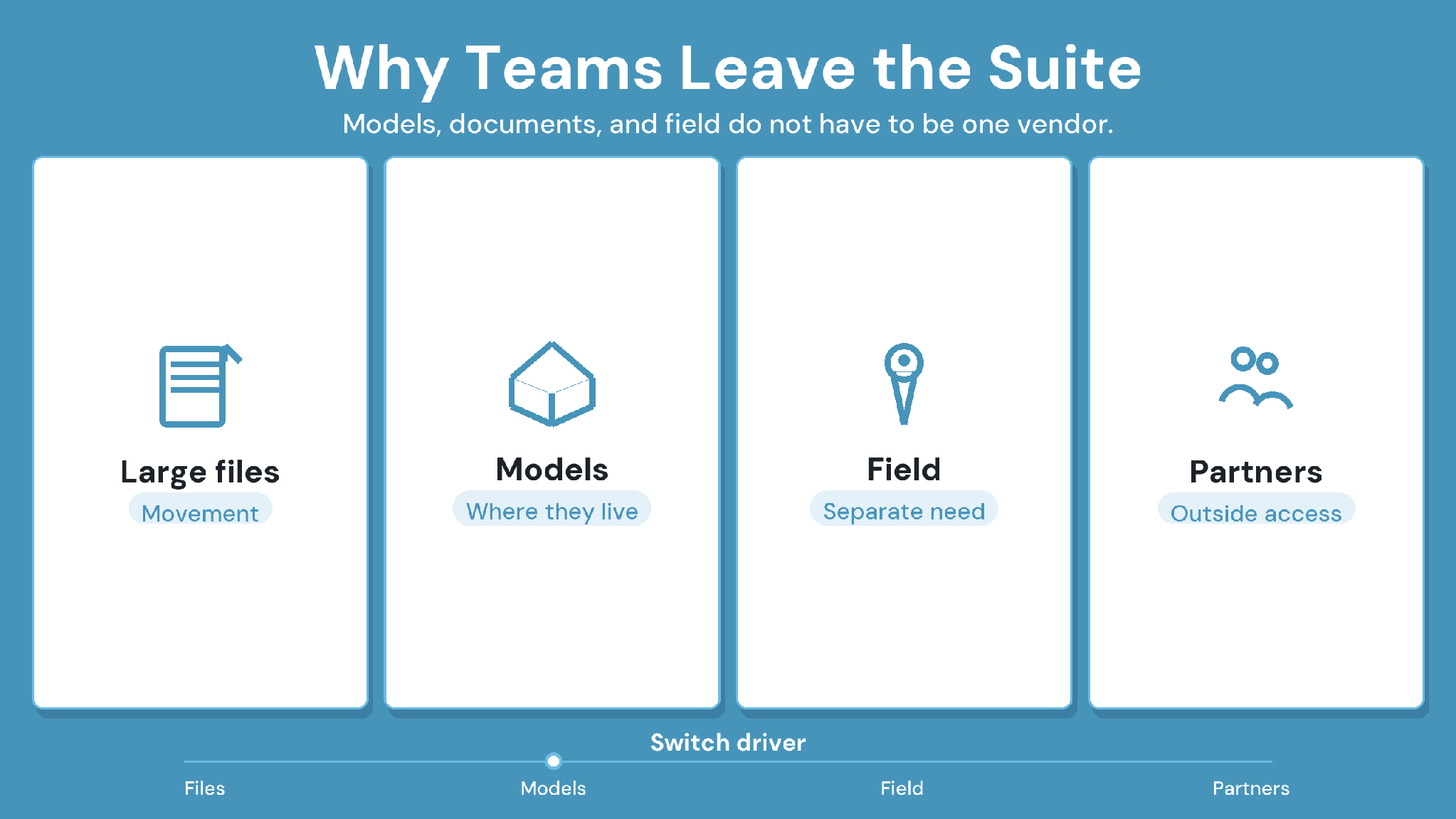
ACC, now Autodesk Forma, earns its place with teams that design in Autodesk® tools and want one cloud for documents, field work, and cost. On Capterra,
reviewers praise its collaboration tools and quick access to current documents on site. The pressure to switch usually comes from fit. Reviewers repeatedly cite four reasons for their dissatisfaction:
1. Large files and syncing slow projects down
Reviewers describe slow performance, especially with large files, and some find syncing slow or manual. Model-heavy projects feel this first.
2. Missing features show up across workflows
Missing features are a common theme in G2's reviews for Autodesk Forma. Teams with specific governance or cost needs end up adding other tools.
3. Seats grow with every partner
Capterra lists per-user plans for Autodesk Build, with an unlimited-users option on custom quote. Projects that bring many outside firms in feel per-user pricing first.
4. Permissions feel coarse
Some G2 reviewers report limited permission granularity and no private folders. Owners and consultants who need to wall off packages notice the limit quickly.
These points make ACC a harder fit when partners sit outside the Autodesk stack and document governance drives your rework.
How We Compared ACC Alternatives
An ACC alternative has to cover the workflows your team runs today and fix the one pushing you to switch. We compared each platform on eight criteria. Features come from each vendor's own pages, and strengths and tradeoffs reflect recurring themes in G2 and Capterra reviews from 2023 onward.
The 8 Best Autodesk Construction Cloud Alternatives Compared
If document control drives your move off ACC, start with CUBE, which pairs governed documents with project controls and adds free Guest seats for partners. Procore suits teams that want one broad general-contractor platform, and Oracle Aconex and Bentley ProjectWise suit large owner and infrastructure programs. Field crews, home builders, and model-sharing teams will find lighter options further down.
1. CUBE: Best for Document Control and Project Management on One Platform
CUBE overview
CUBE is a construction project management platform that pairs a common data environment with a Project Management product. Documents, Reviews, Transmittals, Schedules, Estimates, Contracts and Inspections sit under one project. Partners open models in any browser and join on free Guest seats.
CUBE is best for
Mid-market general contractors, specialty subcontractors, and BIM or VDC consultancies that want governed documents and project controls without stitching products together.
CUBE's key features
Review Flows in the Reviews module run up to 20 ordered levels, each with its own reviewers and conditions.
Admins create custom statuses, such as ISO 19650 states, in Portal Settings and add them to each Review Flow, where transitions set how files can move between them. Files can be moved to a new status one at a time or in bulk.
The Transmittals module records sender, recipients, timestamps, and referenced files.
PDF stamps carry the user's name and a timestamp, and QR codes on printed sheets show crews whether a sheet is current.
Merged Files federate discipline models, and BIM and CAD compare show what changed between versions.
Clash Tests run on Merged Files and show new and resolved clashes after each update, as a paid add-on currently in beta.
The Folders module holds each project's Spaces, with six access levels set per user on any file or folder.
In the Project Management product, a contract's budget draws on a published estimate, and approved progress updates feed its timeline and budget.
ISO 27001, SOC 2 Type II, and the BSI Kitemark™ for BIM software, certified against ISO 19650.
How CUBE handles the situations that push teams off ACC
Documents, field work, and coordination sit in separate products and seats. In CUBE, one project holds the common data environment and the Project Management product. CUBE prices each product per user and adds free Guest and Field seats with paid seats.
A document controller needs a longer approval chain. Build a Review Flow with up to 20 ordered levels and conditions, then map each level to a status such as an ISO 19650 state.
The owner wants proof of each milestone issue. Stamp the approved PDF, issue it as a transmittal, and insert a QR code before printing so crews can check it on site.
The BIM coordinator checks clashes across disciplines. Combine the discipline models in one Merged File and run a Clash Test. When a model gets a new version, select Update and rerun the test to see new and resolved clashes.
CUBE's strengths
- Document control and project controls share one project and one record.
- Approvals, stamps, and transmittals form an audit trail that holds up months later.
- Partner firms join on free Guest seats as the paid team grows.
CUBE's tradeoffs
- Clash Detection is a paid add-on, currently in beta.
- Field-only punch-list crews and residential builders fit better with tools built for that work.
CUBE's pricing
Published per-user pricing for each product, billed monthly or annually, on CUBE's pricing page.
Case in point: How CUBE helped a real estate developer in CDE implementation
A real estate developer brought documents for more than 15 projects into CUBE's common data environment, with consistent nomenclature and a three- level review and approval workflow. Read the full case study →
2. Procore: Best for a Broad Platform Outside the Autodesk Stack
Procore overview
Procore is a construction management platform for general contractors, owners, and specialty contractors. It covers drawings, RFIs, submittals, field work, quality and safety, and financials, with unlimited users in every contract.
Procore is best for
General contractors running many commercial projects who want one vendor- neutral platform and can fund setup and training.
Procore's key features
- Drawings, specifications, RFIs, and submittals
- Daily logs, punch lists, and photos for field work
- Change orders and construction financials
- Quality and safety tools
Procore's strengths
- Keeps project data in one central platform.
- Makes RFIs and submittals easy to track.
- Keeps field and office staff on the same information.
Procore's tradeoffs
- Bugs, glitches, and lag can disrupt daily work.
- MEP model work depends on outside BIM tools.
Procore's pricing
Annual fee per product, based on annual construction volume, with unlimited users, per the Procore pricing page.
3. Oracle Aconex: Best for Large Multi-Party Programs
Oracle Aconex overview
Aconex is Oracle's cloud platform for large construction and engineering programs. Documents, project mail, and workflows sit in one controlled record that every organization on the program works inside.
Oracle Aconex is best for
Owners, EPC firms, and infrastructure programs where a client mandates one shared record.
Oracle Aconex's key features
- A complete project record across the lifecycle
- Project mail for formal correspondence
- Design and construction coordination with model access
- Field management and project controls
Oracle Aconex's strengths
- Workflow templates are easy to create.
- Design documentation is easy to reach for review.
Oracle Aconex's tradeoffs
- Interface usability and customization draw criticism on G2.
- Documents outside your workflows sit behind the original mail.
Oracle Aconex's pricing
Available on quote from Oracle.
4. Bentley ProjectWise: Best for Infrastructure Design Teams
Bentley ProjectWise overview
ProjectWise is Bentley's engineering information management software for infrastructure. It manages work-in-progress with design application integration, reference file management, and controlled workspaces, and it handles deliverables across the supply chain.
Bentley ProjectWise is best for
Infrastructure and civil teams that design in MicroStation® and other Bentley applications.
Bentley ProjectWise's key features
- File sharing, feedback capture, and deliverables management across stakeholders on web and mobile
- Design application integration, reference file management, and controlled workspaces
- Automated PDF renditioning and CAD standards management
- Supply chain engagement, including contractual deliverables
Bentley ProjectWise's strengths
- Strong revision workflows and version control.
- Lets several firms work on design files in one shared location.
Bentley ProjectWise's tradeoffs
- The interface feels dated, and the desktop client can be slow.
- Workflow configuration is difficult.
Bentley ProjectWise's pricing
Available on quote from Bentley, sold as subscriptions and bundles.
5. Trimble Connect: Best for Model Sharing in Trimble Workflows
Trimble Connect overview
Trimble Connect is Trimble's cloud collaboration platform for sharing models and project files. It runs on Windows®, in browsers, and on mobile, and invited collaborators join projects without a paid license.
Trimble Connect is best for
Teams on Trimble® design, survey, or field tools that need shared models more than formal workflows.
Trimble Connect's key features
- Business and Business Premium plans, monthly or annual
- Apps for Windows, browsers, and mobile
- BIM coordination, clash detection, and task management
Trimble Connect's strengths
- Model sharing with design teams is easy.
- The interface is fast.
Trimble Connect's tradeoffs
- Can feel confusing at first.
- Cost feels high for the value.
Trimble Connect's pricing
Business at USD 12.99 and Business Premium at USD 23.95 per user per month, US MSRP, on Trimble's subscription page.
6. Dalux: Best for Models in Every Site Worker's Hands
Dalux overview
Dalux pairs a free BIM viewer with Dalux Box for documents and Dalux Field for site work. Handover and facility management products extend the same models into operations.
Dalux is best for
Teams that want fast model access on site and a simple interface for field users.
Dalux's key features
- A free BIM viewer for mobile and desktop
- Dalux Box, a collaboration and CDE platform
- Dalux Field for tasks and safety issues marked on drawings or models
- Dalux Handover and Dalux FM for operations
Dalux's strengths
- Easy to use and simple to learn.
- Handles 3D model viewing and clash coordination well.
Dalux's tradeoffs
- Feature depth is limited, and setup can get complex.
- Third-party inspection integration is weak.
Dalux's pricing
The BIM viewer is free; Box and Field plans are available on quote from Dalux.
7. Fieldwire by Hilti®: Best for Field-First Crews
Fieldwire overview
Fieldwire is a jobsite management app that runs tasks, punch lists, inspections, and markups on project plans. Crews use it on mobile and web, and a free Basic plan covers up to five users.
Fieldwire is best for
Superintendents and specialty contractors that used ACC mainly for plans, tasks, and punch lists.
Fieldwire's key features
- Plan viewing and markups on mobile and web
- Tasks, punch lists, and inspections linked to drawings
- A BIM viewer from the Business tier
- RFIs, submittals, change orders, and budgets on the Business Plus tier
Fieldwire's strengths
- Easy interface for crews who aren't tech-savvy.
- Links tasks and markups to drawings.
Fieldwire's tradeoffs
- Limited links to job management systems.
- Office workflows sit on the top tier.
Fieldwire's pricing
Free Basic plan for up to five users, then per-user paid tiers on Fieldwire's pricing page.
8. Buildertrend: Best for Home Builders and Remodelers
Buildertrend overview
Buildertrend is project management software for home builders and remodelers. It covers lead proposals, client selections, scheduling, change orders, daily logs, and a client portal.
Buildertrend is best for
Residential builders whose work centers on client selections, change orders, and schedules.
Buildertrend's key features
- Lead proposals and client selections
- Advanced estimating on higher plans
- QuickBooks®, Xero®, and Gusto® integrations
- Scheduling, daily logs, and a client portal
Buildertrend's strengths
- Puts scheduling, budgets, and client updates in one place.
- Includes unlimited users and subcontractors.
Buildertrend's tradeoffs
- The feature set can feel overwhelming at first.
- Scheduling can be too simple for larger commercial jobs.
Buildertrend's pricing
Three published plans, Essential, Advanced, and Complete, on Buildertrend's pricing page.
Autodesk Forma vs CUBE: Six Reasons Teams Switch
Autodesk Forma links Autodesk design data to field, cost, and document workflows. CUBE pairs a governed document record with project management for mid-market teams. These six areas decide most switches.
1. How the products are packaged
With Autodesk Forma: separate products such as Forma Data Management and Forma Build™, with per-user plans and quoted bundles.
With CUBE: two products, a common data environment and Project Management, under one project and priced per user.
2. Approval depth
With Autodesk Forma: version control and reviews for project files.
With CUBE: Review Flows of up to 20 ordered levels with conditions, mapped onto Custom Statuses you can move in bulk.
3. Formal issue and audit
With Autodesk Forma: transmittals for project files.
With CUBE: a transmittal record for every issue, PDF stamps with name and timestamp, and QR codes that let crews check printed sheets.
4. Model coordination
With Autodesk Forma: model coordination on Autodesk design data.
With CUBE: Merged Files, BIM and CAD compare, and BCF 2.1, and other file formats, plus Clash Tests as a paid add-on currently in beta.
5. Cost control
With Autodesk Forma: budgets, contract administration, change management, and payment applications.
With CUBE: Contracts with budgets drawn from published estimates, and Progress Updates that feed the timeline and budget.
6. Permissions
With Autodesk Forma: some reviewers report coarse permission control and no private folders.
With CUBE: Project Roles, Space-level permissions, and six access levels set per user on any file or folder.
Stay with Autodesk Forma if your team designs in Revit and AutoCAD and wants payment applications and field work in the same cloud.
Move to CUBE if document governance drives your rework, partners sit outside the Autodesk stack, and you want one platform for documents and project controls.
Selection and Migration Checklist
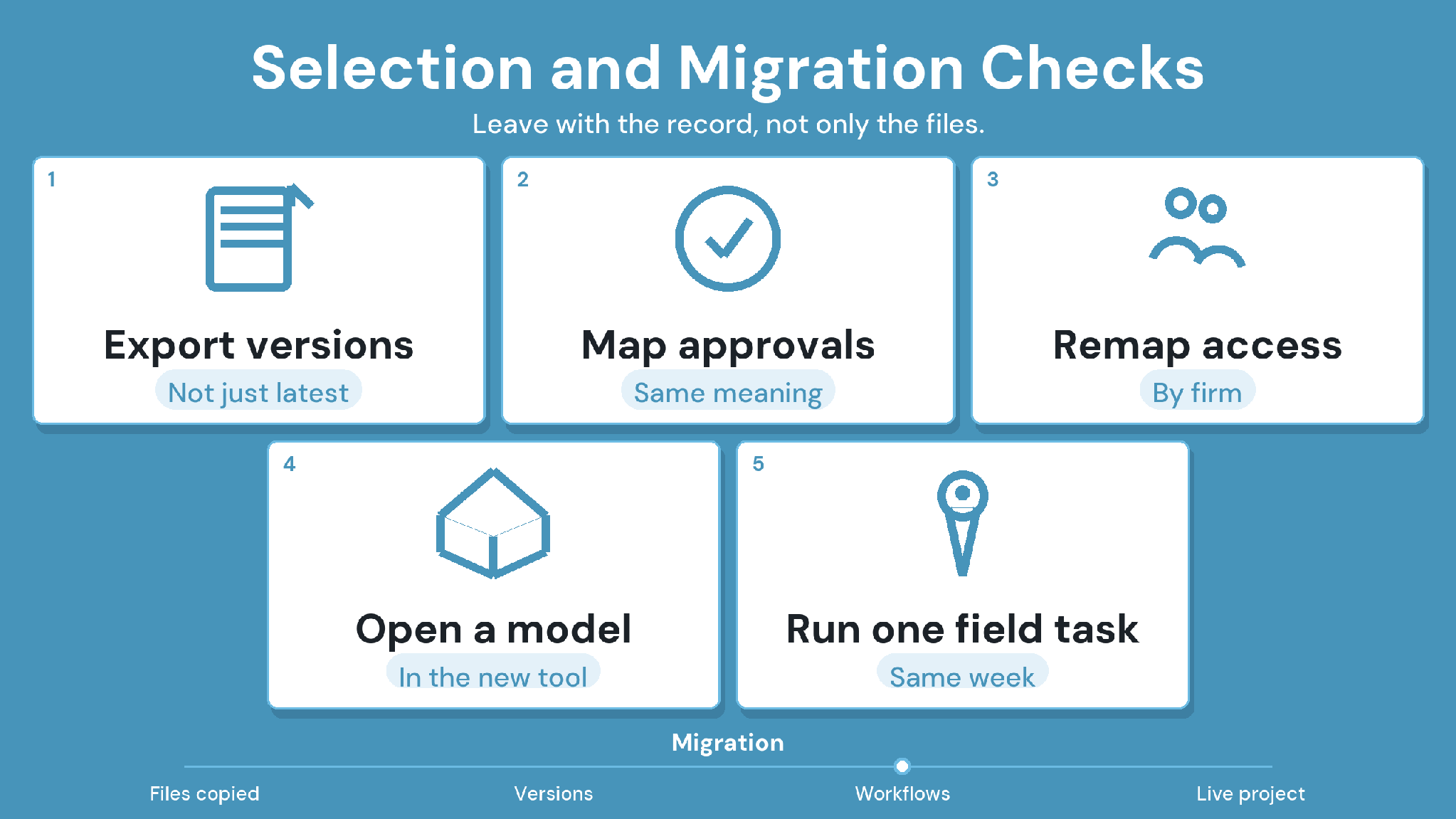
Choose the ACC alternative that fixes the workflow under pressure, then plan the move before you sign. Run each shortlisted platform on one live project with real drawings, models, and outside firms.
1. Name the workflow under pressure
Write down whether governance, coordination, field execution, cost control, or seat costs pushed the evaluation. That answer decides the shortlist.
2. Map what must leave Autodesk Forma
List current drawings, version history, issues, RFIs, submittals, and model sets. Ask Autodesk which records export and in what formats. Issues that travel as BCF move most cleanly between platforms.
3. Keep Revit where it belongs
Revit and AutoCAD stay your authoring tools. Test how the new platform opens their files and how issues return to designers.
Migration checklist:
Drawings, version history, and metadata have an export path and a destination.
Open issues moved as BCF and reopened in the new platform.
Revit and AutoCAD files opened, and issues returned to designers.
Approval steps and folder access were rebuilt and tested.
An outside firm completed a review without help.
Every quote covers the same partner seats, add-ons, and renewal terms.
Autodesk Construction Cloud Alternatives: Why CUBE Fits Best
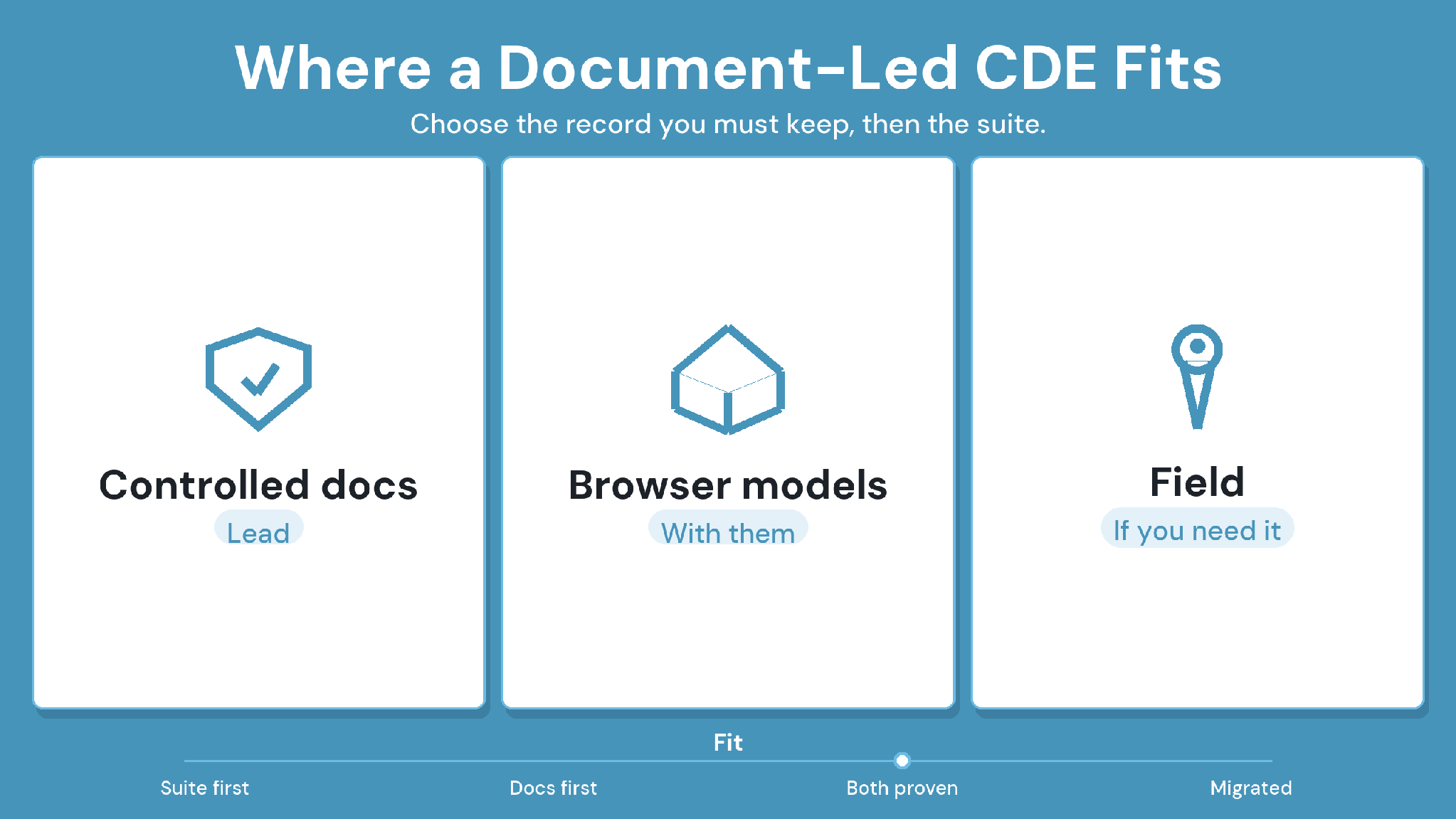
CUBE fits mid-market teams that want document control and project management without stitching products together. Every approval ties to the exact version, transmittals and stamps record each issue, and Merged Files bring discipline models together. Clash Detection is a paid add-on, currently in beta.
Pilot CUBE on one live project with real drawings, models, and outside firms. For background, read our guides to the common data environment and construction document management.
SIGN UP to try CUBE on your next project.
Frequently Asked Questions
1. What happened to Autodesk Construction Cloud?
Autodesk renamed Autodesk Construction Cloud as Autodesk Forma on March 24, 2026. Autodesk Docs became Forma Data Management, and Autodesk Build became Forma Build. Older names still appear in contracts, search results, and review sites.
2. What should I look for in an Autodesk Construction Cloud alternative?
Start with the workflow pushing the switch, such as document governance, model coordination, field work, or seat costs. Then test approvals, partner access, open formats like IFC™ and BCF, and your key integrations on one live project.
3. Can I keep using Revit if I leave Autodesk Construction Cloud?
Yes. Revit and AutoCAD remain your authoring tools. CUBE opens Revit, IFC, and CAD files in any browser. Its Revit plugin syncs Issues back with persistent element IDs, so designers keep working where they are.
4. How do I move project data out of Autodesk Construction Cloud?
List the drawings, version history, issues, RFIs, submittals, and models you must keep. Ask Autodesk which records export and in what formats. Move issues as BCF where possible, then test the import on one closed project.
5. Does CUBE combine document control and project management like ACC?
Yes. CUBE pairs a common data environment with a Project Management product under one project. The CDE handles versions, Review Flows, and transmittals, while the Project Management product adds schedules, estimates, contracts, progress updates, and inspections.