






Best Aconex Alternatives for Construction Teams (2026)
Looking for an Aconex alternative? See how CUBE, ProjectWise, Asite, Dalux, and others compare on document governance and migration.


TL;DR
- Aconex works well for large multi-party programs needing one controlled record and easy workflow templates, but reviewers cite interface usability, customization limits, and cost.
- Replacing Aconex is an information-governance decision, so compare version control, approvals, transmittals, permissions, outside-firm access, and migration before feature breadth.
- CUBE suits mid-market teams that want Aconex-style document control with less administration, including Review Flows, logged transmittals, and free partner seats.
- Autodesk Forma and Procore suit teams that want document control inside a broad delivery platform, while Trimble Connect suits model sharing in Trimble workflows
- Bentley ProjectWise suits infrastructure teams on Bentley design tools, while Asite and Dalux offer CDEs with browser-based model viewing for project teams.
Looking for an Aconex® alternative that keeps a defensible project record without enterprise administration? Oracle Aconex® is built for large, multi-party programs. Every firm works inside one controlled record of documents, mail, and workflows, and reviewers praise how easily it builds workflow templates.
The fit changes for mid-market teams. Reviewers on G2® cite interface usability, customization limits, and cost. Others note that documents sometimes sit behind the original mail when you aren't part of the workflow. For a team that runs a handful of projects with a small admin staff, that overhead adds up.
So teams compare Aconex alternatives for three reasons: governance they can configure themselves, simpler access for outside firms, and pricing they can model. CUBE, Asite®, and Bentley® ProjectWise® lead on document governance. Autodesk Forma® and Procore® wrap document control inside a broader platform, while Dalux® and Trimble Connect® lead on shared models.
This guide compares seven of them on version control, approvals, transmittals, permissions, and outside-firm access.
Best Aconex Alternatives at a Glance
The best Aconex alternative depends on your governance model and design stack. CUBE fits mid-market teams that want document control with less administration.
Bentley ProjectWise fits infrastructure teams on Bentley tools, and Asite fits owners and long-running programs. Autodesk Forma and Procore fit teams wanting a broader platform, while Dalux and Trimble Connect fit model-centric collaboration.
Why Teams Evaluate Alternatives to Oracle Aconex
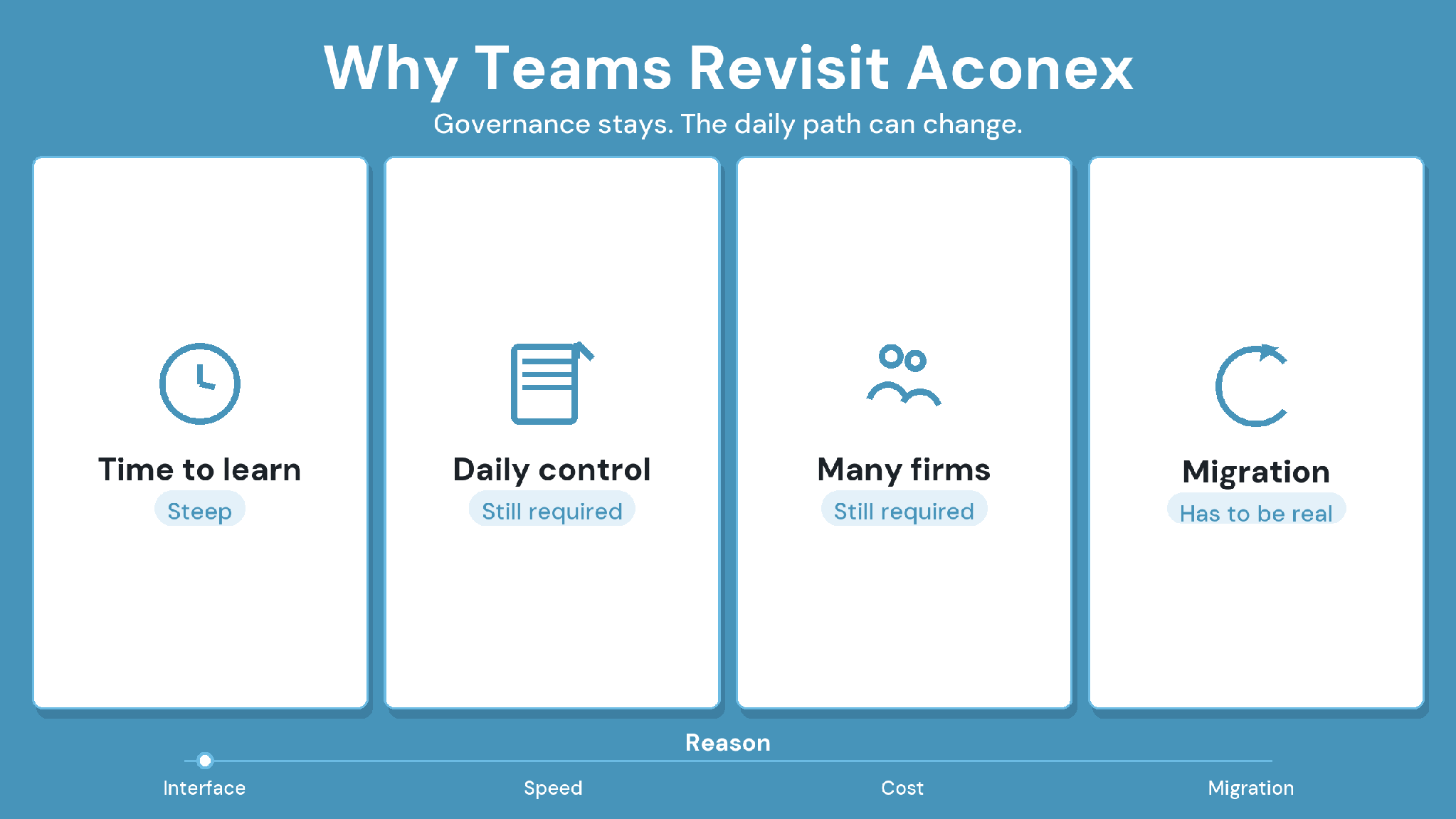
Aconex earns its place on large programs where a client mandates one shared record. Reviewers on Capterra® praise easy workflow templates and quick access to design documentation. The pressure to switch usually comes from fit, and three reasons appear most often in reviews from 2023 onward.
1. The interface takes time to learn
Reviewers on G2 cite interface usability, and Capterra reviewers in 2023 and 2025 describe a clunky layout and a steep learning curve. Teams that onboard new outside firms on every project feel this first.
2. Customization and cost weigh on smaller teams
G2 reviewers also list customization limits and cost among Aconex's drawbacks. For a mid-market firm, that means paying for an enterprise record while working around the parts it can't shape.
3. Access runs through mail and workflows
A 2025 Capterra reviewer notes that when you aren't part of a workflow, the only way to download its documents is through the original email. On projects where many people need read access, that adds steps.
These points make it a harder fit when your team is mid-sized, configures its own governance, and brings new partner firms onto each project.
How We Compared Aconex Alternatives
An Aconex alternative has to hold up as a project record that partners, clients, and auditors can trust. We compared each platform on eight governance criteria. Features come from each vendor's own pages, and strengths and tradeoffs reflect recurring themes in G2 and Capterra reviews from 2023 onward.
The 7 Best Aconex Alternatives Compared
Each platform below answers a different reason for leaving Aconex. CUBE comes first because this is CUBE's guide; the rest run from broad delivery platforms to model-centric tools.
1. CUBE: Best for Governed Document Control With Less Administration
CUBE Overview
CUBE is a construction project management platform that pairs a common data environment with a Project Management product. Admins configure statuses, approval steps, and folder naming themselves, while transmittals and version-tied approvals keep a record that holds up months later.
CUBE Is Best For
Specialty contractors, mid-size general contractors, and design consultancies that need an Aconex-grade record but run it with a small admin team.
CUBE's Key Features
- Admins create custom statuses, such as ISO 19650 states, in Portal Settings and add them to each Review Flow, where transitions set how files can move between them. Files can be moved to a new status one at a time or in bulk.
- Review Flows in the Reviews module run up to 20 ordered levels, each with its own reviewers and conditions. They record each decision against the exact version.
- The Transmittals module records sender, recipients, subject, timestamps, and referenced files, which open straight in the Design Viewer.
- The Folders module holds each project's Spaces, with Project Roles, Space-level permissions, and six access levels set per user on any file or folder.
- Nomenclature templates set the naming every new subfolder must follow, and custom field templates add metadata to folders and transmittals.
- An Excel® template bulk-uploads files and later versions with their metadata.
- The Mailbox module handles formal correspondence, with Acknowledge-by and Reply-by response types and due dates.
- Merged Files federate models in one browser view; BIM and CAD compare shows changes between versions, and issues travel as BCF files (BCF 2.1 recommended).
- ISO 27001, SOC 2 Type II, and the BSI Kitemark™ for BIM software, certified against ISO 19650.
How CUBE Handles the Situations That Push Teams Off Aconex
Your admin needs a new document status for a client's ISO 19650 workflow. Create the Custom Status in Portal Settings, map it to the right Review Flow level, and move existing files into it in bulk.
A partner who isn't on a workflow needs a document today. Give that user Can View or Can Download on the folder, and they open the current version directly. A file-level setting overrides the folder for one-off exceptions.
You inherit 5,000 documents and their history from another platform. Fill the Excel import template with file names, locations, and custom field data, then bulk-upload the files. Later versions import the same way, with the option to keep or replace earlier metadata.
A client asks what went to the MEP contractor in March. Open the Transmittals list, filter by recipient and date, and open each referenced file in the Design Viewer.
CUBE's Strengths
- Admins shape statuses, approvals, and folder naming without vendor help.
- Approvals and transmittals form a record that holds up months later.
- Partner firms join on free Guest seats as the paid team grows.
CUBE's Tradeoffs
- Programs where a client mandates a specific enterprise platform should stay on it.
- Clash Detection is a paid add-on, currently in beta.
CUBE's Pricing
Published per-user pricing for each product, billed monthly or annually, on CUBE's pricing page.
Case in Point: A Global Design Consultant
The consultant replaced siloed tools with a centralized common data environment in CUBE. Teams ran integrated multi-team review workflows and simplified their Transmittals. Read the full case study →
2. Autodesk Forma: Best for Autodesk-Standardized Contractors
Autodesk Forma Overview
Autodesk Forma is Autodesk's construction cloud, formerly Autodesk Construction Cloud®. Forma Data Management handles documents, and Forma Build™ runs field, cost, and project workflows on Autodesk design data.
Autodesk Forma Is Best For
Contractors and design teams on Revit and AutoCAD that want document control inside the Autodesk ecosystem. Autodesk Construction Cloud became Autodesk Forma on March 24, 2026, and Autodesk Docs became Forma Data Management.
Autodesk Forma's Key Features
- Version control, reviews, and transmittals for project files.
- RFIs, submittals, specifications, meetings, and correspondence.
- Issues, daily reports, forms, photos, and models for field execution.
- Budget, contract, and change management.
Autodesk Forma's Strengths
- Collaboration tools keep teams and files in sync.
- Offers access by company or user, versioning, activity logs, and rollback.
Autodesk Forma's Tradeoffs
- Performance slows down, especially with large files.
- Permission control is coarse, with no private folders.
Autodesk Forma's Pricing
Per-user plans for Forma Build on Autodesk's product page, with unlimited-user pricing on quote.
3. Procore: Best for One Delivery Platform
Procore Overview
Procore is a construction management platform for general contractors, owners, and specialty contractors. It covers drawings, documents, RFIs, submittals, field work, and financials, with unlimited users in every contract.
Procore Is Best For
General contractors that want document control inside a broad delivery platform more than a dedicated CDE.
Procore's Key Features
- Drawings, specifications, documents, RFIs, and submittals.
- Daily logs, punch lists, and photos for field work.
- Change orders and construction financials.
- Unlimited users in every contract.
Procore's Strengths
- Keeps project data in one central platform.
- Keeps documents well organized and easy to retrieve.
Procore's Tradeoffs
- Permissions can be confusing or not flexible enough.
- Bugs and glitches can disrupt daily work.
Procore's Pricing
Annual fee per product, based on annual construction volume, with unlimited users as stated on its pricing page.
4. Bentley ProjectWise: Best for Infrastructure Design Teams
Bentley ProjectWise Overview
ProjectWise is Bentley's engineering information management software for infrastructure. It manages design work-in-progress with reference file management and controlled workspaces, and it handles deliverables across the supply chain.
Bentley ProjectWise Is Best For
Infrastructure and civil teams that design in MicroStation® and other Bentley applications.
Bentley ProjectWise's Key Features
- File sharing, feedback capture, deliverables management, and progress tracking across stakeholders on web and mobile.
- Design application integration, reference file management, and controlled workspaces for engineering work-in-progress.
- Automated PDF renditioning and CAD standards management.
- Supply chain engagement, including contractual deliverables.
Bentley ProjectWise's Strengths
- Strong revision workflows and version control.
- Lets several firms work on design files in one shared location.
Bentley ProjectWise's Tradeoffs
- Steep learning curve and occasional lag.
- Workflow configuration is difficult.
Bentley ProjectWise's Pricing
Available on quote from Bentley, sold as subscriptions and bundles.
5. Asite: Best for Owners and Long-Running Programs
Asite Overview
Asite is a cloud CDE for project information management across portfolios. It combines workflows, an audit trail, and procurement tools, and teams can build custom apps on top with AppBuilder.
Asite Is Best For
Owners and programs that need a configurable CDE and a searchable record across many years.
Asite's Key Features
- A common data environment with dashboards, workflows, messaging, audit trail, and search.
- AppBuilder for custom apps, bespoke workflows, forms, and automation.
- Supply chain and procurement workflows from pre-qualification to contract administration.
- Browser-based BIM viewing through Asite 3D Repo.
Asite's Strengths
- Indexed files are easy to search.
- Customizable workflows across project portfolios.
Asite's Tradeoffs
- Hard to learn.
- Forms load slowly, and report outputs are weak.
Asite's Pricing
Based on the volume of work, with unlimited users and storage, per Asite's Capterra listing.
6. Dalux: Best for Model-Based Site Coordination
Dalux Overview
Dalux pairs a free BIM viewer with Dalux Box for documents and Dalux Field for site work. Its handover and facility management products carry the same models into operations.
Dalux Is Best For
Teams that want models on site and a simple interface for field users.
Dalux's Key Features
- A free BIM viewer for mobile and desktop.
- Dalux Box, a collaboration and CDE platform for documents and models.
- Dalux Field for tasks and safety issues marked on drawings or the BIM model.
- Dalux Handover and Dalux FM for the move into operations.
Dalux's Strengths
- Easy to use and simple to work with.
- Handles clash coordination and 3D model viewing well.
Dalux's Tradeoffs
- Limited features, with setup that can get complex.
- Third-party inspection integration is weak.
Dalux's Pricing
The BIM viewer is free; Box and Field plans are available on quote from Dalux.
7. Trimble Connect: Best for Model Sharing in Trimble Workflows
Trimble Connect Overview
Trimble Connect is Trimble's cloud collaboration platform for sharing models and project files. It runs on Windows®, in browsers, and on mobile, with a free plan for a first project.
Trimble Connect Is Best For
Teams already using Trimble design, survey, or field tools that need shared models more than formal document control.
Trimble Connect's Key Features
- Personal, Business, and Business Premium plans, monthly or annual.
- Apps for Windows, browsers, and mobile.
- BIM coordination, clash detection, and task management, with advanced BIM tools on Business Premium.
Trimble Connect's Strengths
- Makes sharing models with project and design teams easy.
- Fast interface.
Trimble Connect's Tradeoffs
- Can feel confusing at first.
- Cost feels high for the value.
Trimble Connect's Pricing
A free Personal plan, then per-user Business and Business Premium plans on Trimble's subscription page.
Oracle Aconex vs CUBE: Six Reasons Teams Switch
Aconex is built for large programs where every firm works in one mandated record. CUBE gives mid-market teams the same kind of record with less administration. These six areas decide most switches.
1. Who Runs the Governance
With Oracle Aconex: G2 reviewers cite customization limits among its drawbacks.
With CUBE: Your admins create Custom Statuses, Review Flows, Nomenclature templates, and custom fields themselves.
2. Formal Correspondence and Transmittals
With Oracle Aconex: Project mail is the formal record, and documents sometimes sit behind the original mail.
With CUBE: Transmittals record sender, recipients, timestamps, and referenced files, and the Project Mailbox adds reply-by response types and due dates.
3. Approval Workflows
With Oracle Aconex: Reviewers find workflow templates easy to create.
With CUBE: Review Flows run up to 20 ordered levels and record each decision against the exact version. Each level maps onto statuses you can move in bulk.
4. Model Coordination
With Oracle Aconex: Design and construction coordination with BIM model access.
With CUBE: Merged Files federate models in a browser, BIM and CAD compare shows what changed, and issues travel as BCF 2.1 or 3.0.
5. Permissions
With Oracle Aconex: Test how finely you can limit a single user in a demo.
With CUBE: Project Roles, Space-level permissions, and six access levels set per user on any file or folder.
6. Pricing and Partner Access
With Oracle Aconex: Available on quote, and G2 reviewers list cost as a drawback.
With CUBE: Published per-user pricing, plus 10 free Guest seats for every 10 paid full seats.
Stay with Oracle Aconex if a client mandates it, or your programs need one record across dozens of organizations.
Move to CUBE if you want an Aconex-grade record on mid-sized projects, run by your own admins, with predictable per-user pricing.
Questions to Ask Every Aconex Alternative in a Demo
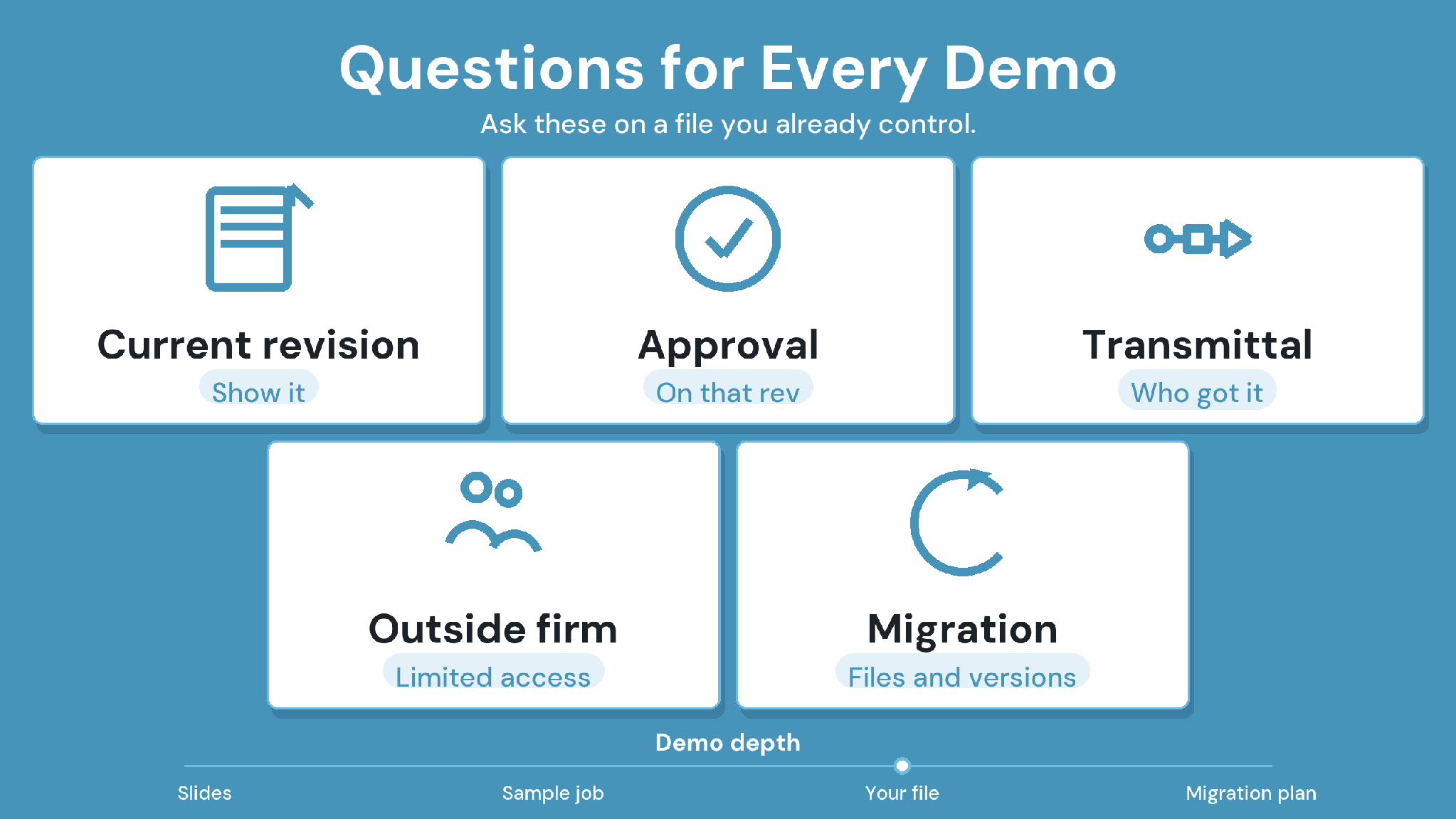
Bring these eight questions to every demo. The middle column shows what a good answer sounds like, and the last column shows how CUBE answers.
How to Compare CDE and Document-Control Alternatives
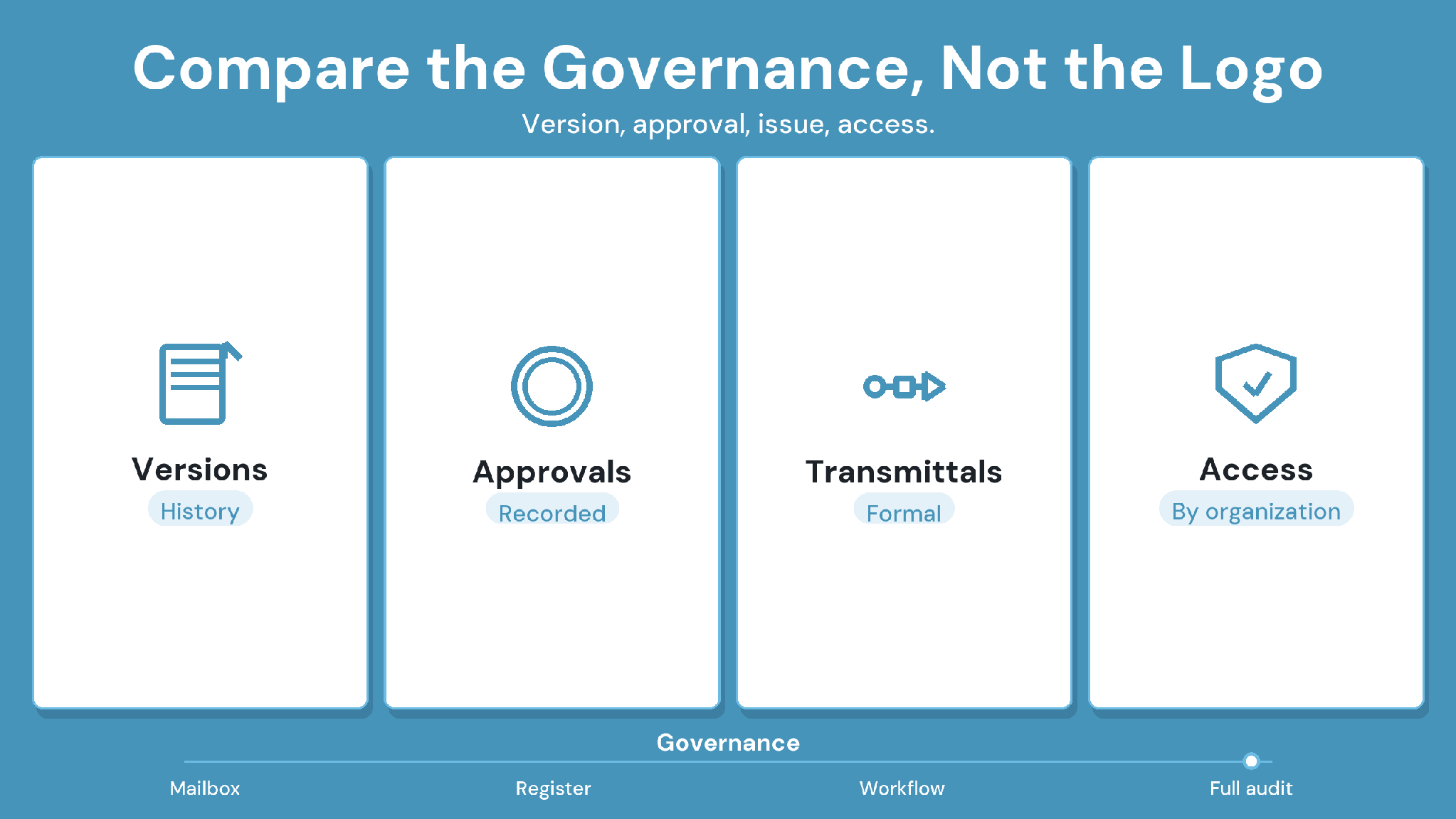
The second Table and the demo questions in Table 3 cover what to test in each demo. Two steps sit outside the demo, and both decide whether a switch holds.
1. Plan the migration
List what must move, including the document register, metadata, revision history, workflows, and mail records. Ask Oracle which records export and in what formats. Archive closed projects before you move live ones.
2. Check deployment and security
Request current security evidence, such as ISO 27001 certificates and SOC 2 Type II reports. Confirm hosting regions and data residency in writing during procurement.
Migration checklist:
The document register, metadata, and revision history have an export path.
Mail and transmittal records have a destination and an owner.
Custom statuses and approval steps were rebuilt and tested.
An outside firm completed a review in the pilot without help.
Security evidence and hosting terms arrived in writing.
Every quote converts to one annual figure, including partner access.
Aconex Alternatives: Why CUBE Fits Best
CUBE fits mid-market teams that need governed document control without enterprise administration. Admins configure statuses and approval steps themselves, every decision ties to the exact version, and transmittals record who received what. Every 10 CDE seats include 10 free Guest seats for outside firms.
Pilot CUBE on one live package with real approvals and outside firms, and bring the demo questions above. For background, read our guides to the common data environment and construction document management.
SIGN UP to try CUBE on your next project.
Frequently Asked Questions
1. What should I look for in an Aconex alternative?
Look for version-tied approvals, formal transmittals, admin-configured statuses, and per-user permissions for outside firms. Then test bulk migration of documents
and metadata, and confirm hosting regions and security evidence in writing before you sign.
2. Which Aconex alternatives suit infrastructure and owner programs?
CUBE suits mid-sized owner and infrastructure teams that want an Aconex-grade record run by their own admins. Bentley ProjectWise suits teams designing in Bentley tools, Asite suits long-term owner programs, and Autodesk Forma suits Revit and AutoCAD teams.
3. What should I check before migrating from Aconex?
List the records you must keep, including the document register, metadata, revisions, workflows, and mail. Ask Oracle which records export and in what formats. Then rebuild statuses and approvals and test them on one live package.
4. Can CUBE support ISO 19650 information states?
Yes. Admins configure Custom Statuses in CUBE, such as ISO 19650 information states, and wire them into Review Flows. Each review level can then move a file to the right state after reviewers record their decisions.
5. Does CUBE keep a transmittal record like Aconex?
Yes. CUBE keeps a complete record of every transmittal, including sender, recipients, timestamps, and files. Each transmittal goes out with named recipients, a subject, and a message stating its purpose, and the referenced files attached.