






Best Engineering Document Management Software in 2026: 8 Options Compared
Compare eight engineering document management platforms by workflow fit, pros and cons, and pricing considerations. Build a shortlist around your project needs.


TL;DR
- Engineering document management software helps teams control drawing revisions, approvals, transmittals, and document records.
- CUBE is a strong option for mid-market AEC teams that need document control connected to project delivery.
- Oracle Aconex suits projects involving multiple organizations, while Autodesk Vault is designed for manufacturing teams using Autodesk tools.
- Bentley ProjectWise, Newforma, OpenText Documentum, Autodesk Forma, and M-Files support different engineering and document-management workflows.
- Compare platforms using your actual project files and test revision history, approval workflows, external access, document distribution, integrations, and total pricing before choosing.
Engineering document management software differs from general file storage: revision control, approval workflows, transmittals, audit trails, and CAD/BIM awareness are non-negotiable for technical teams.
CUBE leads for mid-market AEC teams that need document control tied to a Common Data Environment across design, construction, and handover.
CAD-native manufacturing teams tend to favor Autodesk Vault, while multi- organization AEC and EPC projects lean toward Oracle Aconex or Bentley ProjectWise.
Pricing across the category is mostly quote-based; CUBE prices each product per user per month, with a lower rate for annual billing.
Match the tool to your firm's size, discipline, external-collaboration needs, and CAD/BIM dependence, not to a generic “top 10” ranking.
Engineering documents rarely stay still. Drawings get revised, specifications get reissued, and models move through review while teams across several firms keep working from whichever copy they last received. Engineering document management software controls that movement: which revision is current, who approved the revision, and what was issued to whom.
The right platform depends on the approval record your firm needs to maintain. CUBE belongs on the shortlist for construction teams connecting controlled drawings with project delivery. A manufacturer managing design changes may prioritize Autodesk® Vault™ instead, while infrastructure engineers should evaluate Bentley® ProjectWise® against their authoring workflows.
This guide compares eight options by buyer fit and workflow context, with pros, cons, and pricing details to confirm before requesting comparable proposals.
Compare the Eight Options by the Work They Need to Control
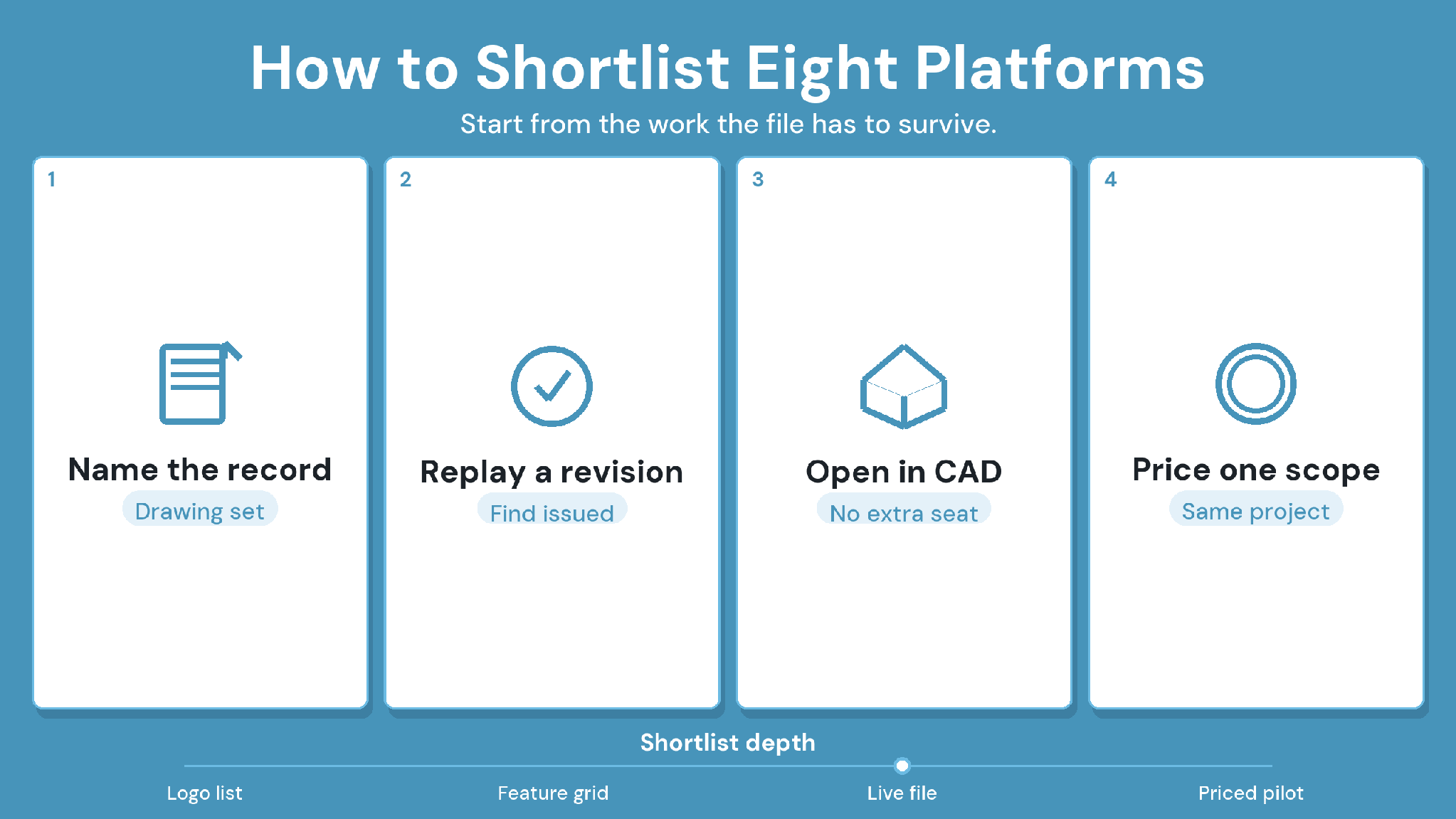
Start with your team’s primary document-control responsibility, then use the table below to select vendors for a demonstration. Computer-Aided Design (CAD) and Building Information Modeling (BIM) compatibility matter when the underlying files depend on authoring tools.
How We Evaluated the Best Engineering Document Management Software
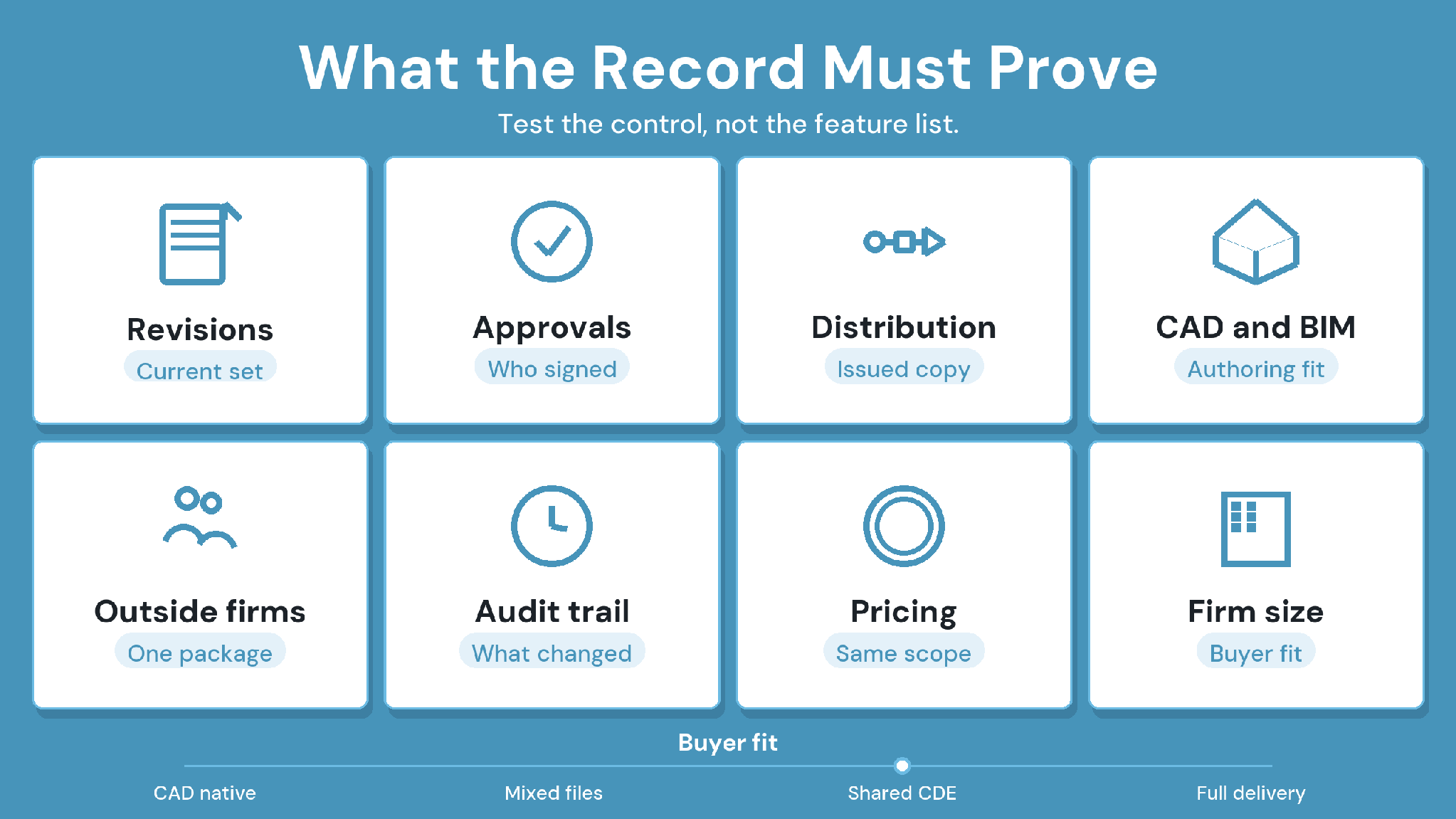
We compared each platform against the workflows that actually break when engineering teams outgrow shared drives, including document-control depth, revision and approval workflows, transmittals, CAD/BIM fit, integrations, search and metadata, security and audit trail, deployment flexibility, and pricing transparency.
Note: Every entry below is built from each vendor's own current public product pages, reviewed in September 2026. We did not use any competitor's commissioned survey or research report as a source, and we left out any figure we couldn't verify against a public page.
1. CUBE: Best for Connecting Construction Document Control With Project Delivery
CUBE’s CDE connects controlled project information with the work that follows it. Document revisions and approval workflows sit within a broader construction platform, giving teams a reason to evaluate information control alongside delivery responsibilities.
For a mechanical subcontractor, the practical question is how an approved shop drawing reaches the installation team. A useful demonstration follows that drawing from review through formal distribution, then checks the record after another revision arrives.
Key CUBE’s features
Version and revision control: Every upload creates a new version automatically, so the full file history stays intact. Users then apply Mark as Revision to the version being formally issued, which keeps the revision record readable without losing minor updates.
Multi-level Review Flows: Reviews follow reusable templates of up to 20 ordered levels. Each level sets its own reviewers, due dates, minimum approvals, and rollback rules.
Transmittals: Transmittals issue approved files from one Space to another with a subject, remarks, and file versions attached. The receiving team sees the transmitted version alongside its origin.
Issues on drawings and models: Issues can be raised directly on PDF, CAD, and BIM files, with markups, assignees, severity, and due dates. Issues export to Excel, PDF, or BCF.
Browser-based BIM and CAD viewing: Teams can open RVT, IFC, and DWG files in the browser, then compare any two versions of a model or drawing side by side or as a visual overlay.
Granular access control: Access is set per user at six levels, from Full Access to No Access. A file-level setting overrides its folder, and a folder-level setting overrides its Space.
Security certifications: CUBE holds the BSI Kitemark™ for BIM software, certified against ISO 19650, along with ISO 27001 and SOC 2 Type II.
CUBE’s pros
Document and drawing revision controls support a traceable project record.
Review workflows provide a defined process for checking submissions before release.
Dedicated transmittals support formal document exchange across project participants.
Connected Project Management capabilities give buyers a route to evaluate delivery work alongside document control.
CUBE’s cons and buying considerations
Buyers seeking only an internal repository should define which broader workflows justify inclusion in their rollout.
Specific authoring integrations and deployment requirements need confirmation against the proposed package.
CUBE is best for
Mid-market contractors and design consultancies managing drawing approvals across project participants.
Case in point: A global design consultant
The consultant replaced siloed tools with a centralized common data environment in CUBE. Teams ran integrated multi-team review workflows and simplified their Transmittals. Read the full case study →
2. Oracle Aconex: Best for Formal Records Across Project Organizations
Oracle Aconex focuses on a document register and project correspondence. Its relevance increases when several parties need a traceable record of what was submitted and subsequently approved.
Oracle Aconex’s features
Organization-level user and permission controls for multi-company projects
Workflow templates for drawing and submittal reviews
Metadata-driven Review Matrix for automatic approval routing
Integrated comment management during document reviews
Oracle Aconex’s pros
Metadata-based document organization supports retrieval across extensive project records.
Version histories preserve the context of earlier submissions during later reviews.
Configurable approval workflows support repeatable routing between project participants.
Formal correspondence connects document exchange with the surrounding project record.
Oracle Aconex’s cons and buying considerations
Participating organizations must agree on metadata and routing responsibilities before relying on a shared approval process.
Teams with limited internal review needs should test the administration required by their proposed configuration.
Oracle Aconex is best for
Owners and contractors exchanging controlled submissions across several independent organizations.
Oracle Aconex’s Pricing
Pricing is quote-based. Request a project-specific proposal from Oracle covering the participating organizations and required workflows.
3. Autodesk Vault: Best for Manufacturing Design Data on the Autodesk Stack
Autodesk Vault is a Product Data Management (PDM) tool with design-data control at its center. Check-in and check-out workflows address editing responsibility, while lifecycle management connects file revisions with engineering changes.
Autodesk Vault’s features
Check-in and check-out from Inventor®, AutoCAD®, and Revit®.
Lifecycle states and revision control for design files
Engineering change orders (Vault Professional)
Item and bill of materials management (Vault Professional)
Autodesk Vault’s pros
Connections with Inventor and AutoCAD support teams already using those applications.
Check-in and check-out controls help manage concurrent editing of design files.
Revision and lifecycle functions support controlled engineering change processes.
Bill-of-materials management makes the platform relevant to manufacturing requirements.
Autodesk Vault’s cons and buying considerations
Construction-style transmittals require separate evaluation; internal design- data control serves a different responsibility from formal project distribution.
Server administration and remote access need an implementation plan, with responsibilities agreed before deployment.
Autodesk Vault’s Pricing
Pricing is subscription-based through Autodesk. Ask Autodesk to price the edition needed for your change-management requirements.
Autodesk Vault is best for
Product engineering teams controlling design changes within Autodesk authoring workflows.
4. Bentley ProjectWise: Best for Infrastructure Engineering Workspaces
Bentley ProjectWise centers on engineering work in progress, including controlled workspaces and reference-file management. Infrastructure teams should evaluate how those relationships behave when designs move between disciplines or reach formal review.
Bentley ProjectWise’s features
Managed workspaces for MicroStation®, OpenRoads™, and other authoring tools
Check-in and check-out file control for design teams
Deliverables management for transmittals and review comments
Hosting options in the cloud or on-premises
Bentley ProjectWise’s pros
Engineering application integration supports workflows tied closely to design production.
Reference-file management addresses dependencies that a flat file inventory can overlook.
Controlled workspaces provide a basis for coordinating design contributions across teams.
Review and markup capabilities support inspection of engineering information before release.
Bentley ProjectWise’s cons and buying considerations
Application-dependent workflows require testing with representative design files and their references.
Buyers should separate the proposed ProjectWise edition from other Bentley products when checking functionality and cost.
Bentley ProjectWise is best for
Multidiscipline engineering teams whose documents depend on authoring applications and referenced design files.
5. Newforma: Best for Document Packages and Project Correspondence
Newforma’s product line addresses several project information needs, so selection should begin with the relevant application. Project Center emphasizes files and
correspondence, while Konekt brings model coordination. Constructex addresses submittal workflows through a separate application.
Newforma’s features
Cloud-hosted (Konekt) or on-premises (Project Center) project information management
Project email filing and universal search across emails, documents, and CAD files
RFI and submittal tracking shared with external members who don't have a Newforma license
2D/3D viewer with BIM coordination and issues management
Newforma’s pros
Project Center supports searching project email alongside files, helping reviewers recover the context behind a decision.
Package issuance and revision tracking address formal distribution needs.
Konekt adds model-centered coordination for teams evaluating that workflow.
Constructex provides a separate option for managing submittals.
Newforma’s cons and buying considerations
Capabilities across the product line should be mapped to named applications, avoiding assumptions about a single package.
Existing correspondence needs a migration plan so searchable records remain connected to the correct projects.
Newforma is Best for
AEC firms whose document-control work spans issued packages and the emails explaining them.
6. OpenText Documentum: Best for Long-Lived Technical Records
OpenText Documentum approaches engineering information through enterprise content management. Records lifecycle control makes it relevant when retained documentation carries obligations beyond an active design or construction project.
OpenText Documentum’s features
Enterprise content management with records retention policies
Audit trails and controls for regulated industries
Engineering document control and transmittals (Documentum for Engineering)
Integrations with SAP® and other ERP systems
OpenText Documentum’s pros
Retention policies support defined rules for keeping and disposing of records.
Lifecycle controls help govern documents beyond initial creation and review.
Access controls support restrictions around sensitive technical information.
Deployment options provide a basis for discussing organizational hosting requirements.
OpenText Documentum’s cons and buying considerations
CAD/BIM authoring and model coordination require a separate tool assessment.
Retention rules need accountable owners; platform configuration depends on the organization’s approved records policies.
OpenText Documentum is best for
Asset-intensive organizations managing technical documentation under defined retention and access policies.
7. Autodesk Forma: Best for Autodesk-Centered Construction Document Workflows
Autodesk’s 2026 announcement places Forma Data Management (formerly Autodesk Docs) in the CDE role as Autodesk Construction Cloud® joins Forma. Procurement should focus on that document-management scope, with the wider portfolio assessed through its individual products.
Autodesk Forma’s features
Forma Data Management for document distribution, approval workflows, search, and tagging
Forma Design Collaboration (formerly BIM Collaborate Pro) for model coordination
Forma Build (formerly Autodesk Build) for construction workflows
Forma Takeoff and Forma Estimate for preconstruction
Autodesk Forma’s pros
Version and revision controls support shared drawing records during project delivery.
Review workflows connect document submissions with approval decisions.
Markups and issues give reviewers a way to communicate against project information.
Connections with Autodesk design tools warrant consideration for teams already using that environment.
Autodesk Forma’s cons and buying considerations
Existing Autodesk access establishes neither complete portfolio entitlement nor suitability for every project workflow.
Teams using other authoring tools should test their actual file exchange and metadata behavior before selecting the package.
Autodesk Forma is best for
Construction teams seeking document reviews closely connected to Autodesk design tools.
8. M-Files: Best for Metadata-Driven Technical Document Governance
M-Files organizes records through metadata, making document identity less dependent on a remembered folder location. Its fit is strongest when search and workflow governance drive the evaluation, with model coordination handled separately.
M-Files’ features
Metadata-based organization in place of folder hierarchies
Version control with configurable approval workflows
Connections to SharePoint®, network drives, and other existing repositories without migration
M-Files Aino® AI assistant for document summaries and search
M-Files’ pros
Metadata-based organization supports retrieval by document context.
Configurable workflows provide a route for structuring review responsibilities.
Retention policies support governance beyond day-to-day file access.
Microsoft 365 integration connects document work with existing collaboration tools.
M-Files’ cons and buying considerations
A metadata-led approach needs agreed definitions and ownership before large-scale migration.
Native engineering file dependencies and model review require specific testing or complementary tools.
M-Files is best for
Engineering teams organizing controlled documentation through business context and retention requirements.
M-Files’ Pricing
Pricing is available on request. Ask M-Files to quote the edition and integrations required for the proposed workflow.
A feature list shows what a vendor sells. A test package shows how the software handles your firm's actual approval responsibilities. Give every shortlisted vendor the same files and hold each vendor to the same acceptance criteria.
Build the package from a structural drawing with a referenced detail, plus the review record from an earlier revision. Then ask your document controller to complete these steps with a reviewer from an outside firm:
1. Locate the current approved drawing by its document number.
2. Upload a changed revision without overwriting the previous approval record.
3. Reject the submission and return the file for correction.
4. Approve the corrected file and issue it to named recipients.
5. Retrieve the earlier revision along with its distribution history.
6. Export the review and distribution records with enough context for another
team to interpret them.
In CUBE, steps 2 through 5 run through automatic version history, a Review Flow with rollback, and Transmittals. Extend the CUBE test past approval, into the hands of the people who build from the drawing. Ask a site user on a Guest seat to find the current revision in the browser. Then have the same user scan the QR code on a printed sheet with the CUBE mobile app to check whether that sheet has been superseded. A field user confirming the current drawing is a stronger acceptance test than an administrator finding it during a guided demo.
For each vendor, record which steps the quoted plan completes as sold and which require extra configuration, an add-on, or a separate application. Every add-on or separate application should appear in the commercial proposal before you select a vendor.
Buying check: Treat a successful demonstration as evidence for the demonstrated configuration. Require unresolved workflow dependencies to be documented before moving live project records.
Compare Pricing on Equal Terms
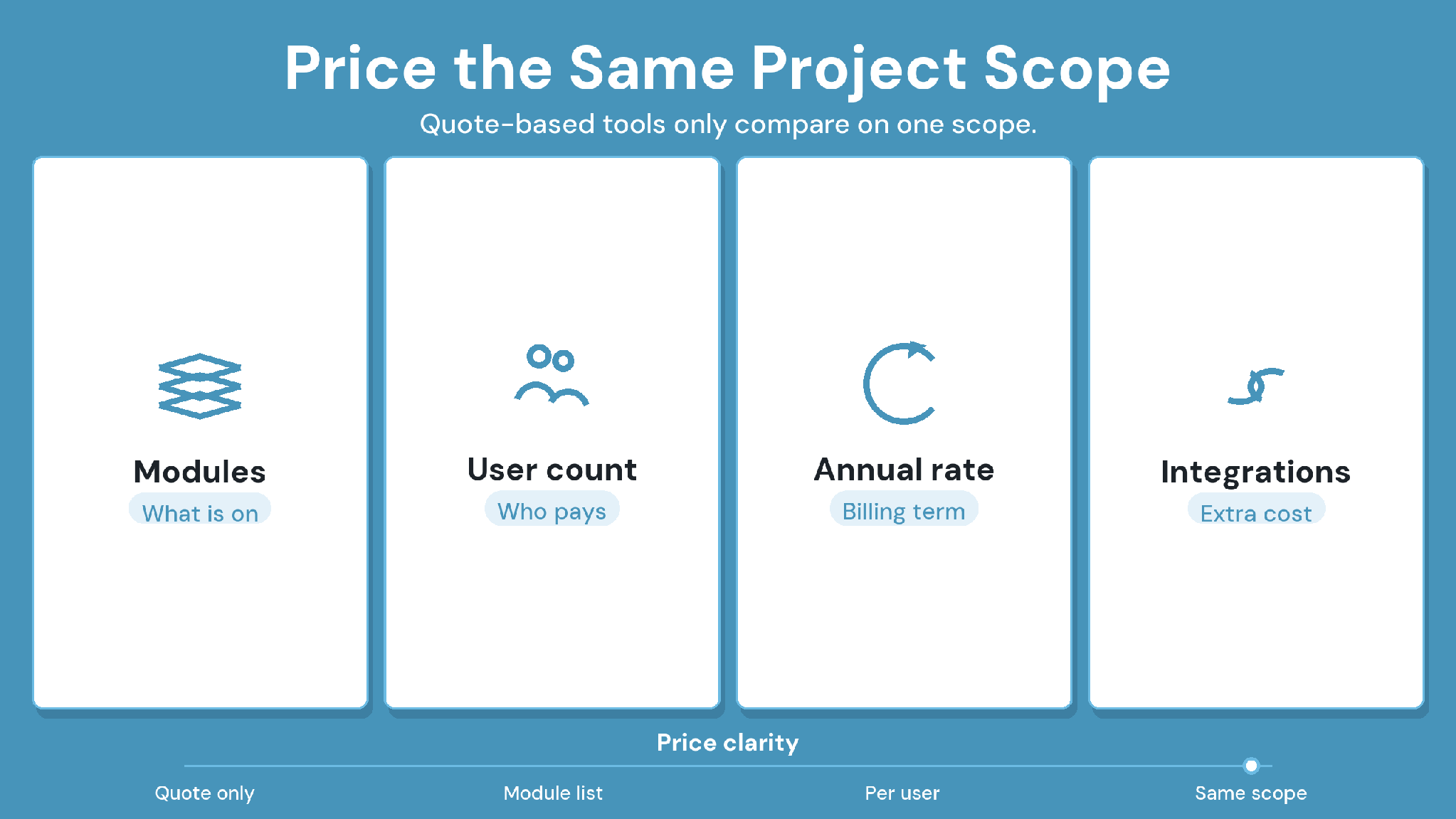
Most of the category is quote-based. Enterprise-focused platforms like Oracle Aconex, Newforma, and OpenText Documentum direct buyers to a sales conversation rather than publishing per-user pricing, and Autodesk's tools use dynamic, quote-driven pricing.
CUBE is one of the more transparent options: CUBE prices each product per user per month, with a lower rate for annual billing, and lists current rates for the Common Data Environment, Project Management and add-ons on its pricing page.
However, commercial proposals become comparable when they cover the same people and document workflows. A subscription figure alone leaves unanswered questions about implementation and continuing access.
Require each quote to identify:
The named product edition and included modules.
Internal user charges and external reviewer access.
Migration work, including retained revision histories.
Authoring integrations and any additional licenses.
Setup support and administrator training.
Storage terms and archive access after closeout.
Renewal conditions and export assistance at contract end.
Public starting prices can refer to different commercial units, making direct comparisons misleading.
Evaluate Engineering Document Management Software With CUBE
Choose a pilot that follows one drawing through an approval decision and into project delivery. That is the relevant test for teams considering CUBE as their controlled project information environment.
Define success with your document controller before moving active records. The pilot should establish who can release a revision and how the receiving team finds the approved copy.
SIGN UP to evaluate CUBE against your project’s document workflow.
Questions to Resolve Before Rollout (FAQs)
1. Who should own document-control administration?
Assign ownership to the role accountable for document quality and release rules, with technical administration handled separately where appropriate. During a CUBE evaluation, involve the document controller and an operations lead so workflow decisions reflect project responsibilities.
2. How should the team handle an owner-mandated platform?
Keep the contractually required submission destination explicit. A contractor considering CUBE for internal coordination should document how approved records reach the owner’s platform. Agree on responsibility for reconciliation before introducing a second working environment to the project.
3. What should happen to email approvals?
Establish an approved method for capturing decisions made outside the platform. Each retained email should connect to the document revision it concerns. Have the project’s contract administrator review that procedure before treating email correspondence as an authoritative approval.
4. How can a firm roll out the system gradually?
Start with a bounded project or discipline and identify which records it owns. Keep other work in the existing system until acceptance checks pass. Set a transition date and communicate where participants should submit each type of document.
5. Which training should external reviewers receive?
Give external reviewers role-specific instructions using a representative submission. Cover access and review decisions through a short practical exercise. Ask each reviewer to complete it independently, then resolve permission problems before opening the workflow to live project information.