





Best Construction Project Management Software (2026 Compared)
Compare the best construction project management software for 2026: who each of 10 platforms suits, what users praise, and where they fall short.


TL;DR
- Choose construction project management software based on the workflow that costs you most when it fails, such as on-site drawing control or client updates.
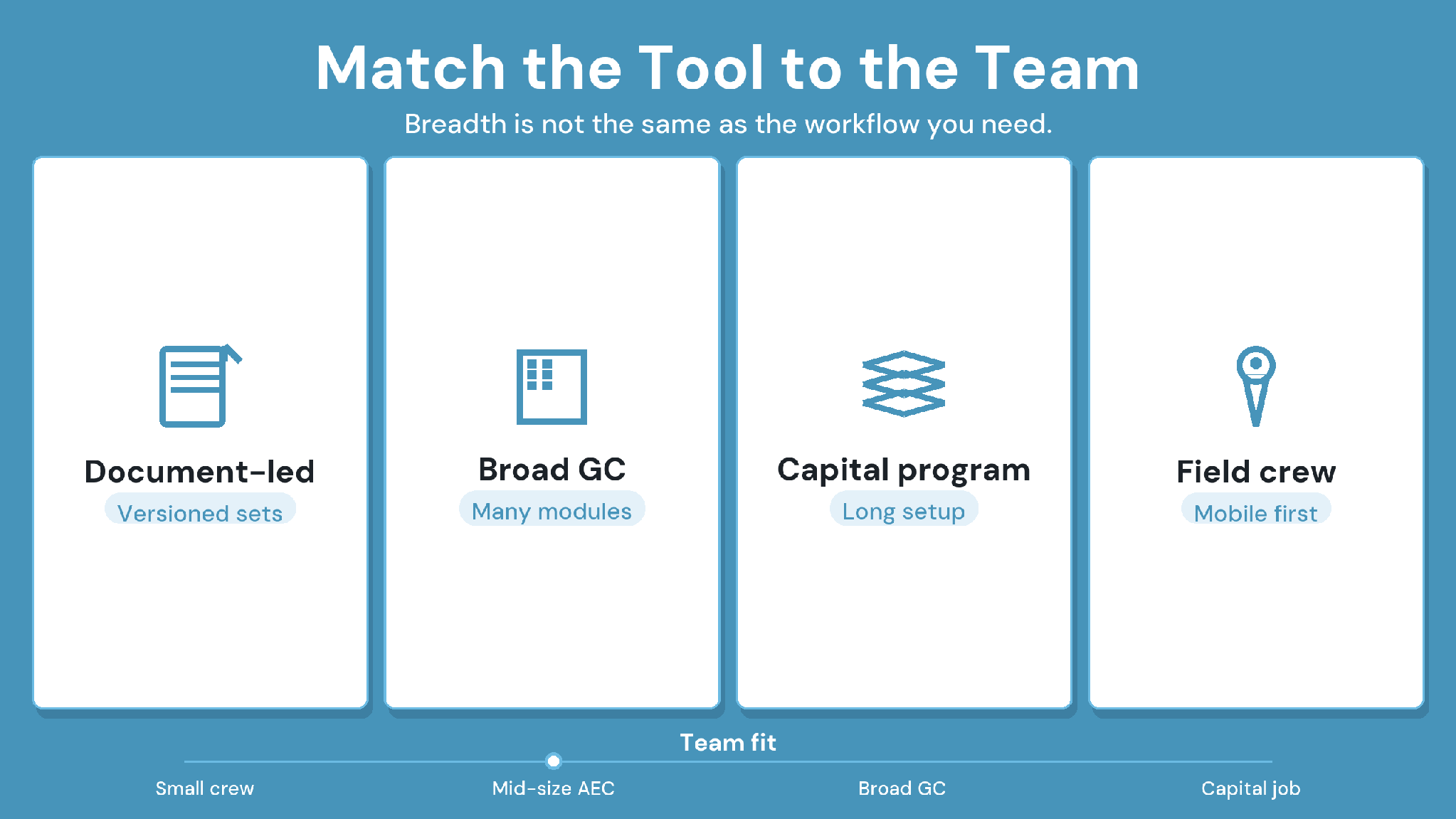
- CUBE suits mid-size AEC teams that need versioned drawings, multi-level Review Flows, and logged transmittals, with free Guest seats for project partners.
- Procore and Autodesk Forma Build suit general contractors that want one broad platform; reviewers praise their reach but report lag and glitches.
- Oracle Aconex, InEight, and CMiC serve large capital programs and ERP-led firms, and users report long setup and steep learning curves.
- Fieldwire, Buildertrend, and Contractor Foreman fit field crews, home builders, and small contractors; Fieldwire has a free plan, Contractor Foreman a trial.
The best construction project management software for a mid-size AEC team is the platform that controls its riskiest workflow without adding enterprise overhead. CUBE is a strong fit for document-led teams. Procore® and Autodesk® Forma Build™ suit broad general-contractor programs, and Fieldwire® or Buildertrend® fit field crews and home builders.
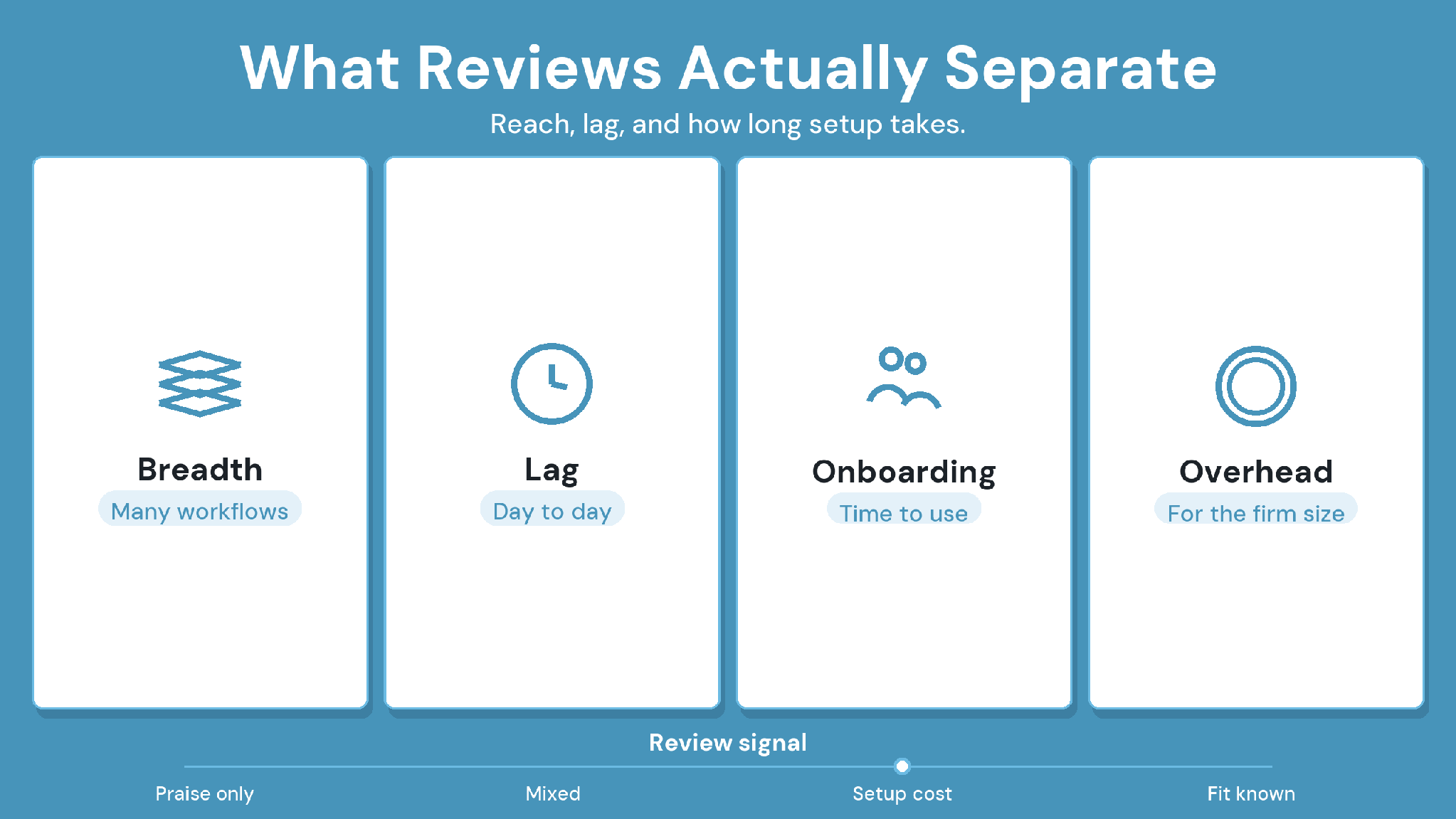
Feature lists look alike, so shortlists often stall in demos. User reviews tell a sharper story. Reviewers of the large suites praise their breadth but report lag, glitches, and long onboarding. Reviewers of the lighter tools praise ease of use and point to thin integrations.
This guide compares 10 construction project management tools based on document and drawing control, field use, integrations, and the type of team each one suits. Every profile covers best fit, strengths, limitations, and pricing. A closing checklist helps you test your shortlist on a live project before you sign.
The Best Construction Project Management Software at a Glance
The best construction project management software depends on the work it must control. CUBE fits document-led AEC teams, and Procore and Autodesk Forma Build fit broad general-contractor programs. Oracle® Aconex®, InEight®, and CMiC® serve large capital programs. Fieldwire, Buildertrend, and Contractor Foreman™ serve field crews, home builders, and small contractors.
Each row summarizes the longer profile further down, where every pro and con links to the review page it came from.
How We Selected and Compared These Platforms
We scored each platform on the workflows that decide whether a construction project stays on its current drawings, schedule, and budget. Every profile follows the same five headings so you can compare like with like.
The 12 criteria we checked:
Scheduling: Gantt or timeline views, dependencies, and how schedules reach the field.
Document and drawing management: version history, revisions, review and approval steps, and issue records.
RFIs and submittals: native logs, routing, and response tracking.
Cost tracking: budgets, change orders, commitments, and job costing.
Field reporting: daily logs, inspections, punch lists, and photos.
Collaboration: how owners, designers, and subcontractors join a project and what they can see.
BIM and model coordination: model viewing, issue exchange, and open formats such as IFC and BCF.
Integrations: accounting, ERP, scheduling, and design tools.
Usability: how quickly office staff and crews learn the core tasks.
Scalability: fit for one project versus a portfolio of programs.
Security: independently audited controls and certifications.
Pricing transparency: whether a buyer can model cost before a sales call.
The 10 Best Construction Project Management Software Platforms for 2026
These 10 platforms cover the main buyer types, from document-led AEC teams to capital-program owners, field crews, and home builders. CUBE comes first, and the rest run from enterprise suites to lighter tools.
1. CUBE
Why CUBE Stands Out
CUBE is a construction project management platform built around document control. Its common data environment covers the Folders module, which holds each project's Spaces, along with Reviews and a dedicated Transmittals module. The Project Management product adds contracts, schedules, estimates, and inspections.
CUBE Is Best For
Specialty and MEP subcontractors, mid-size general contractors, and BIM or VDC consultancies that move drawings and approvals across several firms.
CUBE's Key Strengths
- Every upload creates a version automatically, with the timestamp and uploader recorded. A revision is a marker you apply to the version you issued.
- A Review Flow is a reusable template of up to 20 ordered levels, each with its own reviewers and conditions.
- Drawings and models open in CUBE's Design Viewer in any browser, including on tablets and phones. Issues pin to PDF, CAD, and BIM files.
- Each block of 10 paid full seats adds 10 free Guest seats for partners.
- CUBE holds ISO 19650, ISO 27001, and SOC 2 Type II.
CUBE's Limitations
- The mobile app handles QR scans and form-based modules only.
- Clash Detection is a paid add-on, currently in beta.
CUBE's Pricing
Published per-user pricing for each product, billed monthly or annually, on CUBE's pricing page.
Case in Point: Dosti Realty, a Real Estate Developer in India
Dosti Realty brought documents for more than 15 projects into CUBE's common data environment. The team applied consistent nomenclature and a three-level review and approval workflow. Read the full case study →
2. Procore
Why Procore Stands Out
Procore keeps drawings, RFIs, submittals, daily logs, change orders, and financial tools in one platform for general contractors, owners, and subcontractors.
Procore Is Best For
General contractors running many commercial projects who can fund setup, permissions, design, and training.
Procore's Key Strengths
- Keeps drawings, documents, and coordination in one central platform.
- Makes RFIs, submittals, and schedules easy to track.
- Keeps field and office staff on the same up-to-date information.
Procore's Limitations
- Bugs and glitches can disrupt daily work.
- Load times slow down, and lag appears, especially at peak hours.
- Email notifications are excessive and hard to tune, and the platform feels heavy for small teams.
Procore's Pricing
Custom annual quote per product, based on annual construction volume, with unlimited users and storage included.
3. Autodesk Forma Build
Why Autodesk Forma Build Stands Out
On March 24, 2026, Autodesk Construction Cloud® became Autodesk Forma®, and Autodesk Build became Forma Build. Forma Build connects field and project management to Autodesk design data and Forma Data Management.
Autodesk Forma Build Is Best For
Contractors and design-build firms standardized on Revit and AutoCAD that want field work tied to model coordination.
Autodesk Forma Build's Key Strengths
- Collaboration tools keep teams and files in sync across locations.
- Covers planning, tracking, and documentation in one platform.
- Gives quick access to current documents and plans on site.
Autodesk Forma Build's Limitations
- Technical glitches can interrupt workflows.
- Performance slows down, especially with large files.
- Syncing can be slow or manual.
Autodesk Forma Build's Pricing
Per-user plans for Forma Build and quoted bundles such as Forma for Construction Operations.
4. Oracle Aconex
Why Oracle Aconex Stands Out
Aconex gives large, multi-party programs one controlled record of documents, correspondence, and review workflows that every organization works inside.
Oracle Aconex Is Best For
Owners, EPC firms, and infrastructure teams running large programs where every party must use the same record.
Oracle Aconex's Key Strengths
- Keeps a permanent record of mail and documents that nobody can delete.
- Makes every earlier revision easy to reach.
- Metadata search and configurable workflows help large teams find and route files.
Oracle Aconex's Limitations
- The interface feels dated and takes time to learn.
- Admin control over custom document types, statuses, and reports is limited.
- Best suited to large projects and costly for smaller use.
Oracle Aconex's Pricing
Quote-based; reviewers describe both per-user and committed-volume contract options.
5. Trimble ProjectSight
Why Trimble ProjectSight Stands Out
ProjectSight is Trimble's construction project management tool for general contractors, with drawings and RFIs coordinated in one place.
Trimble ProjectSight Is Best For
Mid-market commercial contractors, especially firms that already buy from Trimble.
Trimble ProjectSight's Key Strengths
- Provides a solid project management backbone for general contractors.
- Handles day-to-day project control well enough to replace larger platforms.
Trimble ProjectSight's Limitations
- Support during rollout can fall short.
- Adoption and training take time.
- Parts of the product feel dated.
Trimble ProjectSight's Pricing
Sales-led quote; confirm current packaging with Trimble.
6. InEight
Why InEight Stands Out
InEight connects estimating, project controls, scheduling, and field data for capital projects, with earned value dashboards for progress tracking.
InEight Is Best For
Infrastructure, heavy civil, and capital project teams with a mature project-controls function.
InEight's Key Strengths
- Keeps project information in one platform across the full lifecycle.
- Links project controls, scheduling, and field data.
- Connects estimating logic to live work packages.
InEight's Limitations
- Heavy and complex to implement without a mature project-controls team.
InEight's Pricing
Pricing on request from InEight.
7. CMiC
Why CMiC Stands Out
CMiC combines construction ERP and project management, so financials, project operations, and field workflows share one platform.
CMiC Is Best For
Large general contractors and capital-project owners that want accounting and project management in one system.
CMiC's Key Strengths
- Easy-to-understand interface.
- Tracks projects alongside ERP financials in one system.
- Independent of larger construction software owners.
CMiC's Limitations
- Some features don't work as smoothly as expected.
- Support and accounting integrations rate below rival tools on G2.
- Document management is basic next to dedicated tools.
CMiC's Pricing
Custom enterprise quote based on modules, users, integrations, and deployment.
8. Fieldwire by Hilti
Why Fieldwire Stands Out
Fieldwire runs jobsite work on the plans themselves, linking tasks, markups, punch lists, and inspections to drawings on mobile and web.
Fieldwire Is Best For
Field crews, superintendents, and specialty contractors who need plan viewing and task tracking on site.
Fieldwire's Key Strengths
- Easy interface for crews who aren't tech-savvy.
- Links markups and tasks directly to drawings.
- Keeps field operations organized in one place.
Fieldwire's Limitations
- Limited integration with job management systems.
- Lag can appear during drawing revisions.
- RFIs, submittals, change orders, and budgets sit on the top Business Plus tier.
Fieldwire's Pricing
Free Basic plan for up to five users, then per-user paid tiers on Fieldwire's pricing page.
9. Buildertrend
Why Buildertrend Stands Out
Buildertrend runs residential jobs from lead to handover, with sales tracking, scheduling, change orders, daily reports, and a client portal.
Buildertrend Is Best For
Home builders and remodelers who want client communication and job management in one tool.
Buildertrend's Key Strengths
- Puts scheduling, budgets, and client updates in one place.
- Strong change order tracking and client-facing daily reports.
- Includes unlimited users and subcontractors in the subscription.
Buildertrend's Limitations
- The feature set can feel overwhelming at first.
- Thin links to ERP and accounting tools such as Sage Intacct®.
- Scheduling can be too simple for larger commercial jobs, and bulk data export is hard after canceling.
Buildertrend's Pricing
Available on a custom quote from Buildertrend.
10. Contractor Foreman
Why Contractor Foreman Stands Out
Contractor Foreman packs estimates, schedules, daily logs, timecards, change orders, and a client portal into one low-cost tool.
Contractor Foreman Is Best For
Small general contractors and trade contractors who want many tools without an enterprise contract.
Contractor Foreman's Key Strengths
- Easy to use, with solid mobile access.
- Responsive customer support.
- A wide feature set covers varied project needs.
Contractor Foreman's Limitations
- Integration problems, especially with QuickBooks.
- Limited customization.
- Some tasks take more steps than expected.
Contractor Foreman's Pricing
Published tiered plans with a 30-day free trial.
How to Choose the Right Construction Project Management Software
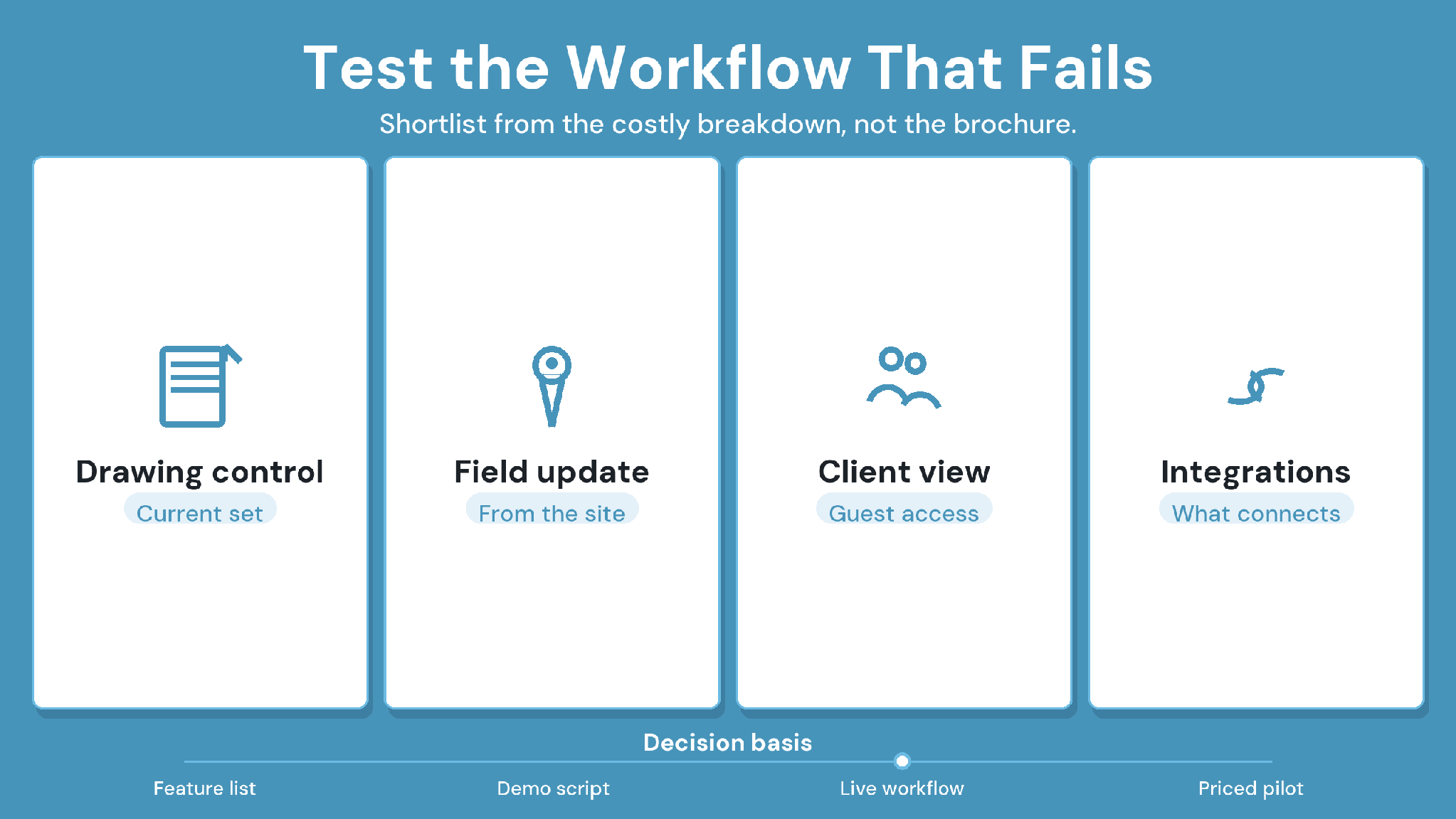
Choose the platform that fits your highest-risk workflow, your project scale, and the systems you already run. Test it on one live project with your real drawings, partners, and field crews. Score the result on adoption and on how often your team can trace a decision back to its record.
1. Name the workflow that fails most often
Start with the cost of failure. A team that loses money to superseded drawings needs version control, review steps, and issue records first. A home builder losing time to client changes needs selections, change orders, and a client portal first.
2. Match the platform to project scale and complexity
Enterprise suites earn their setup effort on large, multi-party programs. A firm running a handful of concurrent commercial projects often gets more from a focused platform it can configure in-house.
3. Balance the field and the office
Field adoption decides whether project data stays current. The 2025 AGC and Sage Construction Hiring and Business Outlook found that 69% of firms use mobile software for daily field reports. It also found that 53% plan to use it to share drawings, photos, and documents. Check what crews can do on a phone before you sign.
4. Map incumbent systems and integrations
List the accounting, ERP, scheduling, and design tools that must stay. Reviewers of several platforms on this list report weak accounting links, so test the exact connector you need.
5. Check permissions, security, and partner access
Ask how owners, designers, and subcontractors join a project, what each can see, and what each seat costs. Request current security reports, such as ISO 27001 certificates or SOC 2 Type II attestations, for your IT reviewers.
6. Model the pricing basis
Vendors price on construction volume, per user, or per company tier. Model a full year with partner seats, add-ons, and expected growth before you compare quotes.
7. Plan adoption and implementation
Ask who configures the platform, who trains crews, and what support costs after go-live. Reviewers of the larger suites repeatedly report steep learning curves.
Decision checklist for your shortlist
The pilot uses a live project, real drawings, and at least one outside firm.
Your team traced a superseded sheet to its replacement, reviewer, and issue date.
Field users completed a daily task on mobile without help.
Your accounting or ERP connector worked with real data.
You can export all project records if you leave.
The quote covers partner seats, add-ons, and renewal terms.
How CUBE Fits as Construction Project Management Software
CUBE fits mid-size AEC teams that want project management and document control in one platform. Its Project Management product connects schedules, estimates, contracts, progress updates, and inspections.
Schedules show activities on a Gantt chart and recalculate dependent activities on demand.
A contract's budget draws on a published estimate, and approved progress updates feed its timeline and budget.
Approved inspections then update inspected quantities against the same contract.
Document control is where CUBE goes deepest. Every upload becomes a new version with its uploader and date, and Review Flows record each approval against the exact version. That depth pays off when drawing errors cost more than schedule slips, such as rework from a superseded sheet or an approval nobody can trace. For those teams, CUBE covers day-to-day project management and the document record in one place.
Other platforms lead in different areas. Procore covers a broad general-contractor scope, from RFIs and submittals to financials. Autodesk Forma Build suits teams standardized on Revit and AutoCAD, and Oracle Aconex suits large multi-party programs. InEight and CMiC lead on project controls and ERP, while Fieldwire, Buildertrend, and Contractor Foreman suit field crews, home builders, and small contractors.
For background, read our guides to the common data environment, construction document management, and keeping outdated drawings off site.
Best Construction Project Management Software: Where CUBE Fits
The best construction project management software for document-led AEC teams is the one that keeps every drawing version, approval, and handover in one record.
CUBE fits that need for specialty subcontractors, mid-size general contractors, and BIM or VDC consultancies. It versions every upload, runs Review Flows of up to 20 levels, logs each transmittal, and opens models in any browser.
Pilot CUBE on one live project with the drawings that cause the most rework, then score it against the checklist above. SIGN UP to try CUBE on your next project.
Frequently Asked Questions
1. What is the best construction project management software for small contractors?
Firms under about 20 people often get more from simpler tools such as Contractor Foreman or Fieldwire's free Basic plan. Enterprise suites tend to need dedicated admins, so check who will configure the platform before you commit.
2. What core features should construction project management software include?
Look for version-controlled drawings, review and approval steps, issue tracking, scheduling, cost tracking, field reporting, and permissions for outside firms. Then confirm the integrations your accounting, scheduling, and design tools need, because missing connectors create double entry.
3. How should I evaluate construction project management software pricing?
Compare total annual cost over a full contract year. Add internal seats, partner access, add-ons, and renewal terms. CUBE adds 10 free Guest seats for every 10 paid full seats, which changes partner-access math on multi-firm projects.
4. What is the difference between document management and full project management software?
Document management controls files, versions, reviews, and issue records. Full project management adds schedules, budgets, contracts, and field forms. CUBE covers both through its common data environment and Project Management product, which teams can adopt separately.
5. How long do implementation and adoption usually take?
Timelines depend on project count, permissions design, data migration, and training capacity, so ask each vendor for a plan built on your projects. Start any platform, CUBE included, on one live project before rolling it out company-wide.