








Subcontractor Project Management Software
One controlled record of shop drawings, models, internal reviews, and transmittals across every GC and every job. Your fabrication shop and crews build from the released revision.








Shop drawing management software that keeps coordinators, detailers, and crews on current information
Track drawing and document updates
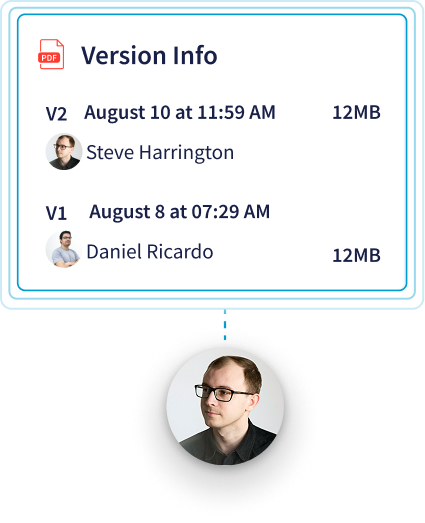
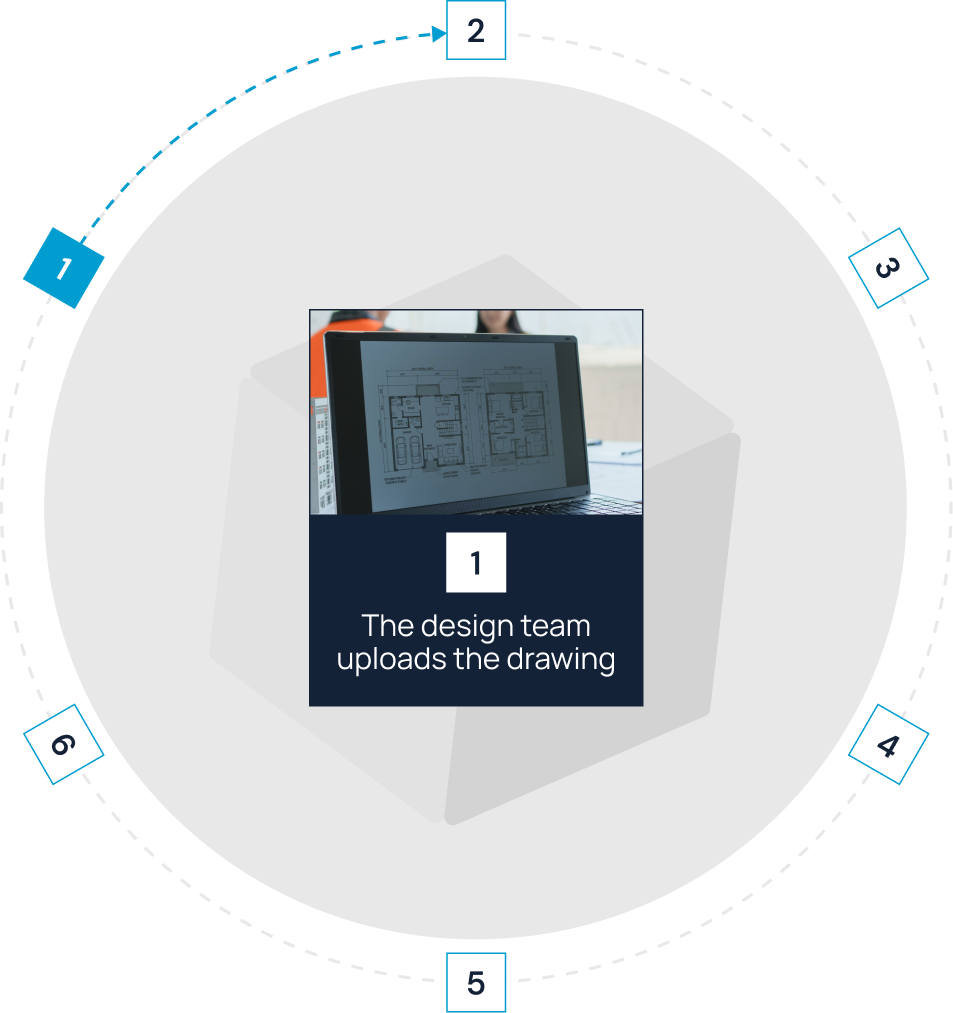
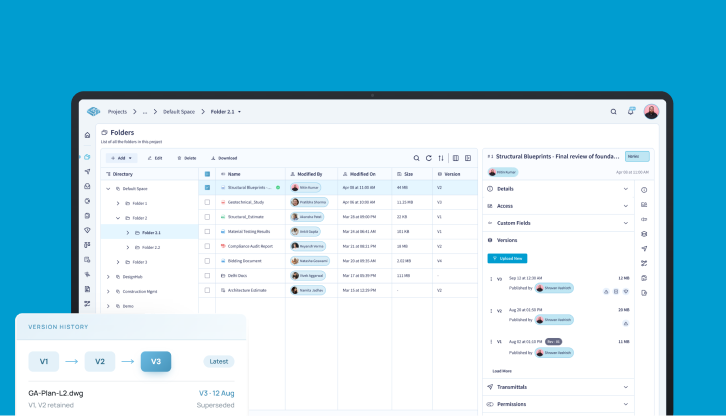
When the GC reissues a drawing, upload it as a new version of the same file. The file keeps one identity, the current version updates, and earlier versions stay in version history with who uploaded them and when.

Preserve review and approval history
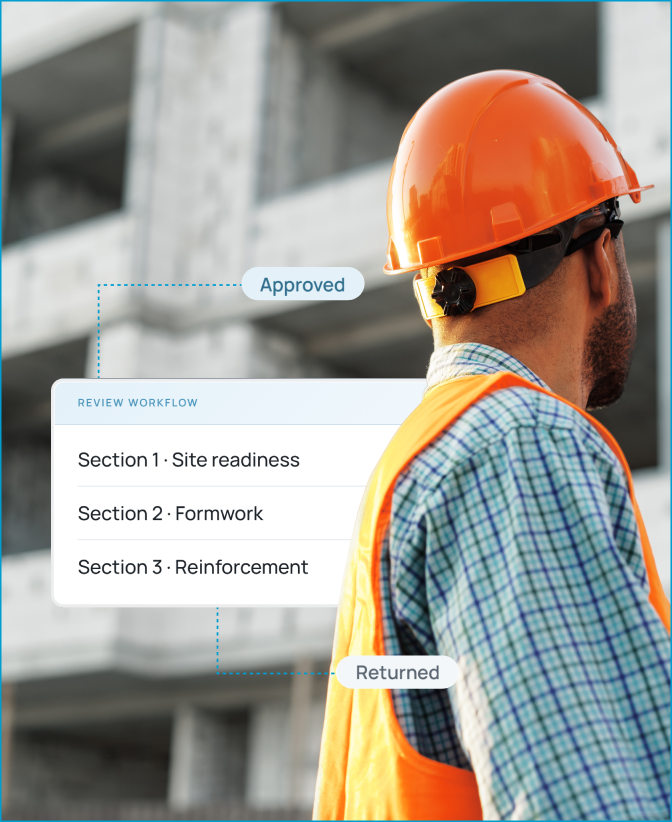
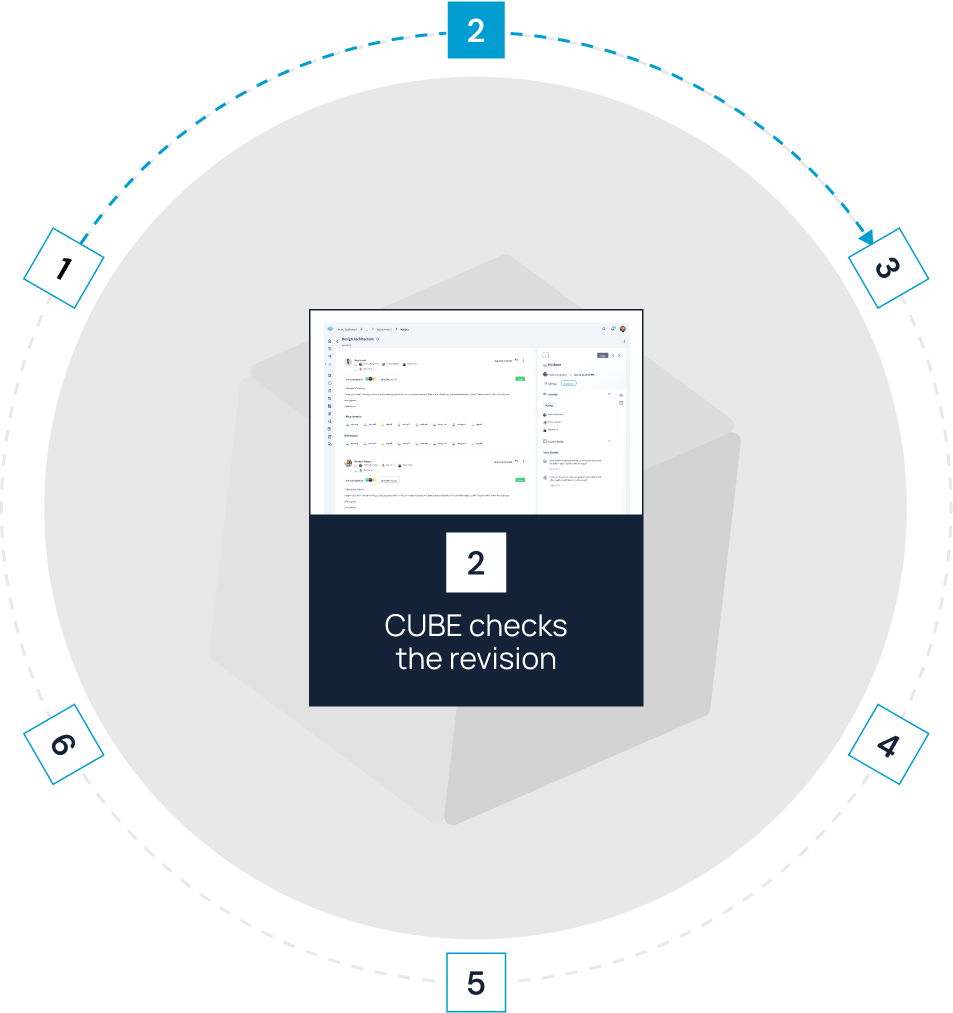
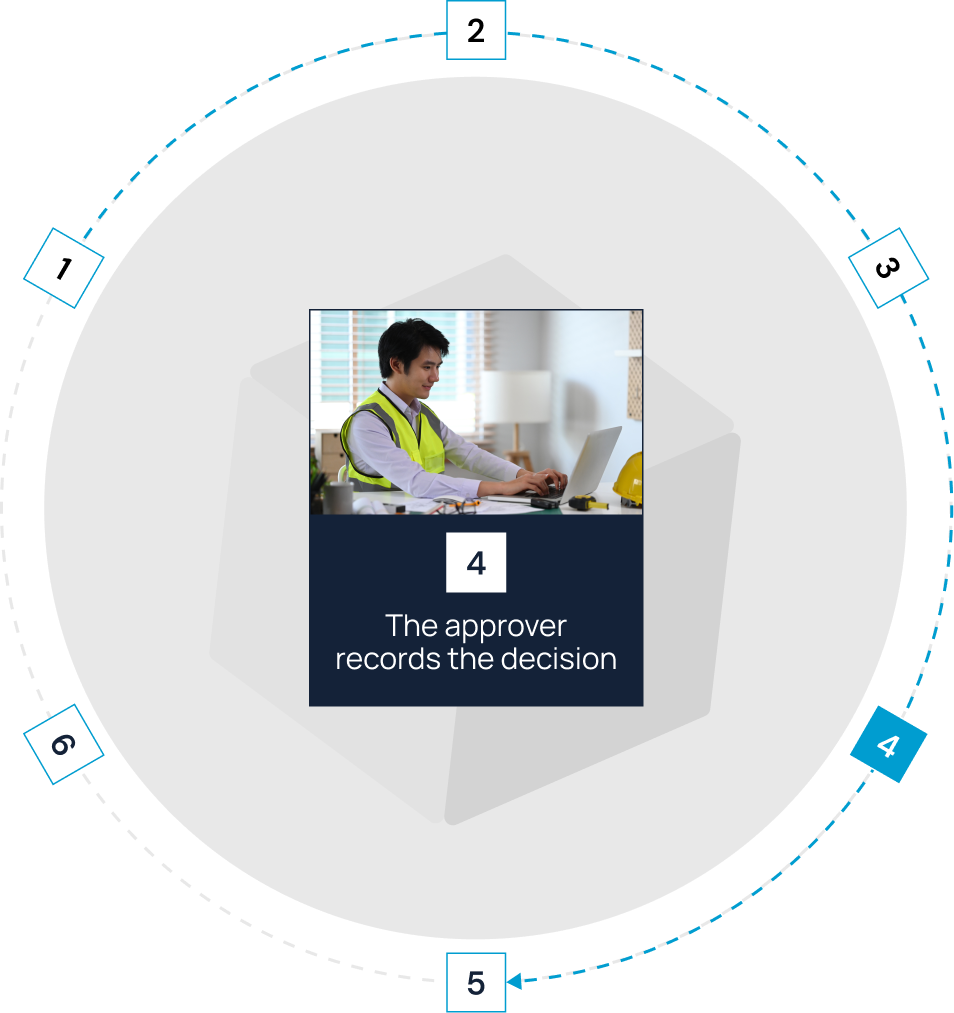
In CUBE's Reviews module, select the exact file version under review and set the order of reviewers, such as your detailing lead, then your project manager. Each reviewer records a decision and comments against that version. Your internal sign-off stays with the revision it covered.

Coordinate models and files
Open the GC's architectural and structural models next to your own trade model in the browser. Mark up a conflict on a PDF, CAD, or BIM file and raise an Issue with an assignee, due date, and the element IDs involved.

Issue and receive formal transmittals
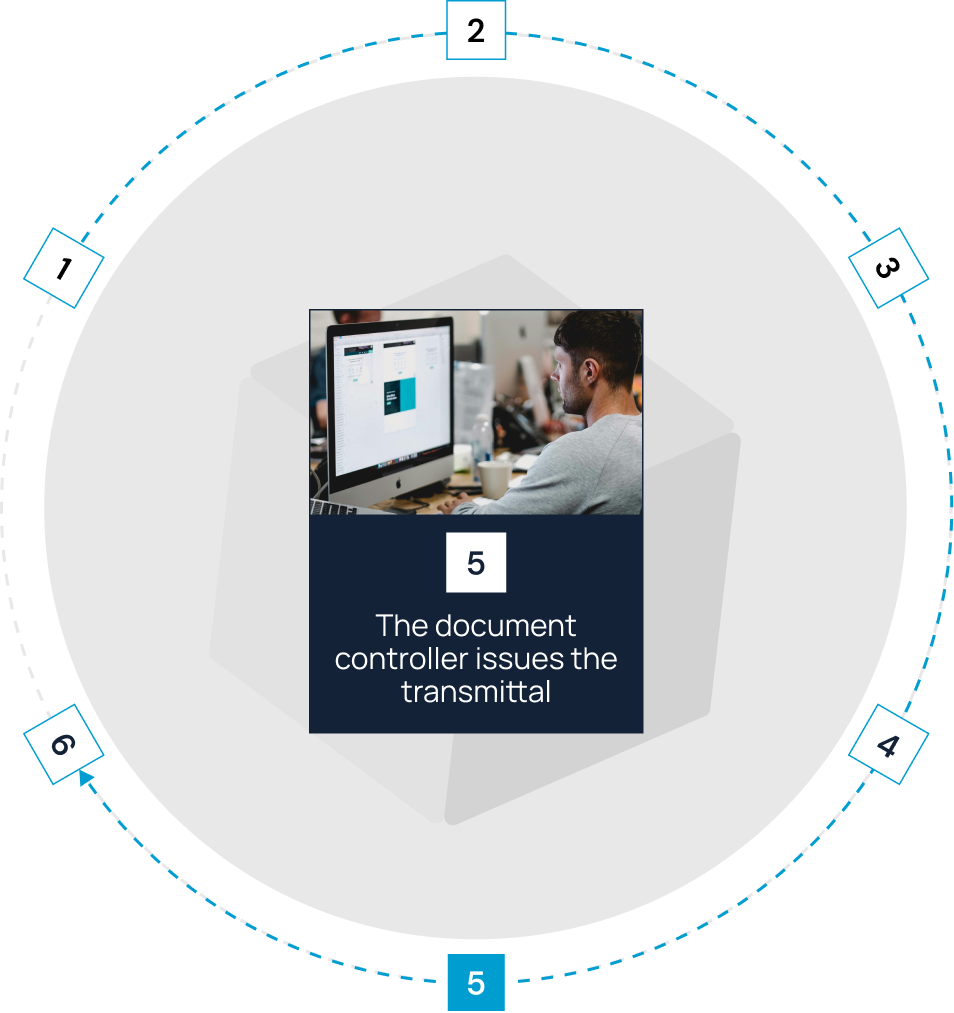
In CUBE's Folders, keep editable source files in the detailing team's Space. Issue released drawings to the Spaces your fabrication and field teams use through a transmittal, and log every handover. When a design package arrives by transmittal, consume the files into your own Space or create a shortcut to them.

Set up each GC's job its own way
Create a project and Spaces for each job, then assign a nomenclature template to a folder so every new subfolder follows that GC's naming pattern. Add custom fields such as GC name, drawing number, or trade to folders and files, then filter and group by them.
See open work across all your jobs
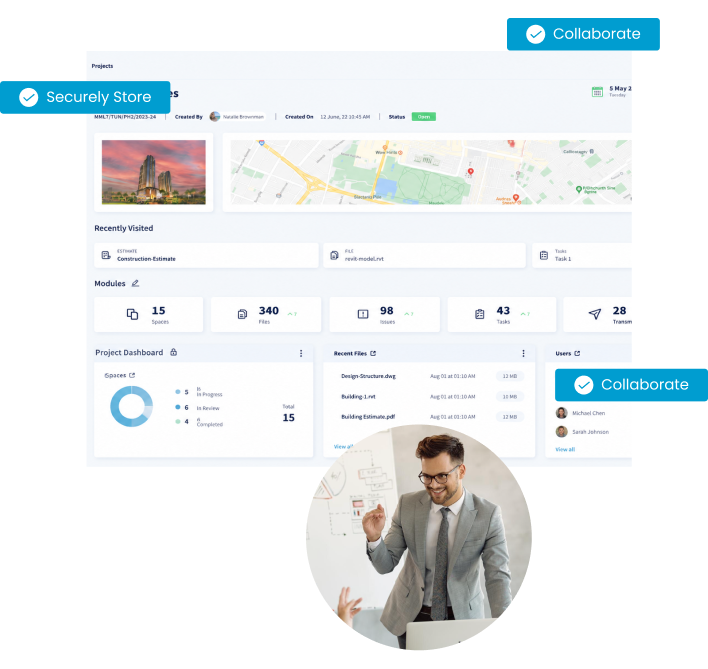
Open the portal dashboard to see your projects, open issues, reviews, and transmittals in one place. Export any project's review or transmittal list to Microsoft® Excel® when a GC asks for a status log.

Bonus Feature:
Compare any two versions of a CAD drawing or BIM model, as a list or side by side, to see what changed in the latest design package.
Move each drawing through a controlled construction workflow


Fit CUBE to your
information-governance requirements
Control who can change your drawings

Space-level permissions then set default access and creation rights module by module,
so a detailer can upload new versions while field users get view-only access.

Protect construction project information
BSI has assessed CUBE against ISO 19650, and independent auditors check its security controls.
When a GC or owner asks about information management or data security, you answer with independent evidence.
Give every member of your trade team a clear role in subcontractor project management


Frequently Asked Questions
What should a specialty or MEP subcontractor look for in project management software?

Construction subcontractor project management software should pass seven tests in a demo, including separate setup for each GC and job, version history on every drawing, internal review before release, issues raised on models and drawings, formal transmittals to your shop and crews, access by role, and the total cost of seats for outside reviewers.
Can we keep our own records while working with several GCs?
Yes. Set up a project for each job with its own Spaces, naming template, and custom fields. Your internal versions, reviews, and releases stay in your CUBE record, whichever platform each GC uses.
Does CUBE replace the GC's platform, accounting, or payroll?
No. Keep using the GC's required platform for that GC's exchanges, and keep accounting, payroll, and labor tracking in your current systems. CUBE holds your drawings, models, reviews, and transmittals.
How does CUBE control shop drawing revisions?
CUBE separates versions from revisions. Every upload creates a version automatically, with the timestamp and uploader recorded. A revision is a marker you apply to the version you actually issued, using a configurable revision series such as A, B, C or 01, 02, 03.
Can my team coordinate BIM models and construction documents together?
Yes. Open BIM models, CAD drawings, and PDFs in the same browser viewer, raise issues on any of them, and link related files with Dependencies so a reviewer can trace a changed sheet to the model it relies on.
What does CUBE cost for a subcontractor?
The Common Data Environment costs $39 per user per month billed monthly, or $29 billed annually. Each completed block of 10 paid Common Data Environment seats includes 10 free Guest seats, each limited to one Space in one project, for reviewers such as the GC's coordinator.
Is CUBE the right specialty contractor software for my trade?
CUBE's construction subcontractor project management software fits mid-market and enterprise specialty and MEP subcontractors with several live jobs and heavy drawing and revision volume across several GCs. Your accounting, payroll, and labor-tracking tools stay in place alongside it.