








Model Coordination Software
Merge discipline models, run clash tests, and track every clash as an assigned issue in the common data environment that holds your drawings.








Coordinate discipline models from first clash test to closed issue
Bring every discipline into one federated model
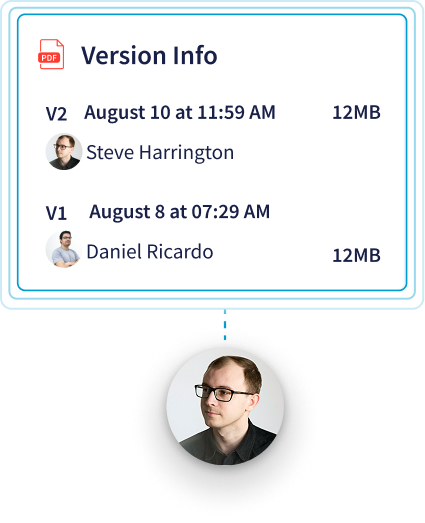
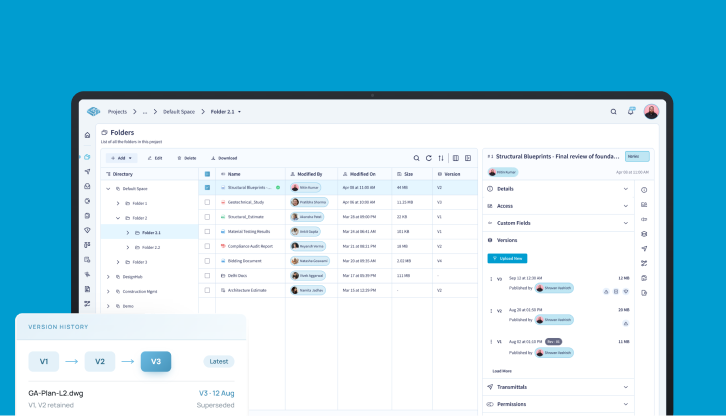
Merge architectural, structural, and MEP models into a single Merged File, even when they arrive in different file types. Each source model stays a separate file with its own version history.

Review the federated model in the browser
Open Revit, IFC, and Navisworks models in CUBE's BIM viewer. Isolate systems with layers, saved selection sets, and rule-based queries, then cut section planes, measure, and check element properties without the authoring software.

Run clash tests with the rules you set
Choose the elements to test by manual selection, selection sets, or queries. Set hard or soft clashes with a tolerance in millimeters, and ignore clashes within the same element or model to reduce noise in the results. Clash Tests are available with the Clash Detection add-on.

Turn each clash into an owned issue
Raise an issue straight from a clash result, then add an assignee, severity, due date, and redline markups. Comments, including images, stay on the issue, so the discussion stays out of email threads.

Keep the federated model on the latest versions
When a discipline uploads a new version, CUBE flags the merged model and leaves it unchanged until a coordinator selects Update. That creates a new merged version, and a re-run of the clash test shows new, active, and resolved clashes.
Exchange issues with Revit and other BIM tools
Import and export issues as BCF, so each discipline can respond in the coordination tool it already uses. Issues raised in CUBE sync back to Revit through the CUBE plugin, with persistent element IDs.
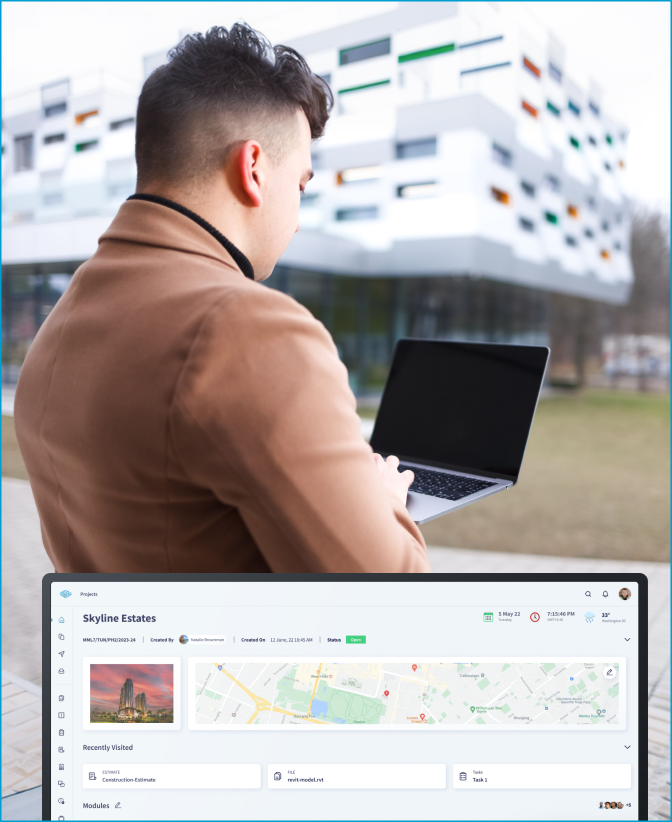
Bonus Feature:
CUBE lets you merge different file types together in one single federated model.
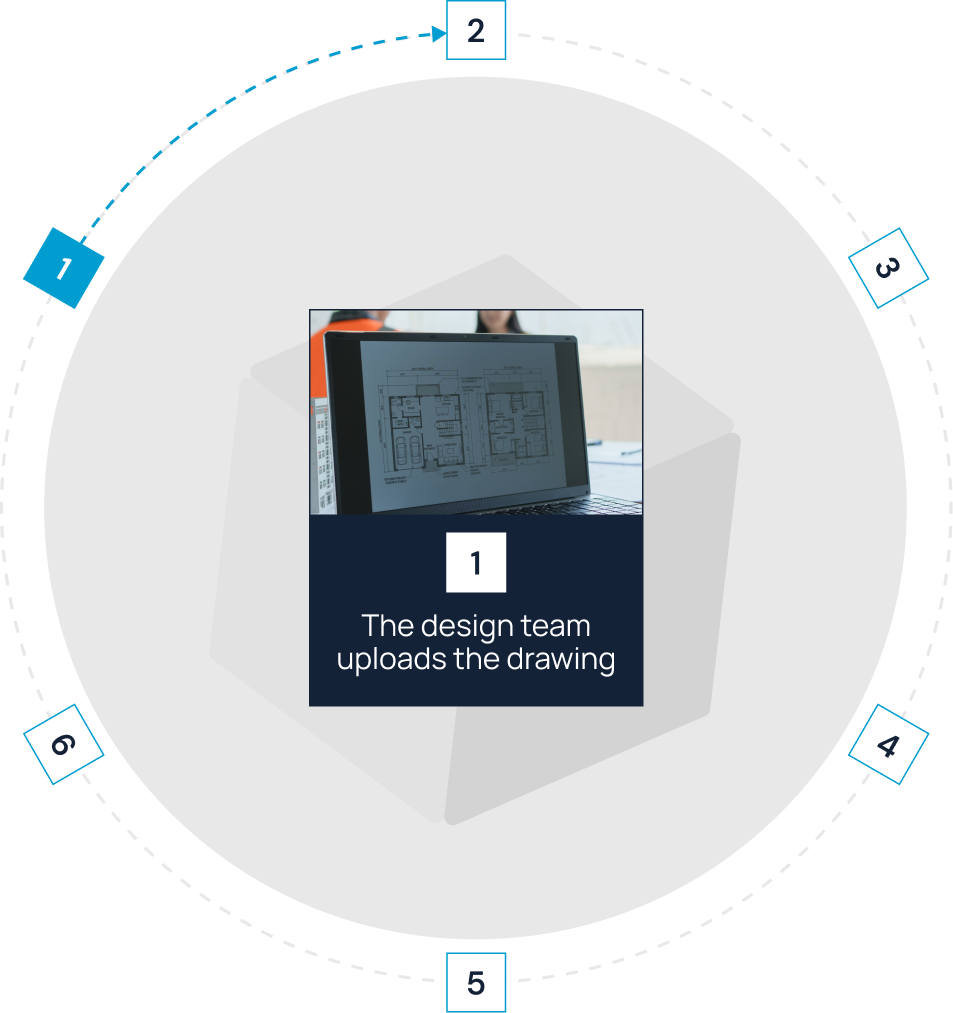
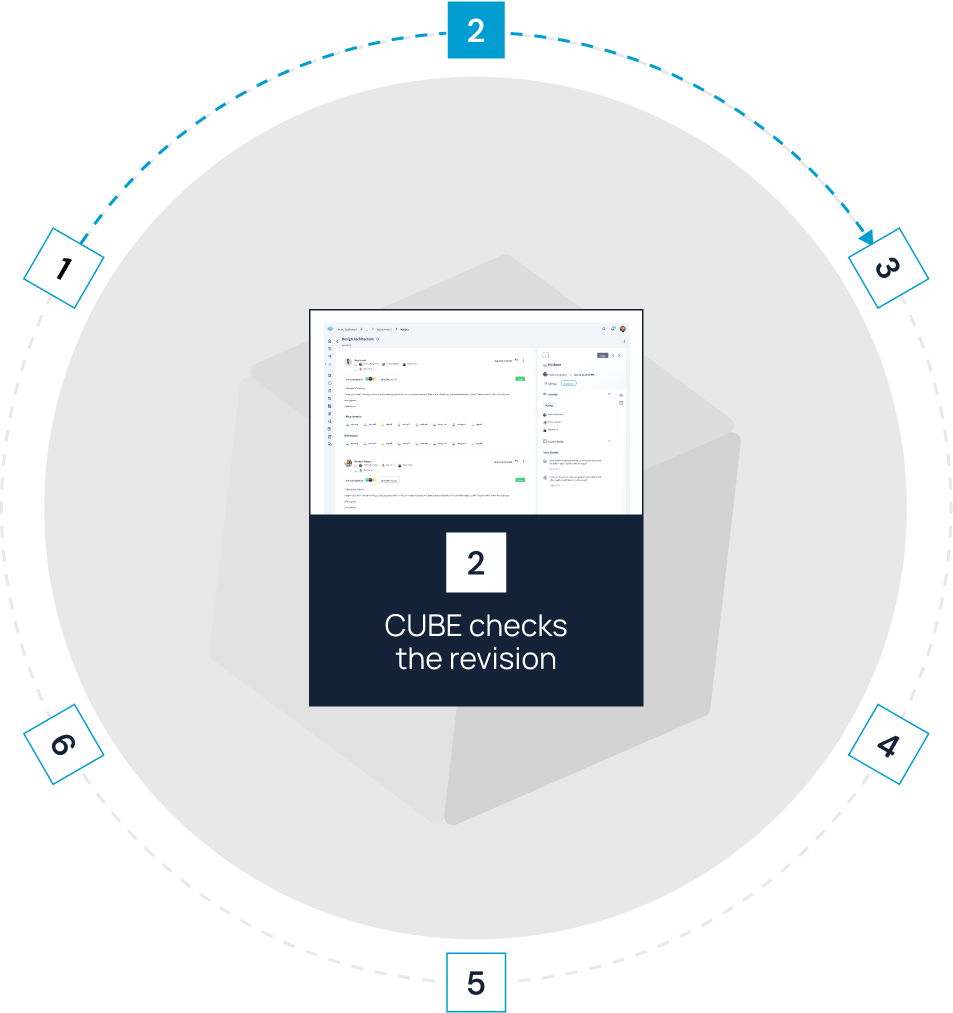
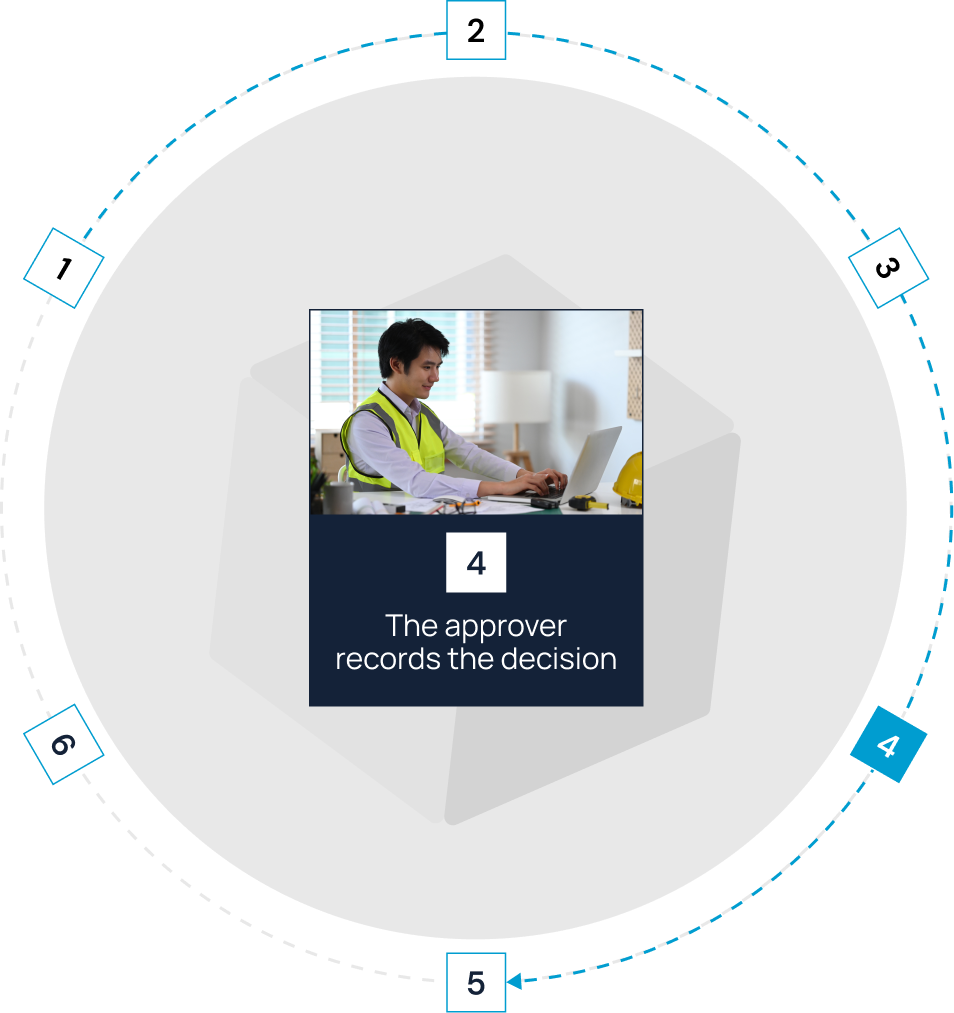
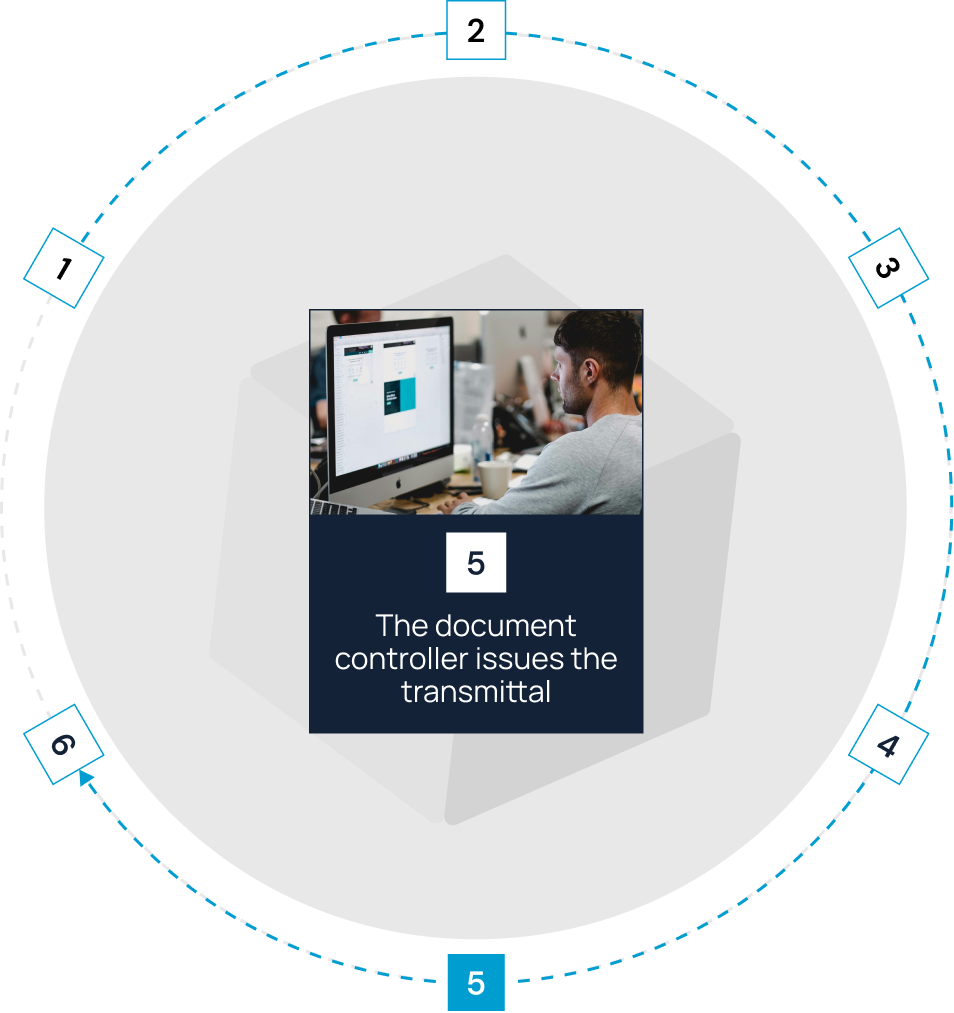
Move each drawing through a controlled construction workflow


Fit CUBE to your
information-governance requirements
Control access by company and scope

Issues carry their own permissions,
so a trade contractor can comment on and update the issues assigned to them without edit rights to the model.

Protect construction project information
CUBE's internal management systems hold
ISO 9001 for quality, ISO 14001 for environmental management, and ISO 45001 for occupational health and safety.
Give every project team a clear role in model coordination


Frequently Asked Questions
What is model coordination software?

Model coordination software combines models from different disciplines, checks them for clashes, and tracks each conflict until it is resolved. It sits between authoring tools such as Revit, where models are built, and document control, where the resulting drawings are approved and issued.
Is clash detection included in CUBE, and what does it cost?
Clash Tests come with the Clash Detection add-on, priced per portal per month and billed annually. CUBE prices each product per user per month, with a lower rate for annual billing, and lists current rates for the Common Data Environment, Project Management and add-ons on its pricing page.
Which file formats can CUBE open for coordination?
CUBE's BIM viewer opens RVT, IFC, FBX, and RFA files, and CUBE also processes NWD models for viewing. DWG drawings open in the CAD viewer, and PDFs open in the PDF viewer with markup tools.
Do reviewers need a Revit or Navisworks license?
No. Models open in CUBE's browser viewer, so estimators, owners, and trade partners can review and comment without authoring software. Every 10 paid Common Data Environment seats include 10 free Guest seats, each limited to one Space in one project.
Can I share clash results with people who are not on CUBE?
Yes. Export clash results to Excel with an optional snapshot of each clash. Each row lists the clash name, the clashing element IDs, the distance, coordinates, and status, so a subcontractor can act on it without logging in.
How are clash statuses set up?
Teams configure the clash statuses they want, such as Open, In-review, and Closed, and coordinators change a clash's status as work progresses.
Can field teams open models in the CUBE mobile app?
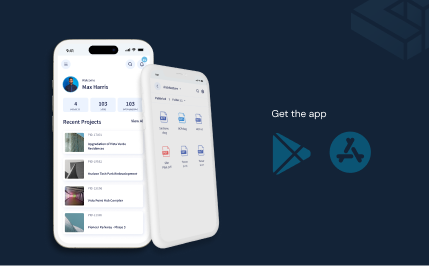
Models and drawings open in CUBE's browser viewer. The mobile app handles push notifications, site forms such as inspections and progress updates, and QR scans of printed drawings.
Does the QR code update when a drawing is revised?
No. A QR code records the version it was placed on. Insert a new QR code on each new version before the drawing goes back to site.
Does CUBE support ISO 19650 coordination workflows?
Yes. Admins can create custom statuses for ISO 19650 information states and map them onto Review Flows. A folder's nomenclature template also sets the naming pattern for every new subfolder created inside it.