









Project Management Software for Small Business
Put drawings, reviews, and transmittals under control before the next project outgrows the shared drive. Add schedules and contracts as the business grows.








Replace informal file handling with small business construction document control
Move off the shared drive without starting from scratch
Describe your current folder structure in a Microsoft® Excel® template and import it, custom fields included. Bulk-upload the files with their metadata, or let the desktop sync app copy a local folder into your portal.

Know which drawing your crew should build from
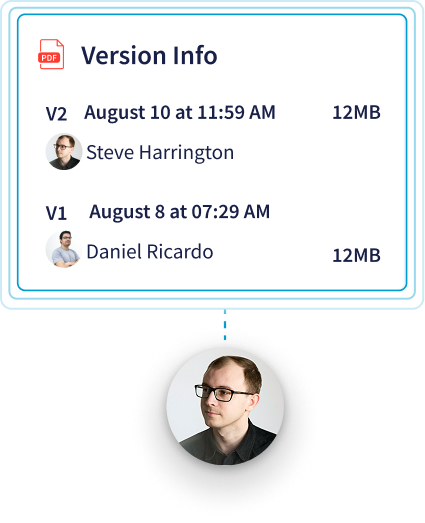
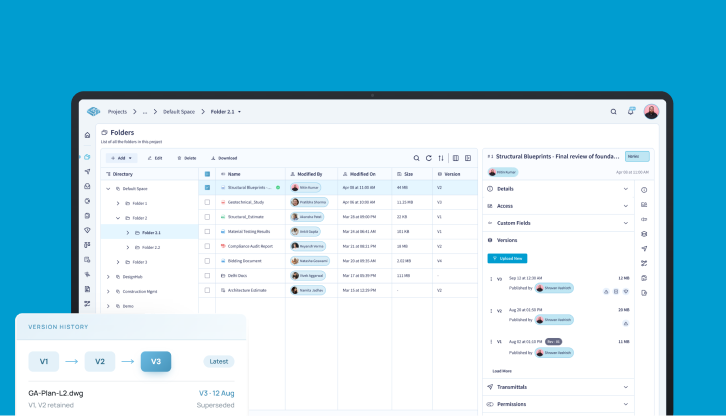
CUBE adds a version each time someone uploads a file, and keeps who uploaded it and when. When you issue a drawing, mark that version as a revision in your own series, such as A, B, C, so the issued record reads cleanly above the full version history.

Standardize reviews and approvals as you grow
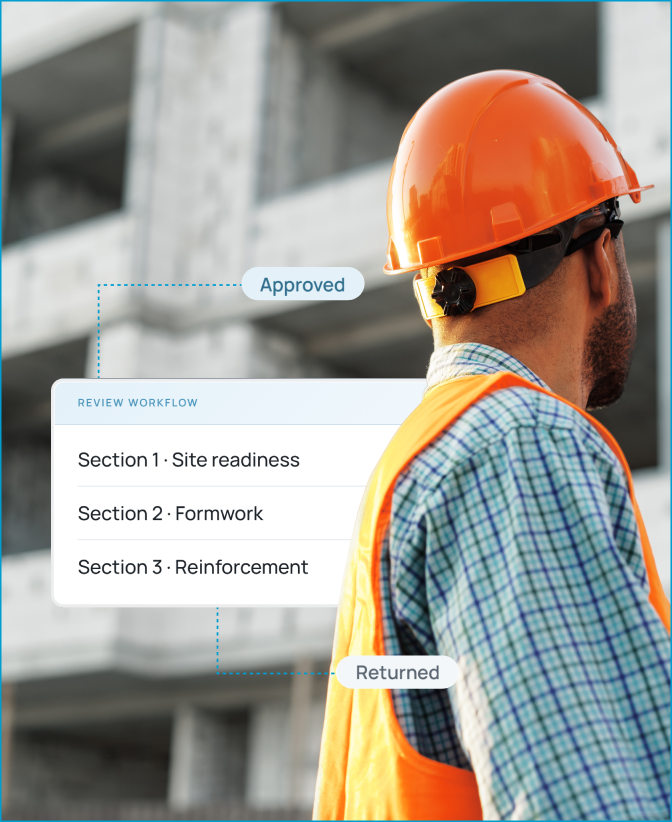
Set up a Review Flow once with the levels your firm uses, for example, project manager, then owner's rep. Each level includes due dates, a minimum number of approvals, and rollback rules, so a new project manager follows the same path on day one.

Send formal packages your clients can trace
Issue drawings by transmittal instead of email. Each transmittal carries the files, their versions, a subject, and your remarks to the recipient's Space. Your transmittal list keeps every package in one log, and you can export that log to Excel®.

Give each participant the access they need
Three ready-made access templates, Manager, Editor, and Participant, cover most small teams. Apply one to each person, then tighten a single folder or file when a consultant should only view it.
Add project management when you are ready
Many small firms start with document control alone. When schedules, contracts, and site forms become the next headache, add Project Management seats and import schedules from Primavera® P6 or Microsoft® Project into the same projects.

Bonus Feature:
Every new portal opens with a sample project, CUBE Clinic, stocked with files, folders, and form templates your team can practice on before touching a live job.
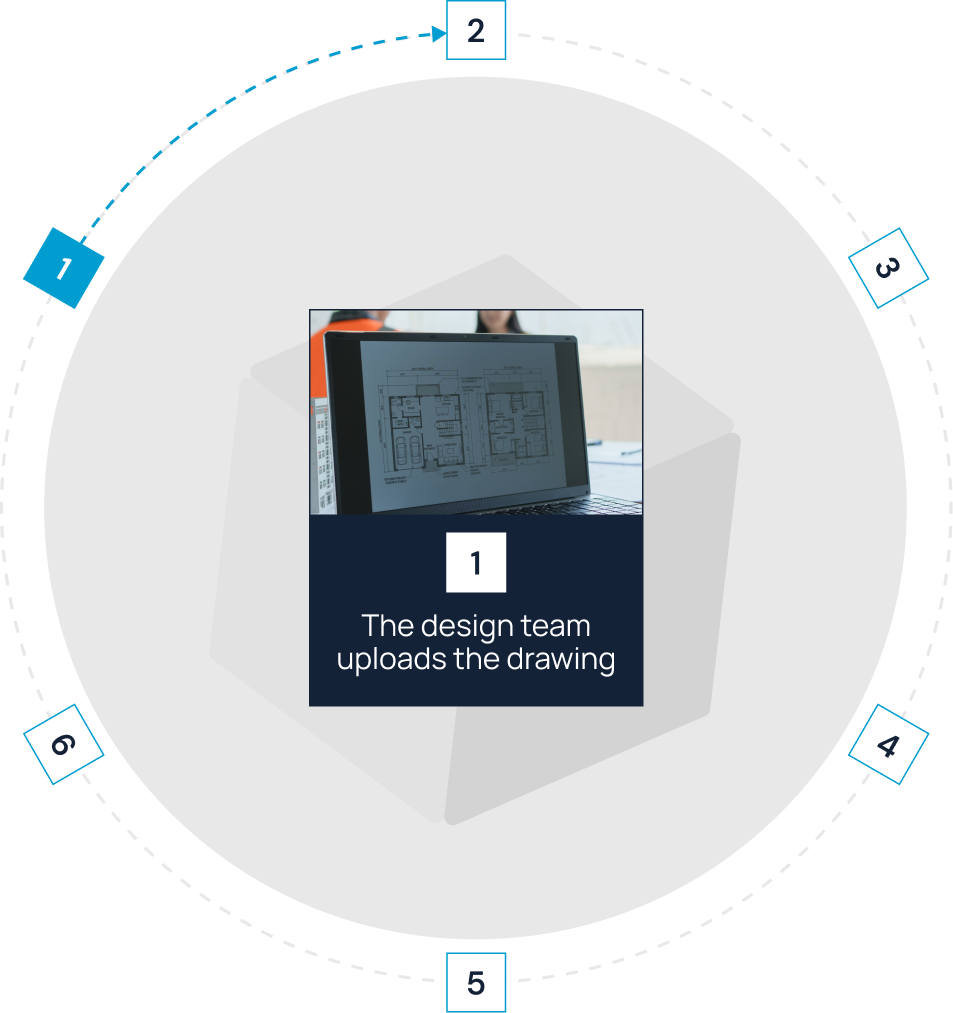
Move each drawing through a controlled construction workflow
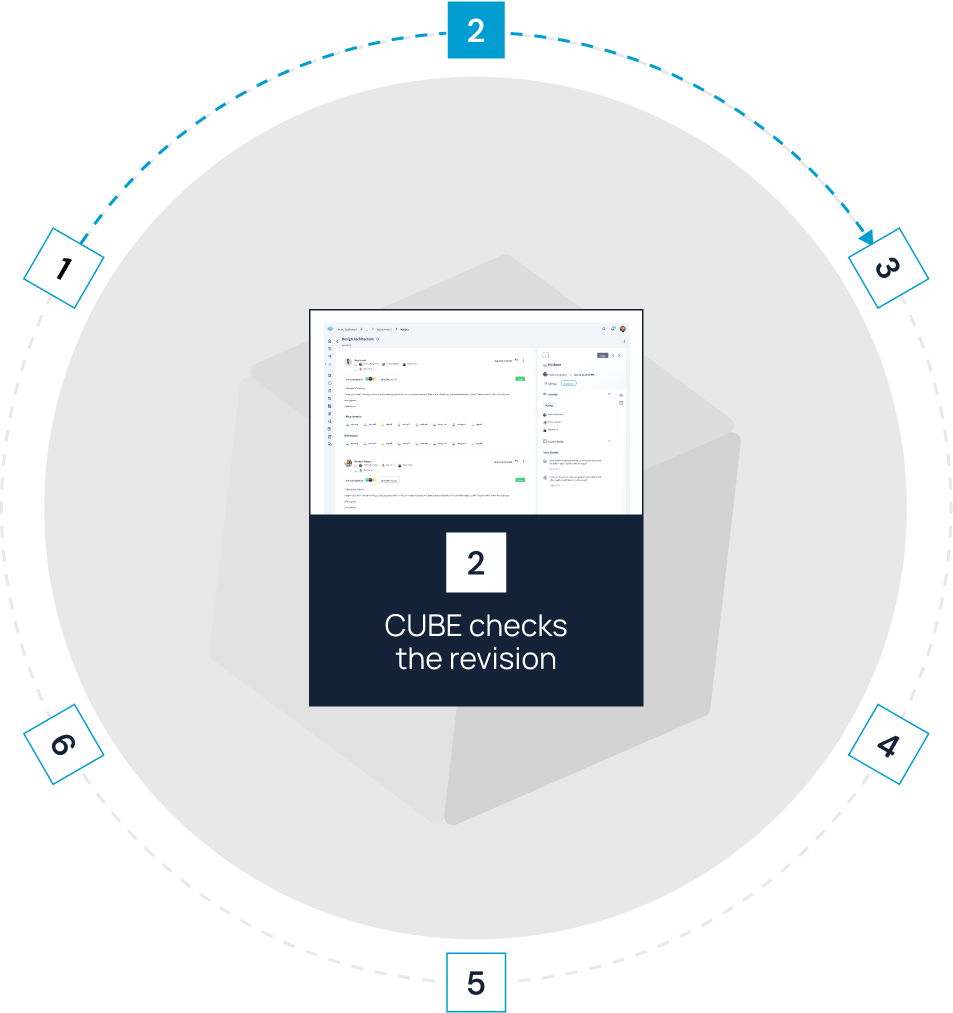


Fit CUBE to your
information-governance requirements
Secure every sign-in and log every action

Your portal's activity log records who did what, with the date and time,
so you can answer an owner's question about a change months later.

Protect construction project information
A firm without its own security staff can hand an owner's or GC's vendor questionnaire third-party answers:
BSI's ISO 19650 assessment and the independent audits behind ISO 27001 and SOC 2 Type II.
Match construction project management software for small business to the people in a growing firm



Frequently Asked Questions
When has a contractor outgrown spreadsheets, email, and shared drives?

Four signs say it is time for construction project management software for small business. First, rework traced to a superseded drawing. Second, a client requiring a BIM Execution Plan or ISO 19650. Third, more than one outside designer issuing drawings. And fourth, no quick answer to who approved a revision. Two or more usually means file storage alone has stopped working.
Which features should a small contractor set up first?
Begin with drawing control. Import your folders, upload the current set, and create one Review Flow for the drawings that change most. Add transmittals once outside companies start asking what you sent them and when.
How should we compare subscription price with total cost?
Count every seat you will pay for, including outside designers and field staff, then add any add-ons and the hours your team spends on setup and admin. CUBE prices each product per user per month, with a lower rate for annual billing, and lists current rates for the Common Data Environment, Project Management, and add-ons on its pricing page.
Which firms get the most from CUBE?
CUBE works as small-contractor project management software for commercial and specialty contractors running several projects with outside designers, and it scales with them to mid-market and enterprise teams. Residential builders who mainly need client CRM or payroll usually start with a lighter tool.
Can CUBE grow from document control into broader project management?
It can. Project Management adds schedules, contracts, estimates, correspondence, and site forms to the same projects, so your drawings and approvals stay where they are when you expand.
What should small contractors compare before buying?
Ask nine questions of every vendor. 1. Does it fix your riskiest workflow? 2. How much setup will your team carry? 3. Will superintendents use it? 4. Can you set access per company? 5. Does it keep a record of who approved what? 6. What security evidence can it show? 7. Which file formats and tools does it work with? 8. What will it cost with every seat counted? 9. Will the vendor still fit when you double in size?
Can we try CUBE before committing?
Sign up, create your portal, and request a free trial. The CUBE Clinic sample project lets your team test reviews and transmittals on practice files first.