






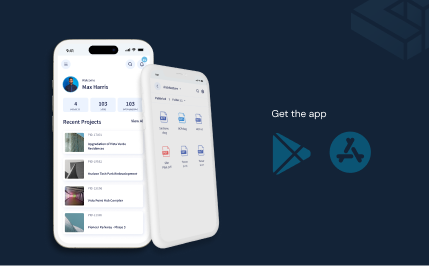


Construction Project Collaboration Software
Keep correspondence, comments, reviews, and transmittals attached to the drawings and models they concern, for every owner, designer, contractor, and trade on the project.








Construction collaboration software that connects every company to the right information
Give each company the access it needs
Apply Groups and Access Templates at the Spaces level to give everyone in one company the same starting access. Adjust a single person's access on any file or folder in Folders when one reviewer needs more or less.

Keep correspondence on the project record
Send mail from CUBE's Mailbox with project files attached as references, a reply-by or acknowledge-by response type, and a due date. CUBE groups mails with the same subject into one thread, and you can export any thread to PDF for the project file.

Discuss problems on the drawing or model
Raise an Issue on a PDF, CAD, or BIM file and assign it to as many people as the fix needs. Comment with images to build a thread on the issue, then mark one comment as official to record the agreed answer.

Run reviews across companies
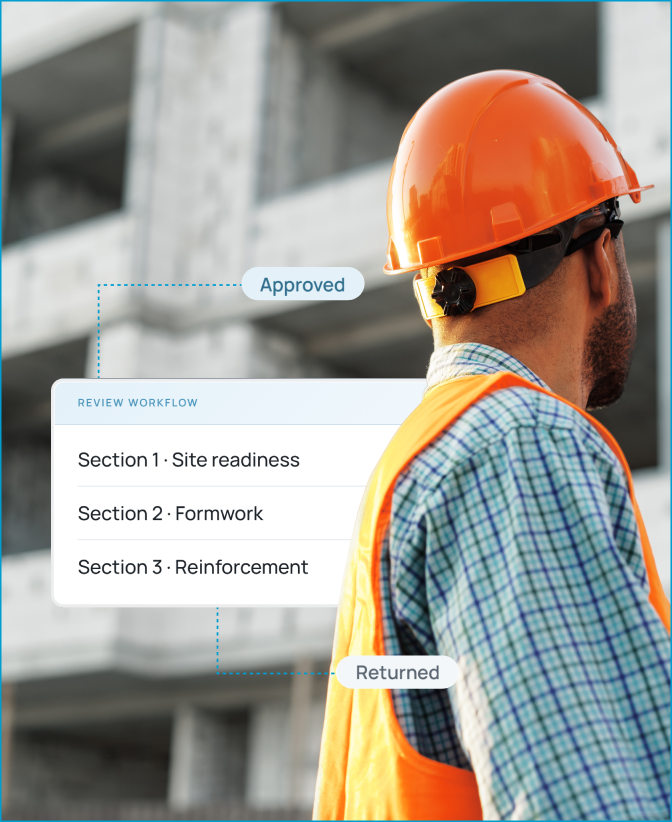
Build a Review Flow with a level for each company, such as the design team, the general contractor, and the owner. Each level shows the reviewers who must act, their due date, and messages left for the next level.

Share formal information through transmittals
Send files from your Space to another company's Space with a Transmittal that records each file's version and your remarks. Recipients get an email for every transmittal and see received files, with their origin version and transmittal ID, in their External tab.
Show each person what needs their action
Open the Notifications panel to see what is overdue, due in the next 7 days, and due in the next 30 days across your projects. Switch to your issues view to see every open issue assigned to you, and filter for overdue ones.

Bonus Feature:
Add watchers to any project mail so the right people follow a thread. Project managers watch every email by default.
Move each drawing through a controlled construction workflow
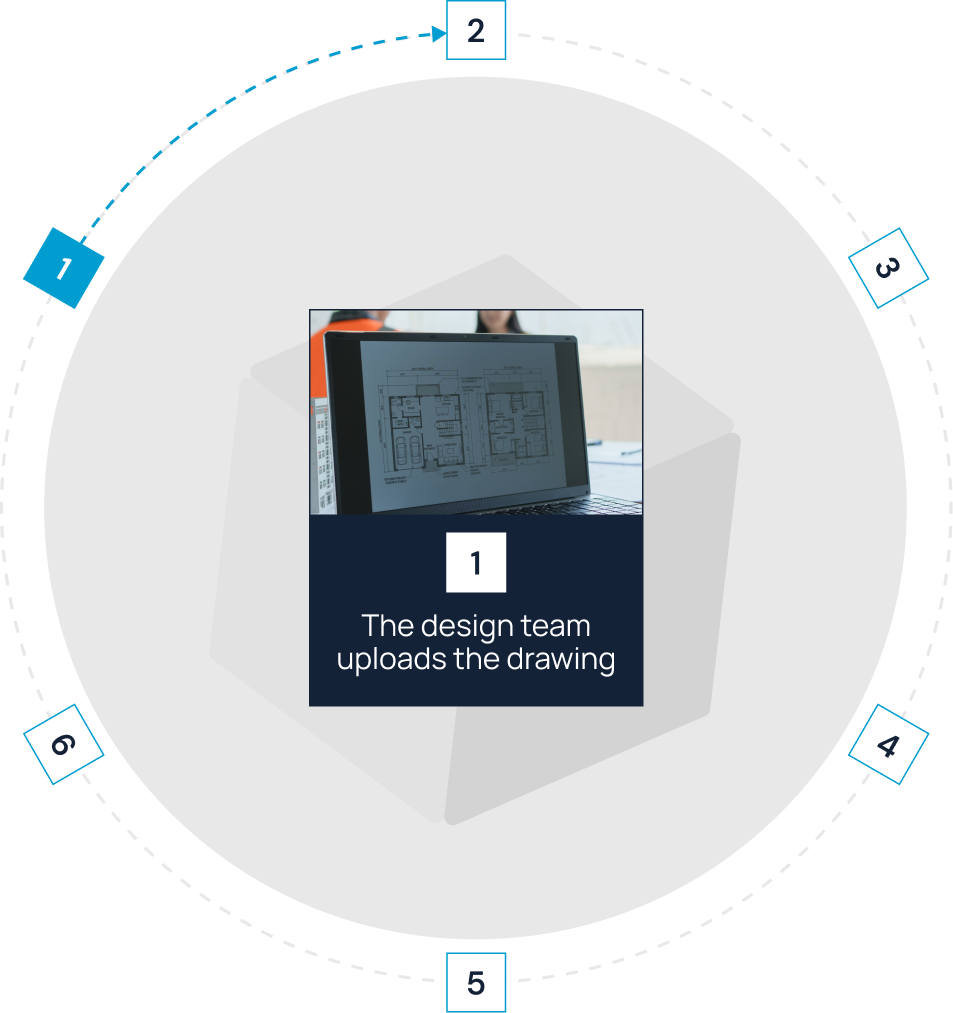
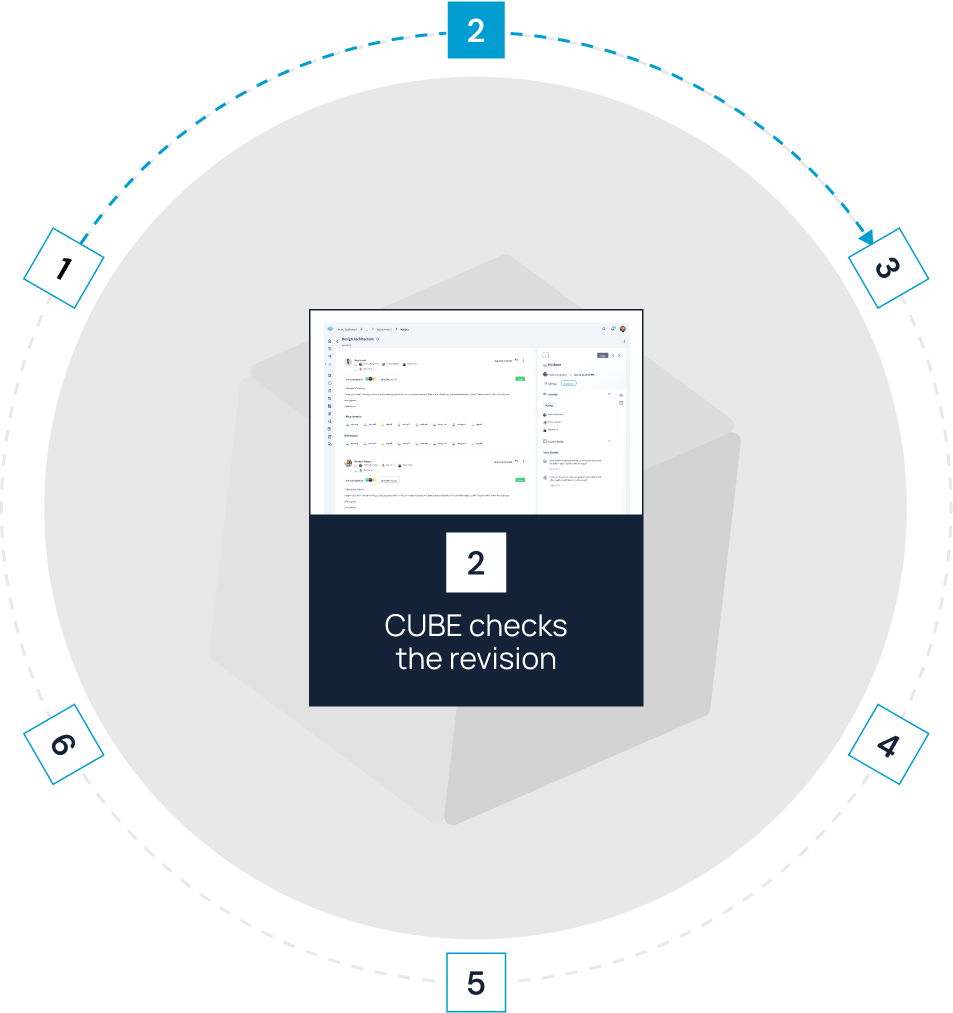

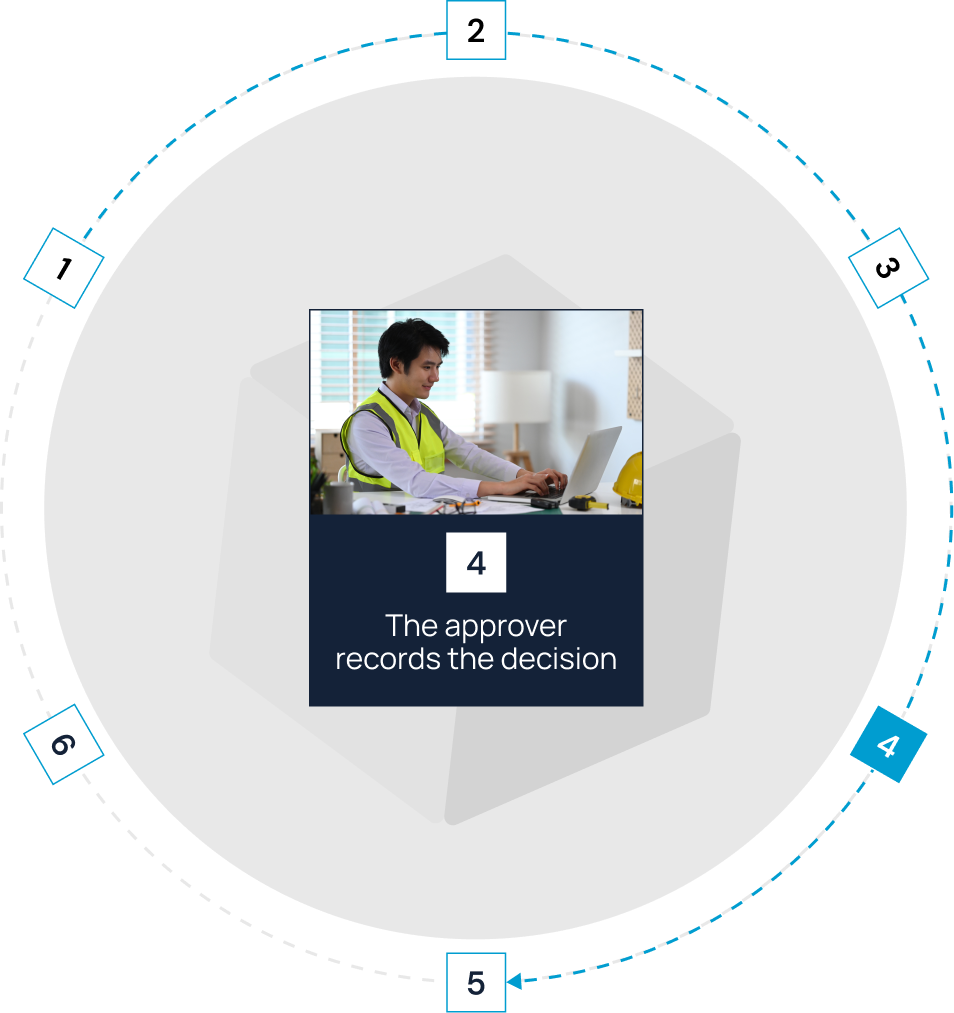
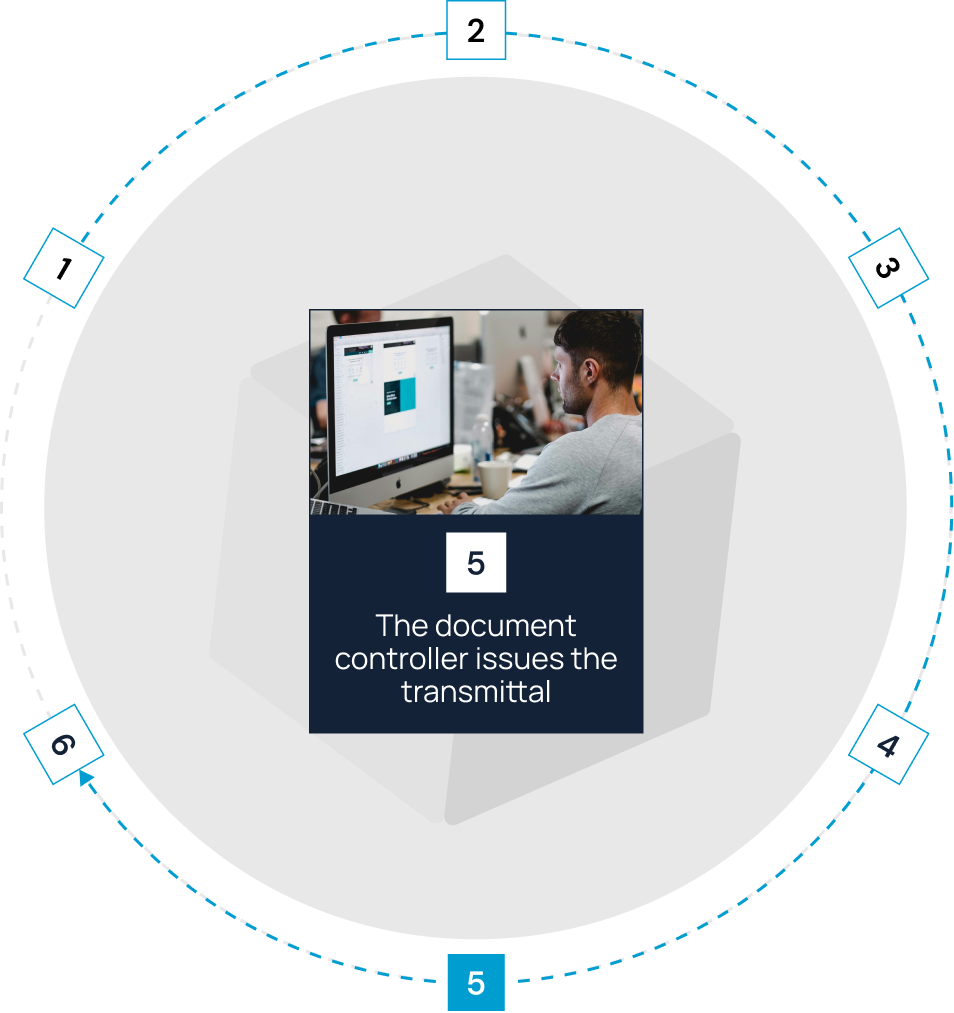

Fit CUBE to your
information-governance requirements
Keep each company to its own information

CUBE gives the creator Full Access
and lets assignees comment and change status.

Protect construction project information
BSI has assessed CUBE against ISO 19650, and independent auditors check its security controls. You know you are sharing information with other companies on audited ground.
Your IT team gets the evidence it needs to approve outside companies working in your project space.
Give every company a clear role in construction project collaboration


Frequently Asked Questions
How is construction collaboration software different from Microsoft® Teams®, Slack™, email, or a shared drive?

Chat and email are good for quick conversation, and a shared drive stores files. Construction collaboration software records the outcome, i.e., which version your team reviewed, who approved it, and who received it. Keep using chat for quick questions, and put the decisions in the project record.
How do external companies collaborate without seeing restricted information?
Give each company a starting access level with Groups and Access Templates, then restrict individual files or folders as needed. A file-level setting overrides its folder, so a subcontractor sees the shared drawings and none of your internal working files.
Can we trace who reviewed, approved, or transmitted a document?
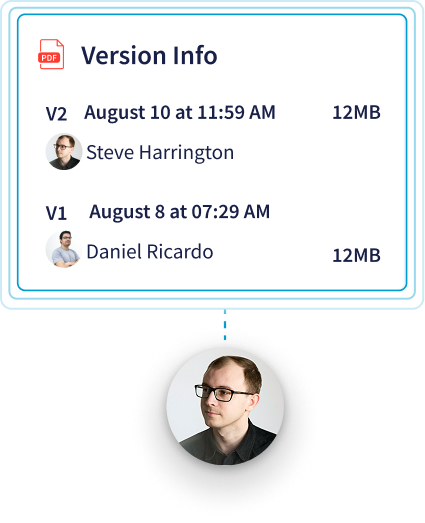
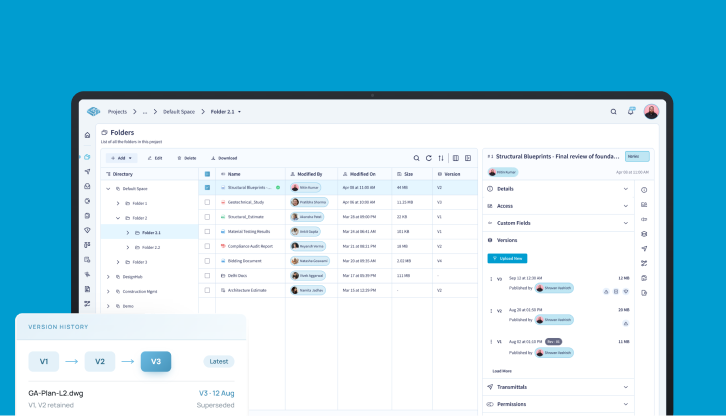
Yes. Open a file's version history to see who uploaded each version and when. Check a review's activity log for every decision on the file, and open any transmittal to see its sender, recipients, date, and the file versions it carried.
Can people outside CUBE take part?
Yes, through the project mailbox. People outside CUBE can send mail into it, and you can reply to them or forward mail to them. Turn on whitelisting to limit which external addresses can send mail in.
What should we look for in construction project management collaboration software?
Test seven things in a live demo, including access set by company and by file, version control, structured multi-level reviews, a traceable history of decisions, adoption by field teams, independent security evidence, and the total cost of seats for outside companies.
What does collaboration with other companies cost in CUBE?
CUBE prices each product per user per month, with a lower rate for annual billing, and lists current rates for the Common Data Environment, Project Management, and add-ons on its pricing page.
Who is CUBE best suited for?
CUBE's construction collaboration platform fits mid-market and enterprise general contractors, specialty and MEP subcontractors, and design or VDC consultancies coordinating several companies on each project. Team chat and accounting tools stay in place alongside it.