.svg)


.png)
.png)


.svg)





.png)


.png)
Construction Drawing Management Software
See the latest drawing, follow its review history, and keep markups, decisions, issues, and transmittals connected from design coordination to the jobsite.








Control drawings from upload to field use in one document management system
Find the Drawing You Can Build From
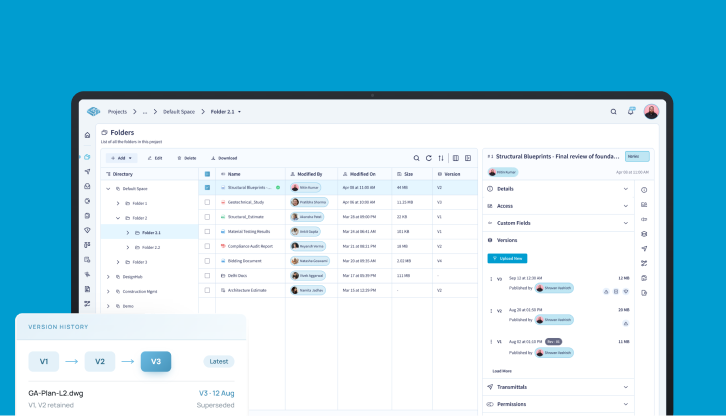
Open the drawing register to see the current sheet, its status, revision, and review history.
Upload a new revision without losing the earlier version. Filter and organize drawings by number, discipline, zone, type, status, and revision instead of relying on filenames or folder memory.

Review the Design Where the Question Appears
Open supported drawings in your browser, mark up the relevant area, and leave comments directly against the drawing.
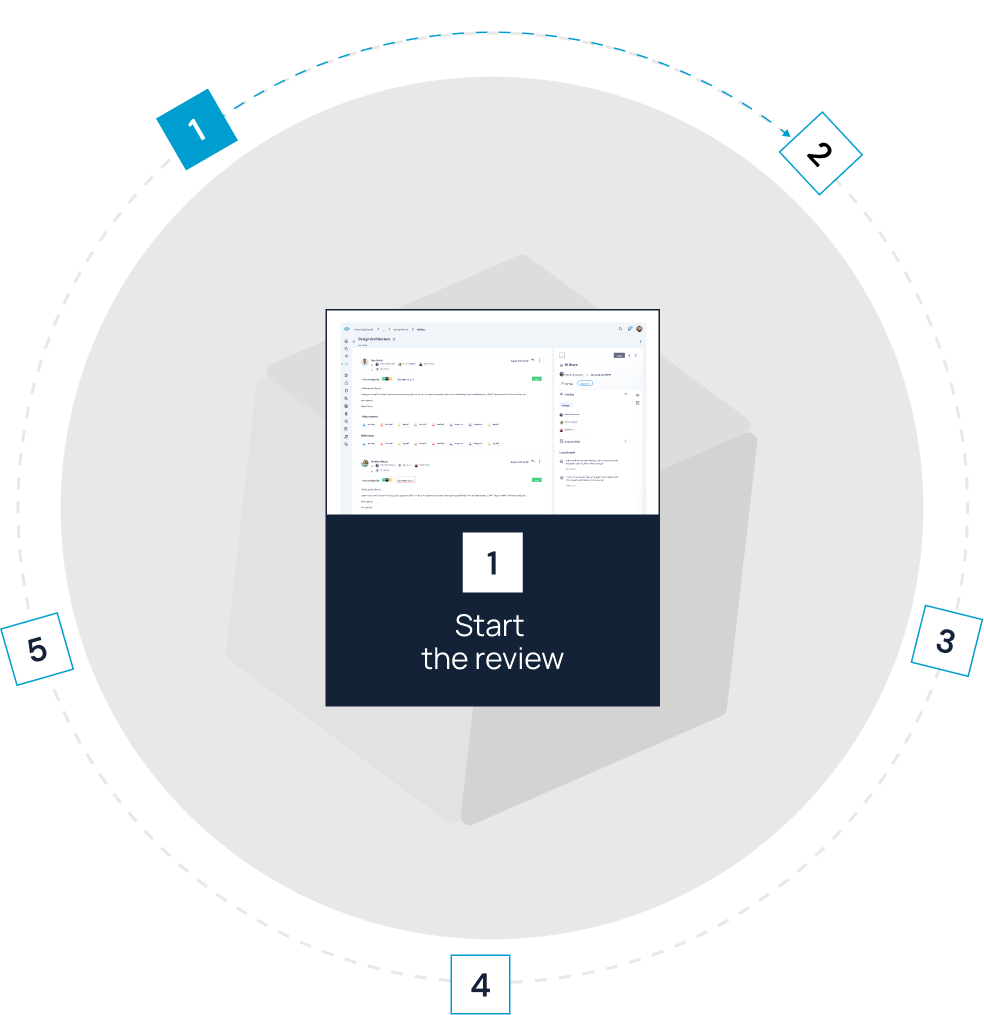
Run sequential or parallel reviews to get input from multiple disciplines or move a drawing through an approval chain without splitting the discussion across email, meeting notes, and screenshots.

Understand Why a Drawing Changed
Open the review behind a revised drawing to see the comments and decision that led to the update.
When you're coordinating across disciplines, use a federated view to review related design information together and understand the context behind a change.

See What Was Issued and Who Received It
Issue an accepted revision through a transmittal and keep the revision, recipients, issue date, and preceding review together.
When a question comes up later, return to the drawing record to see exactly what was issued and who received it.

Check the Current Drawing From the Jobsite
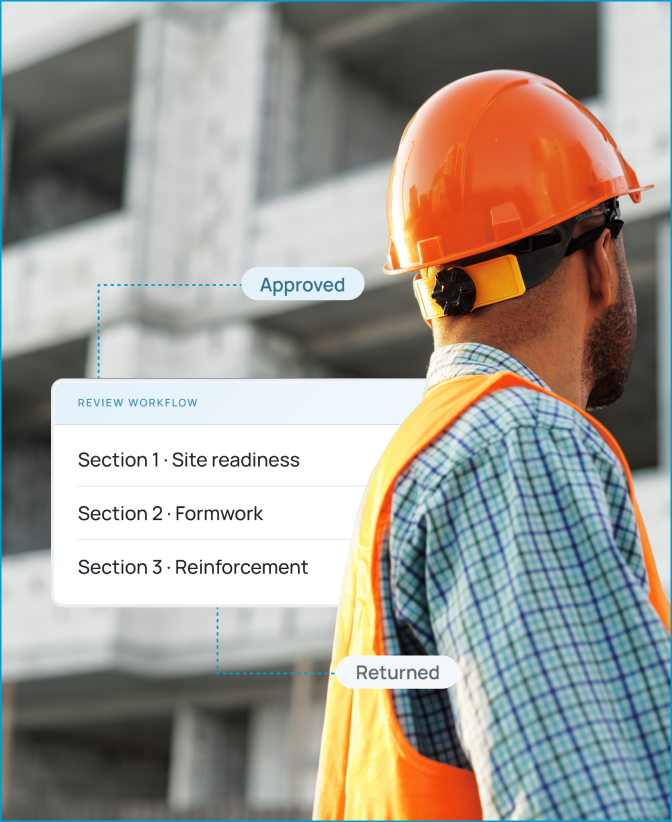
Scan the QR code on a printed drawing to open the current sheet on mobile before you start work.
If the site condition does not match the drawing, add a photo and observation to the project record so the office team can see the issue in context.
.png)
.png)
.png)
.png)
.png)
Bonus Feature:
CUBE lets you merge different file types together in one single federated model.
Move a Drawing From Review to Issue
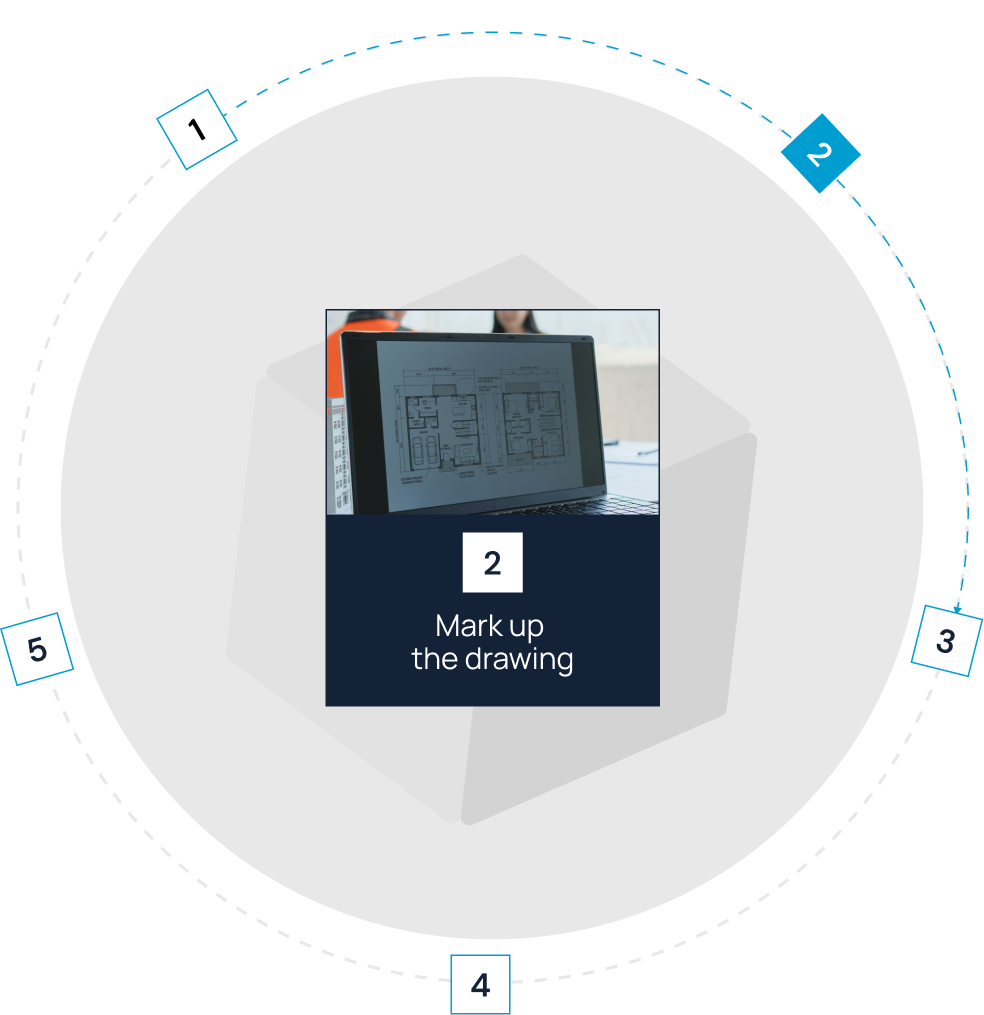
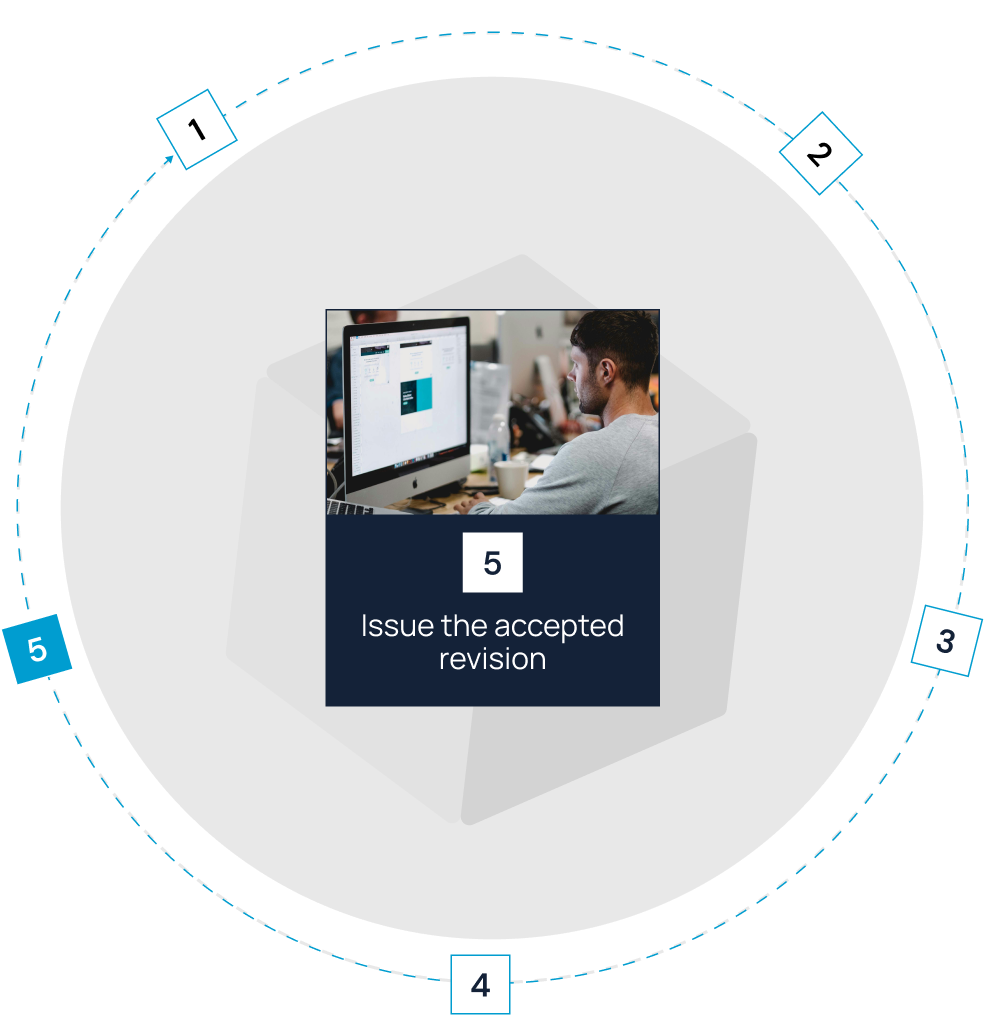
Control Who Can See and Change Project Information with CUBE
Role-based access control

CUBE holds ISO 27001 and SOC 2 Type II certifications.

ISO 19650-aligned workflows
CUBE’s internal management systems hold ISO 9001 for quality, ISO 14001 for environmental management, and ISO 45001 for occupational health and safety.
Get the Context You Need for Your Role

Maintain the drawing register, revision history, review status, permissions, and transmittal trail.
Review markups and coordination issues against the relevant drawing and model context.
Review comments, respond to questions, and submit the next revision with the reasoning intact.
See which drawings are waiting for review, which decisions are open, and who needs to act next.
Open the issued drawing and report site conditions with the relevant context attached.
Follow review status and recorded decisions without relying on a separate copy of the drawing set.


Frequently Asked Questions
What Is Construction Drawing Management Software?

Construction drawing management software helps you organize drawing sets, track revisions, run reviews, record markups and decisions, manage issues, and distribute accepted drawings. It gives you a controlled way to identify the drawing intended for current work and trace its history.
How Does CUBE’s Construction Drawing Management Software Help You Identify the Current Drawing?
CUBE keeps current and earlier revisions in the project record. You can filter the register using drawing metadata and status, then use the revision history to see how the drawing changed and moved through review.
Can You Have Several Disciplines Review the Same Drawing?
Yes. You can run sequential or parallel review paths. Architects, structural engineers, MEP teams, consultants, contractors, and other reviewers can add markups and record their input against the drawing.
Can You Connect Drawing Markups to Issues?
Yes. You can keep markups, issues, ownership, and responses tied to drawing or model context, so you can return to the source instead of relying on a detached screenshot or copied comment.
Can Field Teams Access Current Drawings?
CUBE supports office-to-field access to project information and lets field contributors record observations with supporting context.
Can You Keep a Record of Issued Drawings?
Yes. CUBE supports transmittals that retain the drawing revision, recipients, and issue timing in the project record. Confirm the transmittal configuration required for your contracts and project organizations during setup.
Does CUBE Support ISO 19650 Workflows?
CUBE supports ISO 19650-aligned information-management workflows through structured naming, controlled revisions, permissions, reviews, approvals, and transmittals.