






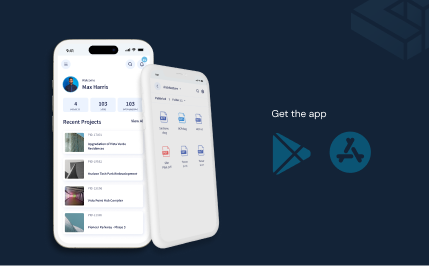


Cloud-Based Construction Project Management Software
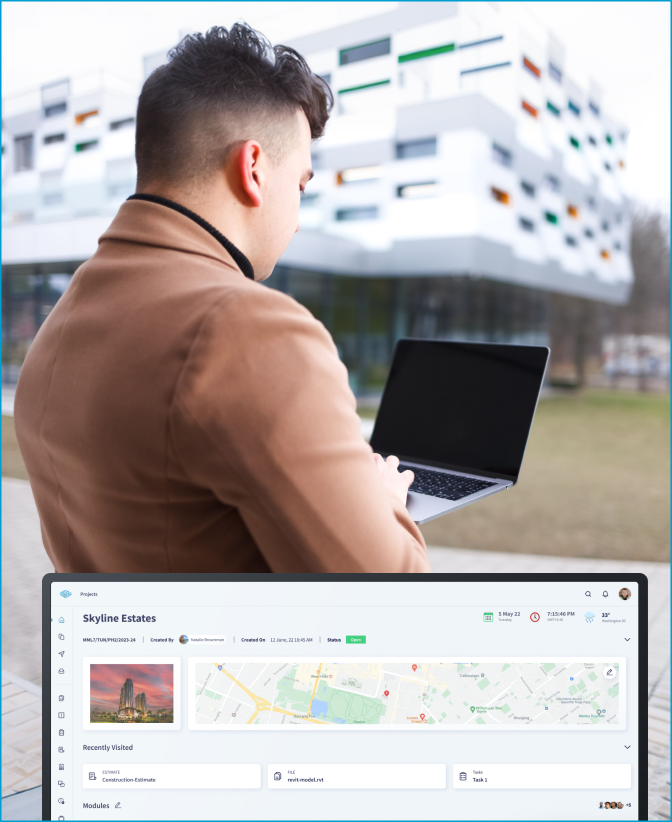
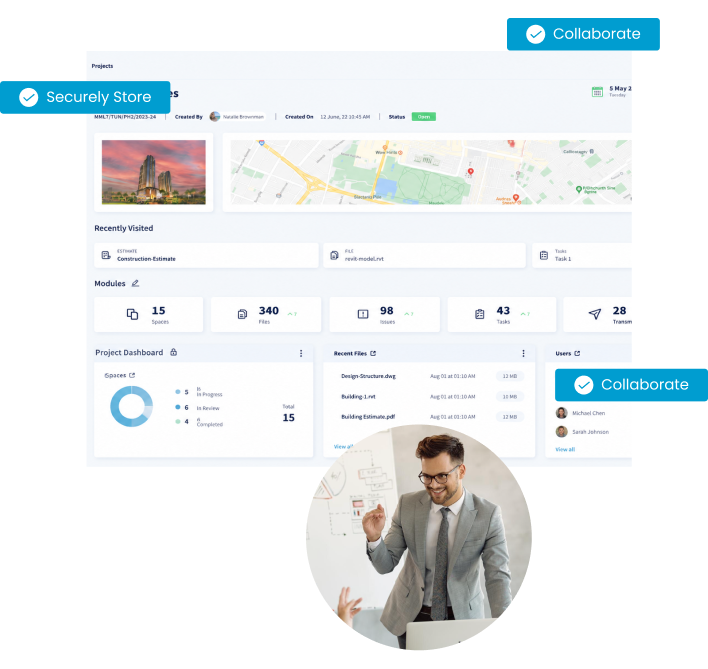
One cloud environment for drawings, reviews, transmittals, schedules, and contracts. Every company on the project works from the current revision.








Cloud construction management software that connects drawings, documents, models, and project workflows
Work from current drawings and documents
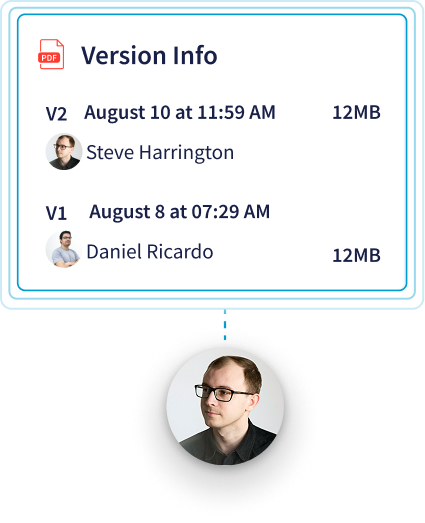
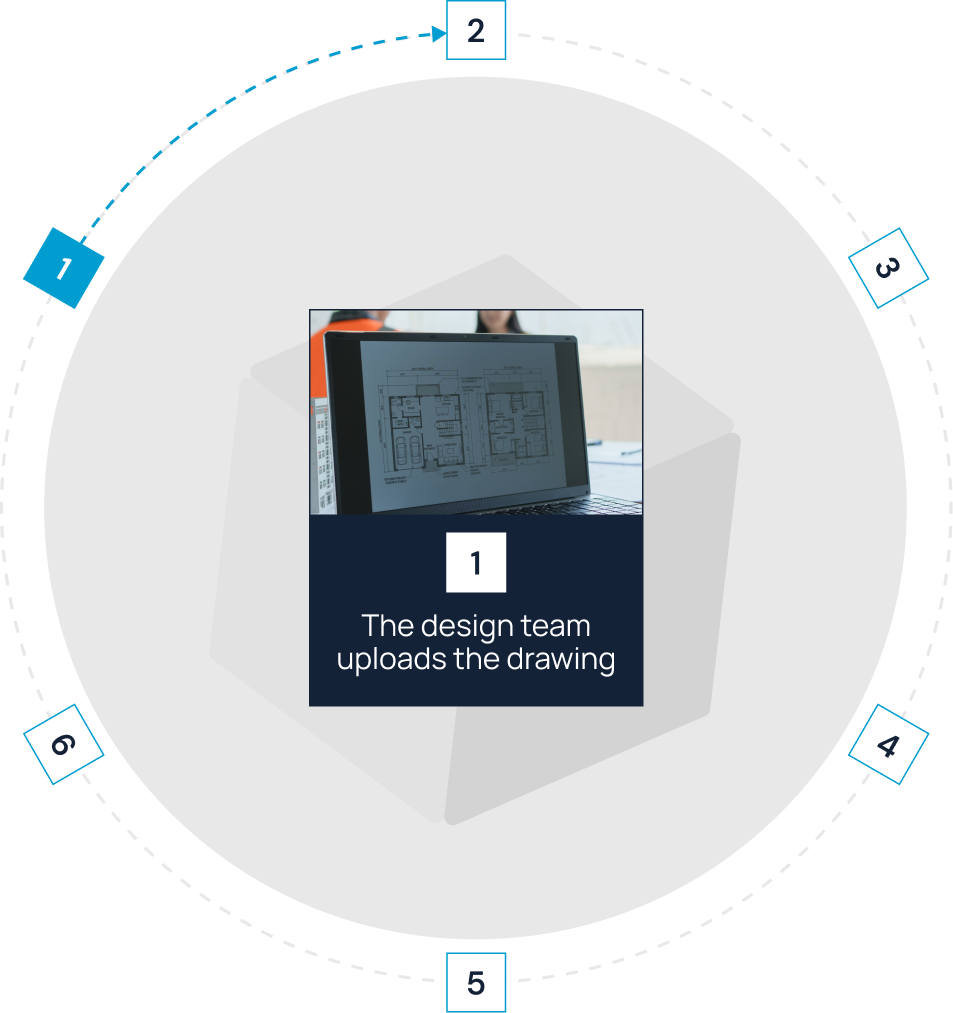
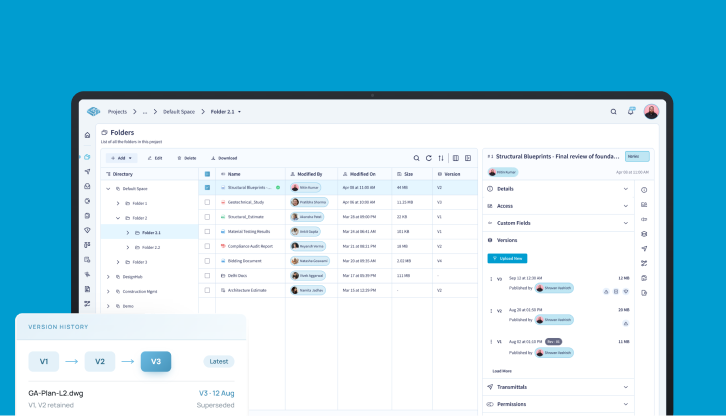
In CUBE's Folders, upload a revised drawing as a new version of the same file. The file keeps one identity; the current version updates, and earlier versions stay in version history with who uploaded them and when.

Route reviews and approvals with an audit trail
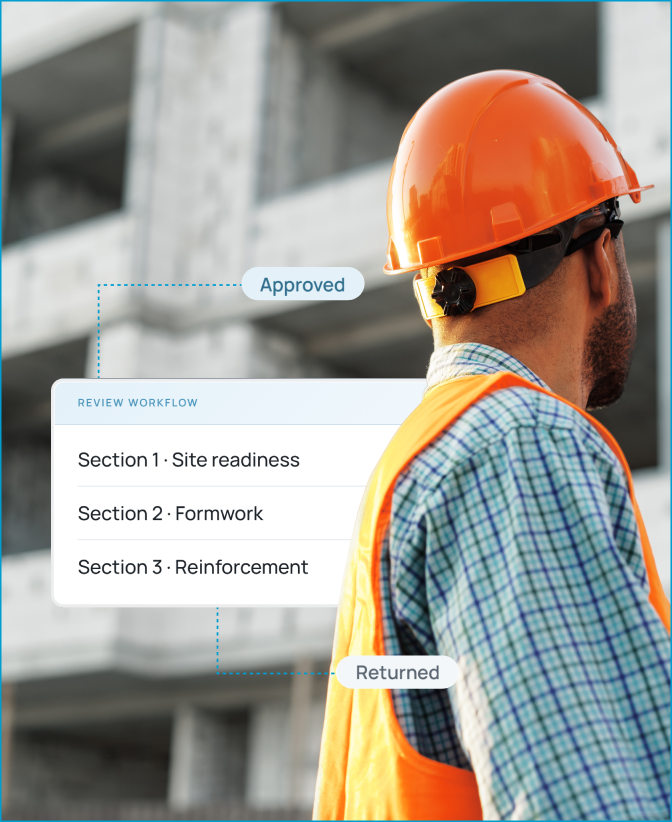
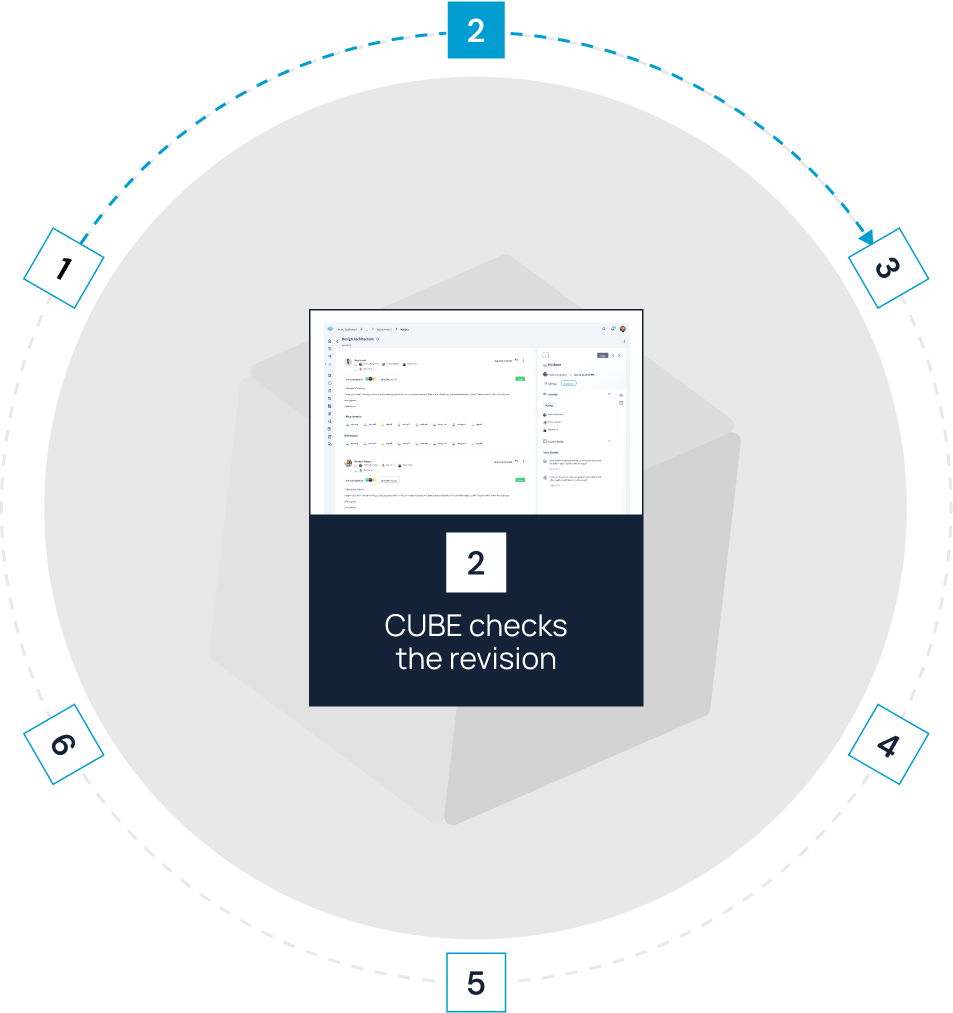
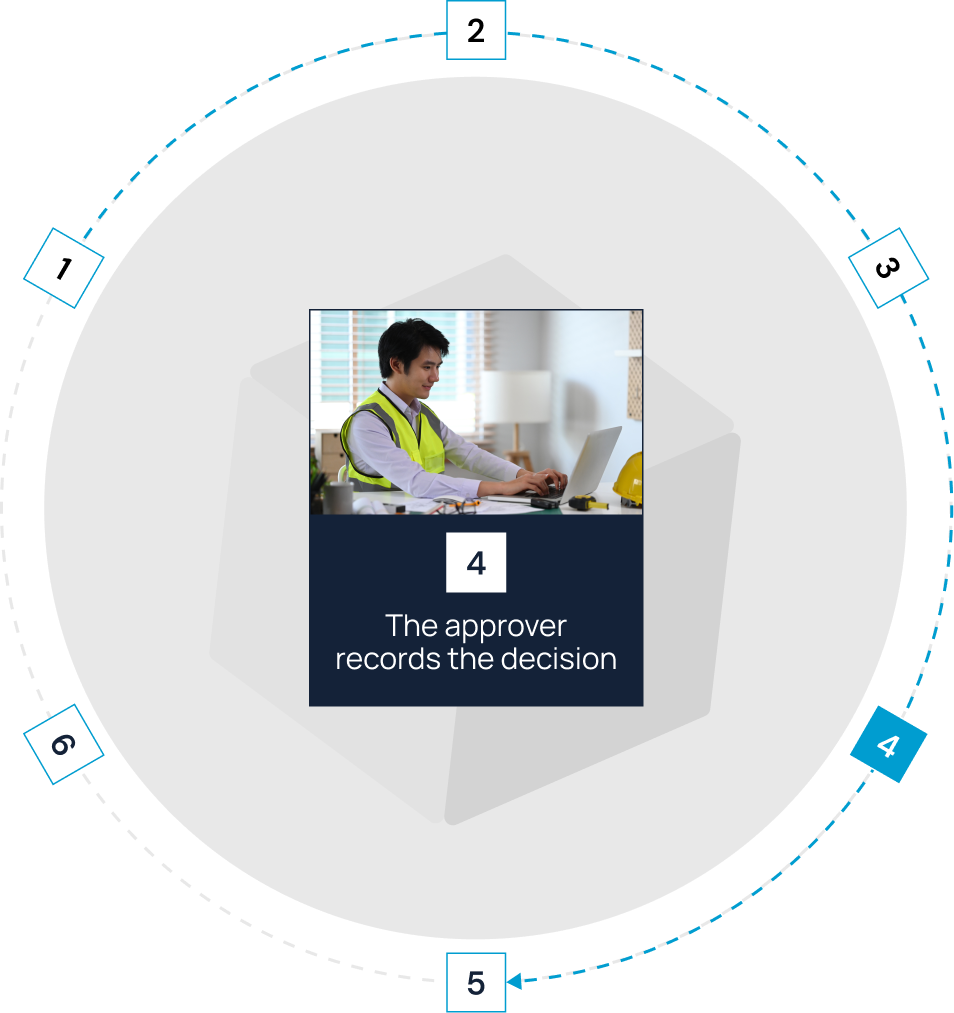
In CUBE's Reviews module, select the exact file version under review and set the order of reviewers level by level. Each reviewer records a decision and comments against that version, and the file's activity log shows every step.

Coordinate files and models across organizations
Open BIM, CAD, and PDF files in the browser and review them without an authoring license. Mark up the spot that needs a decision and raise an Issue with an assignee, due date, and severity, linked back to the file.

Issue transmittals and preserve the record
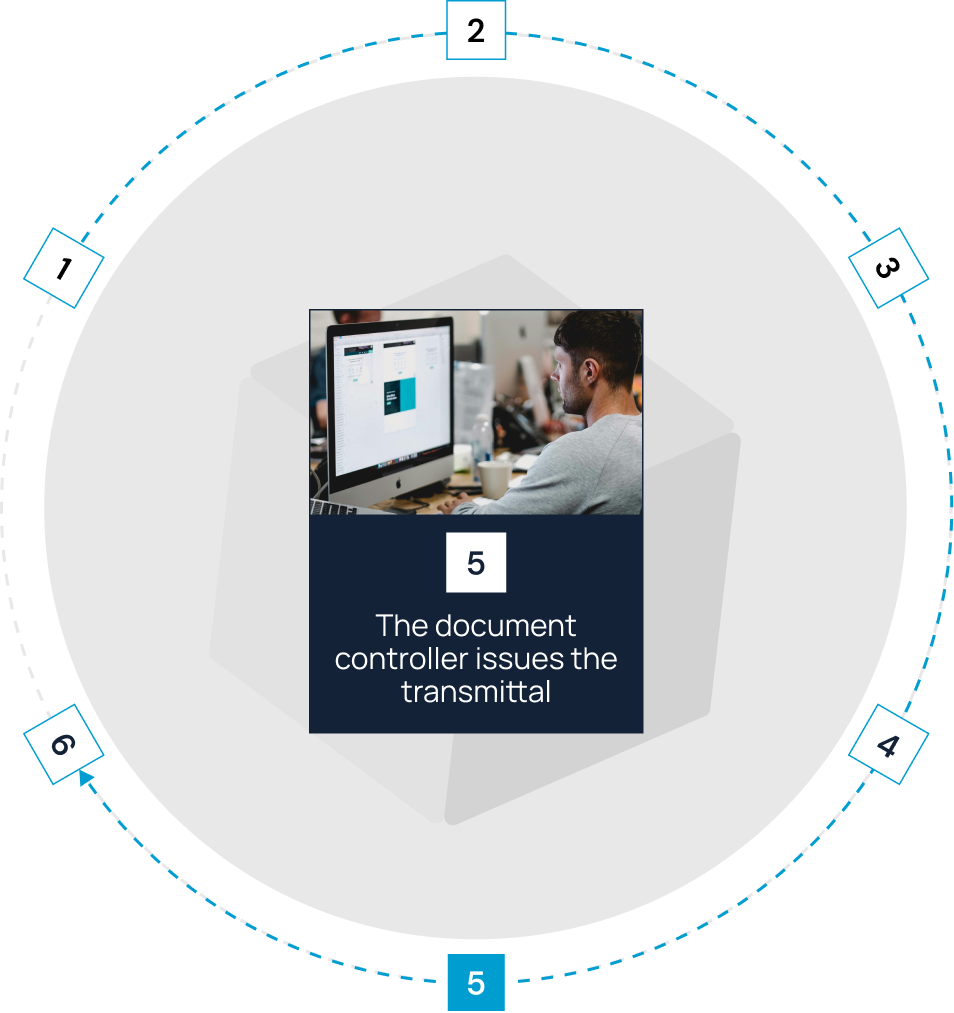
Send files from one Space to another with a Transmittal that records the sender, recipients, subject, and the exact version of each file. Recipients consume the files into their own Space or create a shortcut to them.

Plan and update schedules
Import schedules from Primavera® P6 (XER) or Microsoft® Project with durations, dependencies, calendars, and baselines. Record actual dates and progress for each activity, and see the critical path and resource loading on the Gantt chart.
Track contracts, progress, and payments
Build each contract from an estimate and a schedule, then track milestones and change orders against it. Approved progress updates move actual dates into the timeline and used quantities into the budget, and approved bills update billed amounts.
Bonus Feature:
Add a note to any version that every user in the Space can read, so the reason for each change travels with the file.
Move each drawing through a controlled construction workflow


Fit CUBE to your
information-governance requirements
Control access by company and role

Each file or folder can carry one of six access levels, from Full Access to No Access.
A designer can upload new versions while owners and field users get view-only access.

Protect construction project information
Your project record sits in construction document control software independently assessed against ISO 19650 and protected by audited security controls.
Your IT team gets the evidence it needs to approve cloud access for owners, consultants, and subcontractors.
Give every project team a clear role in the cloud


Frequently Asked Questions
How is cloud-based construction project management software different from cloud storage?

Cloud storage keeps files online. Cloud-based construction project management software also records the current version, who reviewed and approved it, who received it, and what each person may do with it.
How does CUBE stop teams from building from superseded drawings?
A revised drawing is uploaded as a new version of the same file, so the current version is always the one people open. Reviews record decisions against an exact version, and a QR code on a printed sheet tells site teams whether it has been superseded.
Can external companies get controlled access?
Yes. Set each person's access per file or folder at one of six levels, from Full Access to No Access. Each completed block of 10 paid Common Data Environment seats includes 10 free Guest seats, each limited to one Space in one project.
Can we start with document control and add project management later?
Yes. The Common Data Environment and Project Management are separate products with their own seats. Many teams run the common data environment software alone on a first project, then add schedules, contracts, and site forms.
What does CUBE cost?
CUBE prices each product per user per month, with a lower rate for annual billing, and lists current rates for the Common Data Environment, Project Management and add-ons on its pricing page.
Can we bring existing files and folder structures into CUBE?
Yes. Import folder structures and custom field data from Excel® templates, then bulk-upload files with their metadata. The desktop sync app keeps files from a local folder in step with your CUBE portal.
Is CUBE the right cloud-based construction software for my team?
CUBE fits mid-market and enterprise general contractors, specialty and MEP subcontractors, and design or VDC consultancies running several projects that need controlled documents and connected project workflows. Your accounting or ERP system and your model-authoring tools stay in place alongside it.